AI Fortune Stick
A Lunar New Year fortune draw with a personal AI reading. Guests make a wish, take a photo and tap the fortune cylinder, and a numbered stick falls with their fortune level and title. Meanwhile the AI reads the photo and the fortune and writes a short reading about their wish, ready to print on a fortune card. There is no score, and every guest gets a fortune.
How the AI Fortune Stick Works
Make a Wish
Guests tap one of up to six wish topics, such as Career, Wealth and Love in the demo, or press 1 to 6 on a keyboard. With no wish topics, the step starts on the camera page.
Smile for the Camera
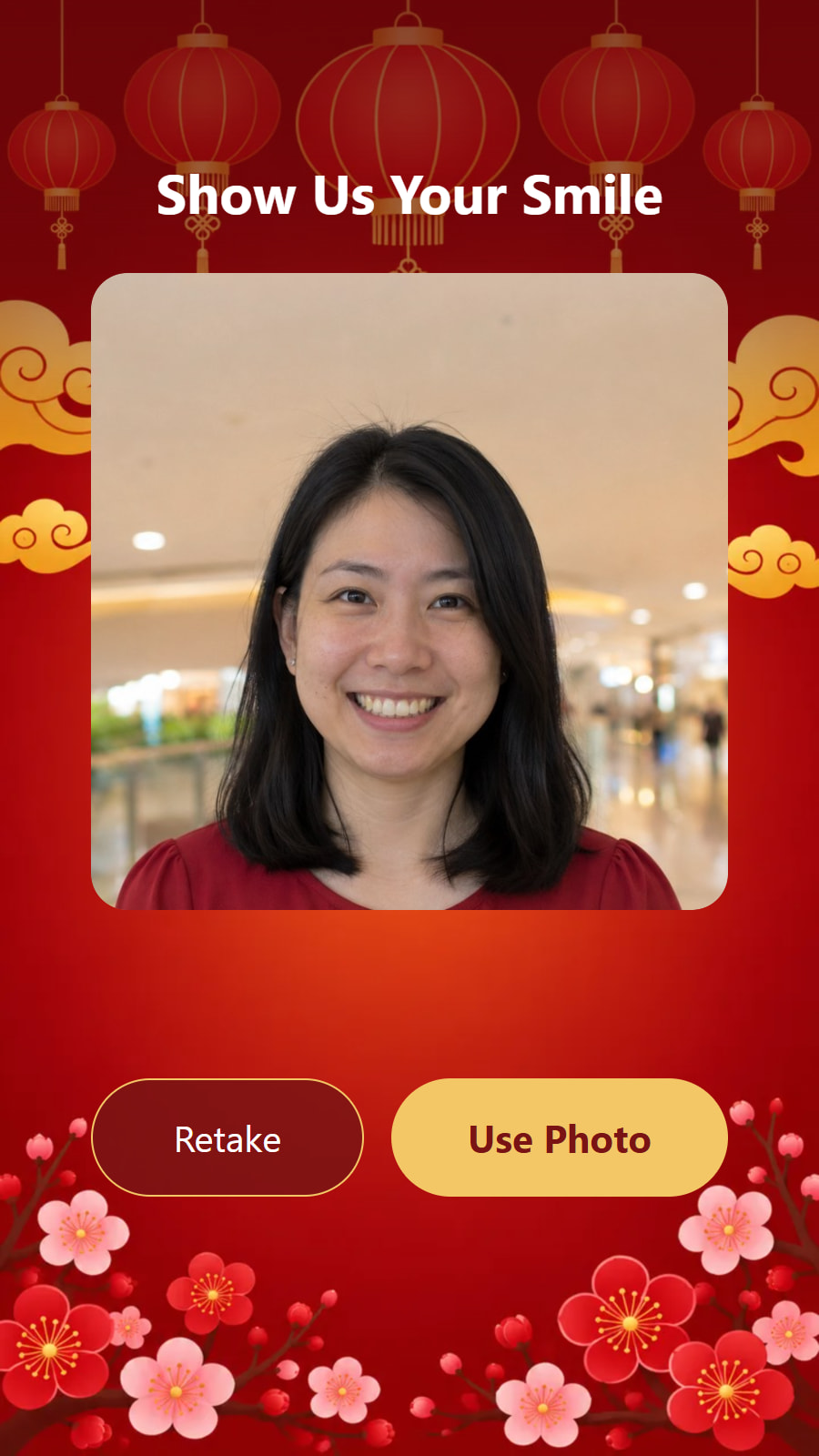
The front camera opens, mirrored like a mirror, with a guide for a face or a palm. A 3, 2, 1 countdown takes the photo, and guests can retake it once before tapping Use Photo.
Shake the Cylinder
A tap shakes the cylinder for about 2.5 seconds and draws one fortune. Meanwhile the AI reads the photo and the fortune and writes a short personal reading about the wish.
See the Fortune
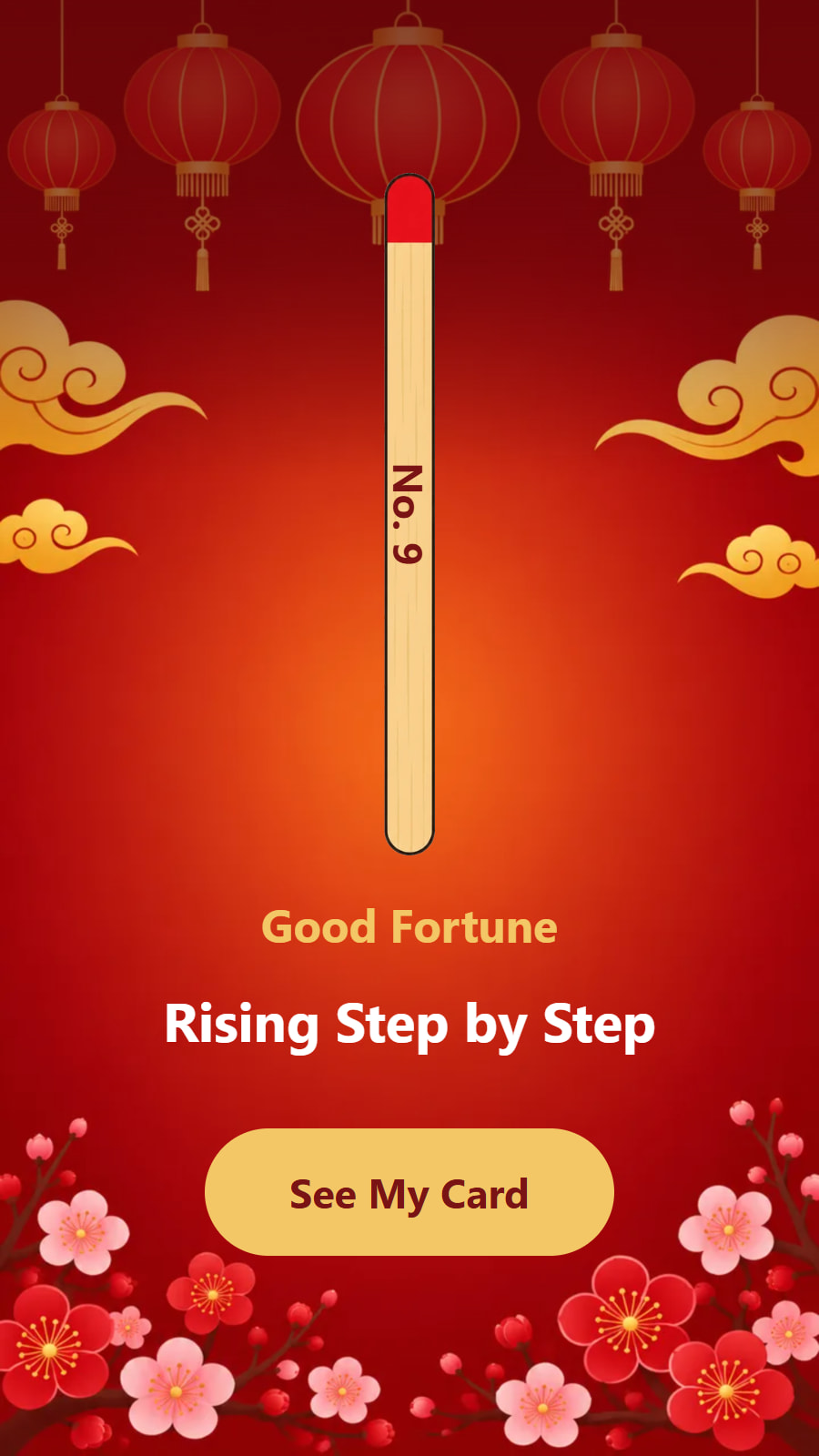
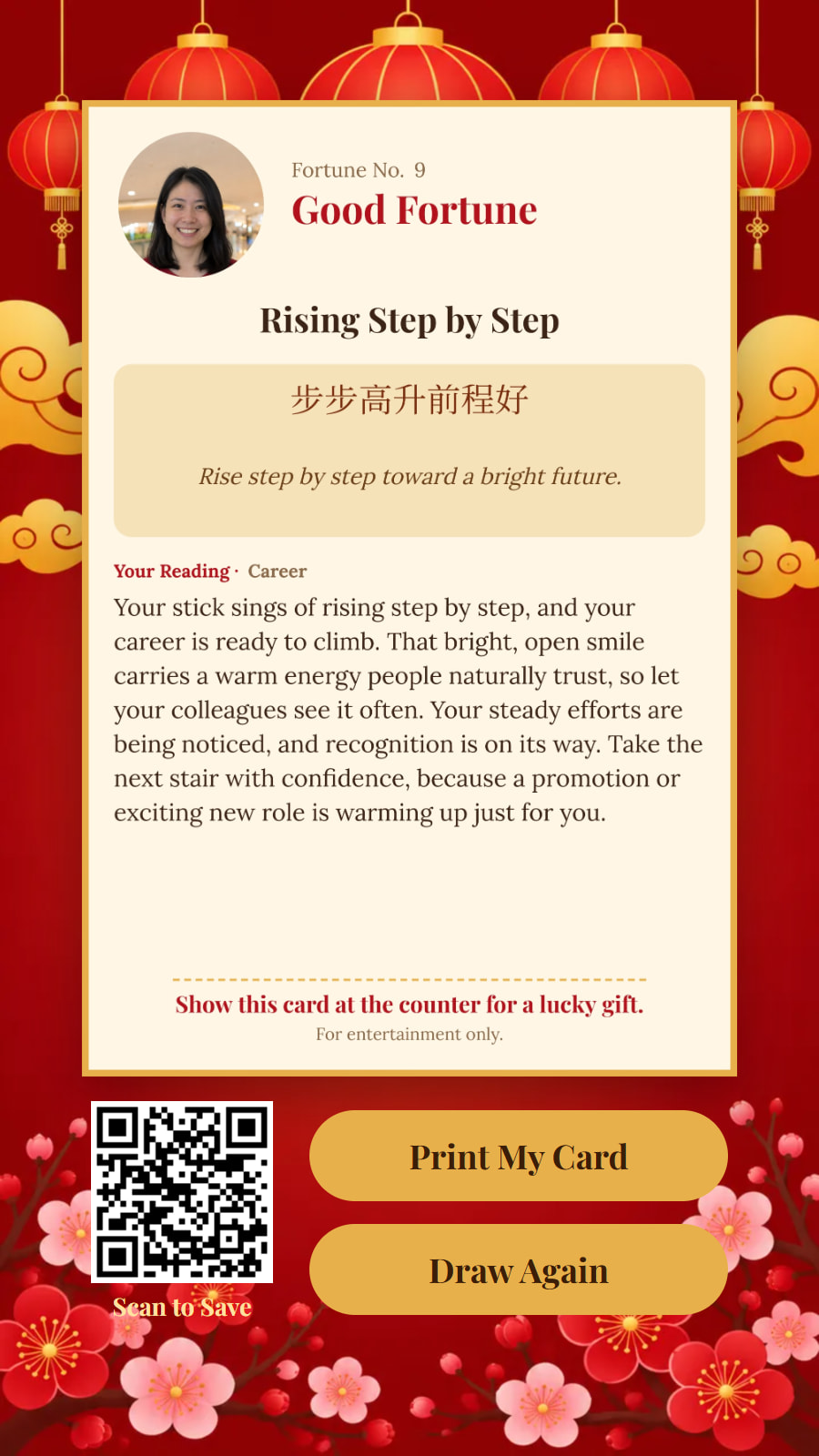
The stick falls in with its number, then the fortune level and title appear. See My Card takes the guest on, usually to a fortune card with the photo and the reading to print.
The Draw Your Fortune Demo
The demo shows AI Fortune Stick in red and gold, with lanterns, clouds and plum blossom. A start screen titled Draw Your Fortune leads to three wishes: Career, Wealth and Love. Guests smile for the camera, tap the fortune cylinder and watch a numbered stick fall with its fortune level and title. See My Card then opens a fortune card with their photo, the fortune line in Chinese and English and their personal reading, next to a QR code, Print My Card and Draw Again. Keep it as it is, or swap in your own wishes, fortunes, pictures and copy.
 9:16
 9:16
 9:16
What You Can Customise
What the AI Fortune Stick Can Do for Your Campaign
Give Every Guest a Fortune
There is no score and nothing to lose. Every guest draws a fortune and gets a reading written for their wish and their photo.
Bring a New Year Custom to the Booth
Drawing a fortune at the start of the year is a familiar Lunar New Year custom, and each guest takes about 30 to 45 seconds.
Mention Your Brand in the Reading
Add brand notes on your products and tone, and the AI may mention one in the reading. Print offers on the card itself.
A Prize for Each Fortune Level
Each fortune level that is switched on has its own exit, so Great, Good and Fair Fortune can each lead to their own prize or page.
Where Brands Use It
Events
Run a fortune draw at a Lunar New Year event or company dinner, one guest at a time.
Exhibitions
Give visitors a reason to stop at the booth and a branded fortune card to take away.
Shopping Malls
Bring footfall and dwell time to a Lunar New Year mall campaign.
Retail Stores
Give shoppers a fortune, with a prize or reward page for each fortune level.
Product Launches
Add brand notes so the AI may mention your new product in each reading.
Roadshows and Pop-Ups
Take the same fortune draw to brand pop-ups across the new year season.
Ways to Set It Up
Online Experience
Users draw their fortune in a web browser on their own device.
On-Site Experience
AI Fortune Stick runs on a kiosk or touch screen with a front camera, ideally with a printer for the fortune card.
Frequently Asked Questions
A Lunar New Year fortune draw. Guests make a wish, take a photo and tap a fortune cylinder, and a numbered stick falls with a fortune level and title. The AI writes a short personal reading about the wish, usually printed on a fortune card in the next step.
Draw Your Fortune is the demo shown on this page, in red and gold with lanterns and plum blossom. Guests pick Career, Wealth or Love, smile for the camera and see their fortune card. Use it as it is, or swap in your own wishes, fortunes and screens.
A short personal reading of about 30 or 60 words, about the guest’s wish, from the photo and the fortune drawn. It is for entertainment only, with nothing on health, looks, age or offers.
If the AI has not answered 20 seconds after the tap, or the daily limit is reached, the fortune’s own backup reading is used instead. The fortune drawn and the way onward stay the same.
Yes. In No Photo mode the camera page is skipped. If the camera cannot start, a short message shows and the draw goes on without a photo.
No. There is no score and no leaderboard. Every guest gets a fortune, and each fortune level that is switched on can lead to its own prize or page.
Yes. Edit the built-in fortunes or add your own, up to 60. Or give the AI a theme, such as your brand and the year, and it writes up to 30 at a time for you to check and put live.
It is passed to the next step, such as the fortune card, and appears in the Dashboard with the other visitor uploads. It is deleted 7 days after the campaign ends.
Build and Launch Your AI Fortune Stick
Set the wishes, fortunes and reading, design the cylinder and the card, and give every guest a fortune to take home with qiksense.