AR Head Effect
Turn a camera-enabled screen into a live AR experience that places a branded or themed 3D model on or beside the user’s head in real time. The effect appears automatically when someone comes into view, helping attract attention without requiring users to tap or start. Use it independently or connect it to a game, message or reward journey.
How the AR Head Effect Works
Come Into View
As users walk or stand in front of the screen, the camera displays a live view and detects them automatically. No touch or manual start is required.
See the Effect Appear
A branded or themed 3D model appears on or beside the user’s head and follows it in real time.
Capture Their Attention
Seeing themselves transformed on screen creates an unexpected visual moment that encourages users to notice the display, stop and interact.
Continue the Journey
After a set duration, it can automatically show a campaign message, introduce another interaction, move into a game or continue to the next step.
What You Can Create
 Image
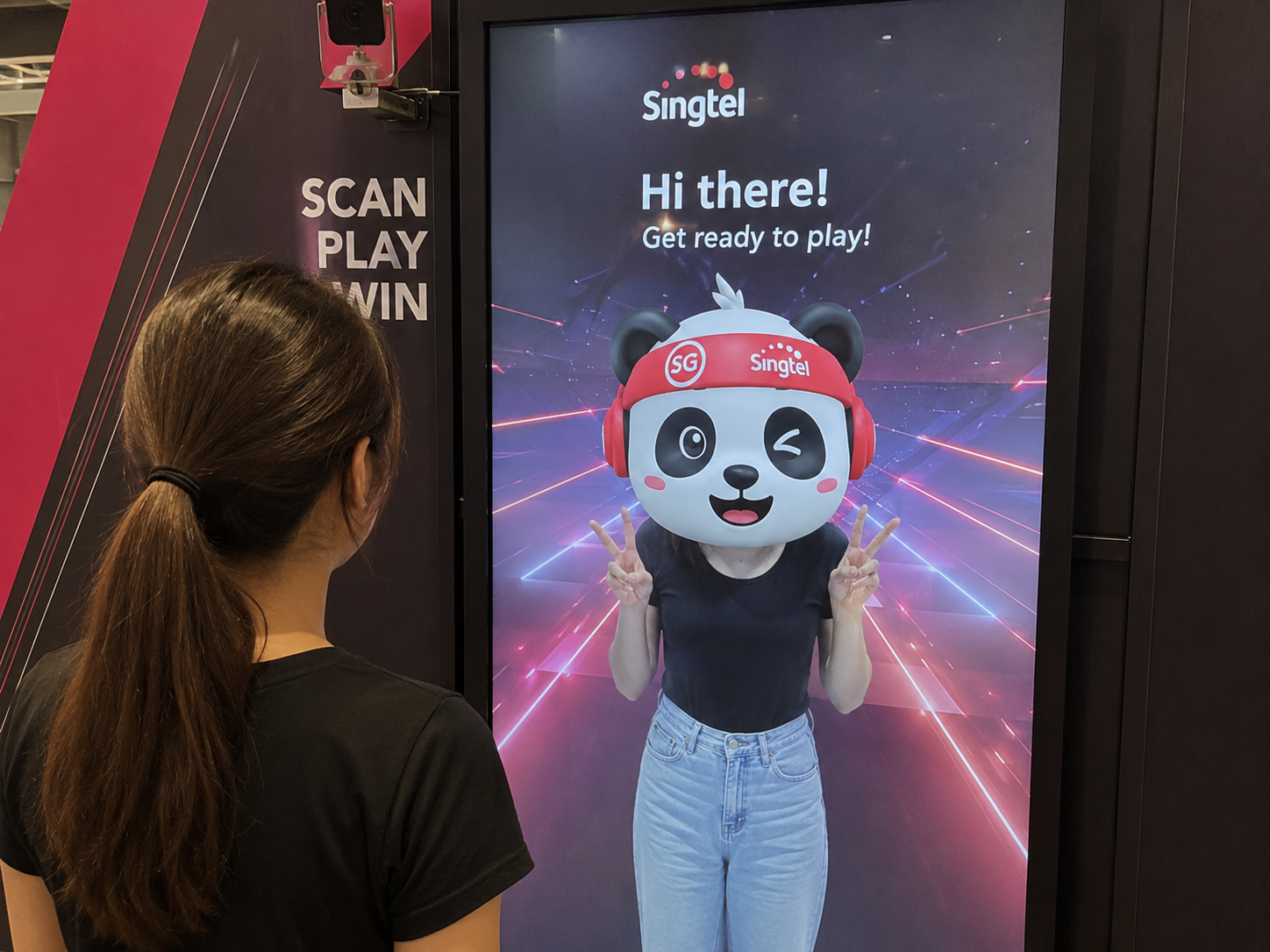
ImageMascot Head Effect
Turn users into a brand mascot or campaign character.
 Image
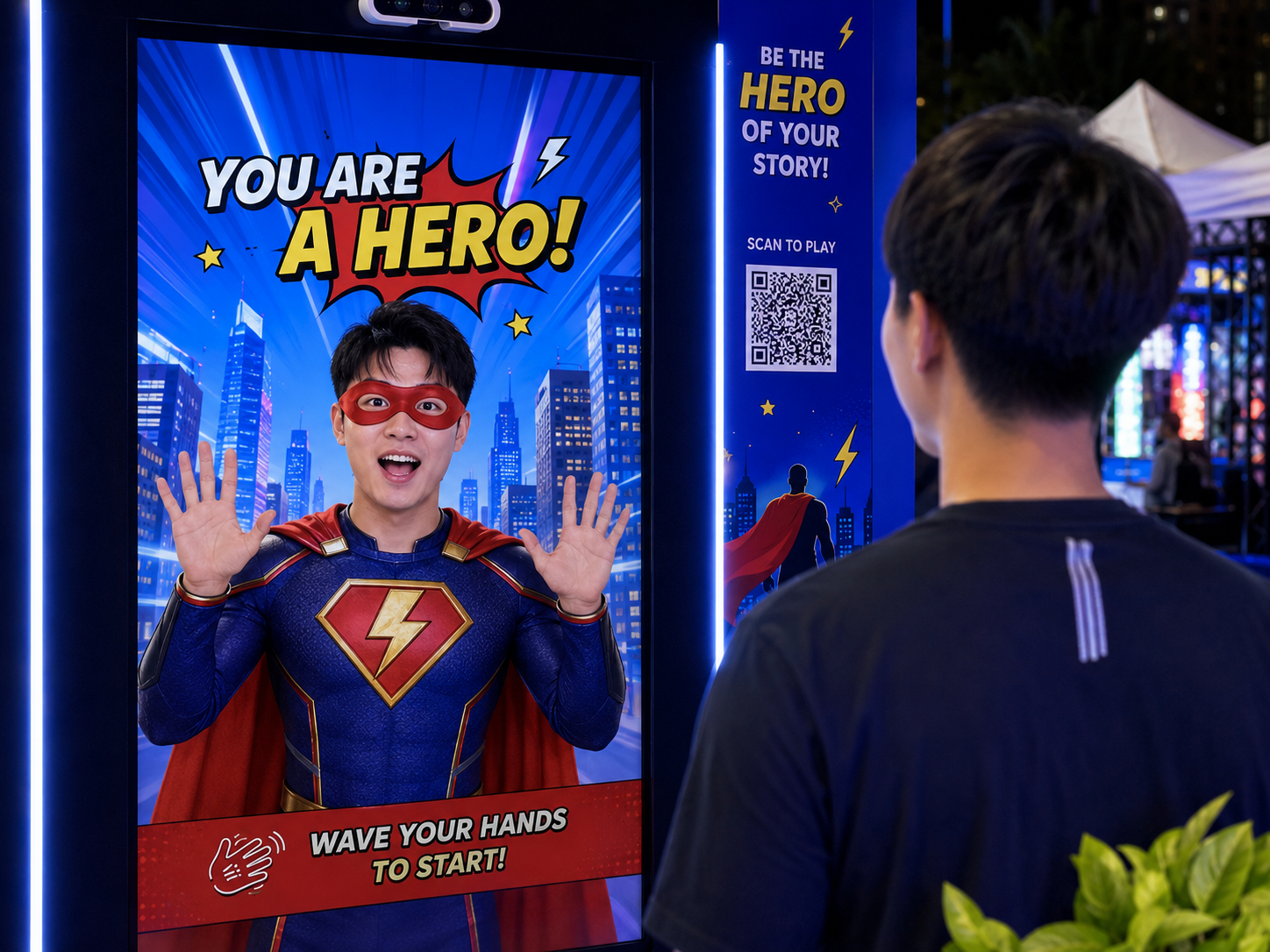
ImageCharacter Transformation
Place a customised animal, hero or themed character over the user’s head.
 Image
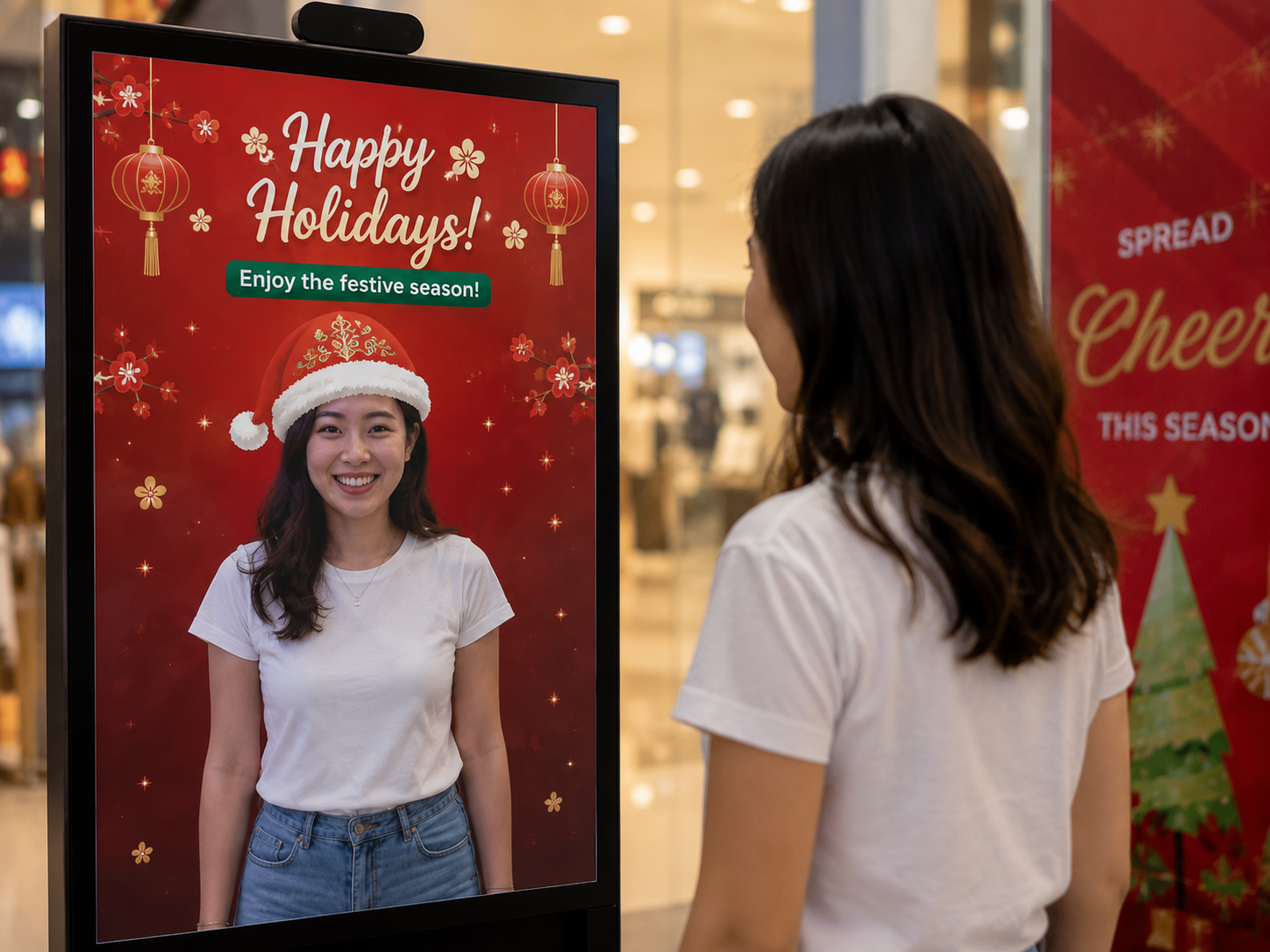
ImageFestive Headwear
Create seasonal effects for Lunar New Year, Christmas, Hari Raya and more.
 Image
ImageProduct AR Effect
Place a 3D product, pack or branded element on or beside the user’s head.
 Image
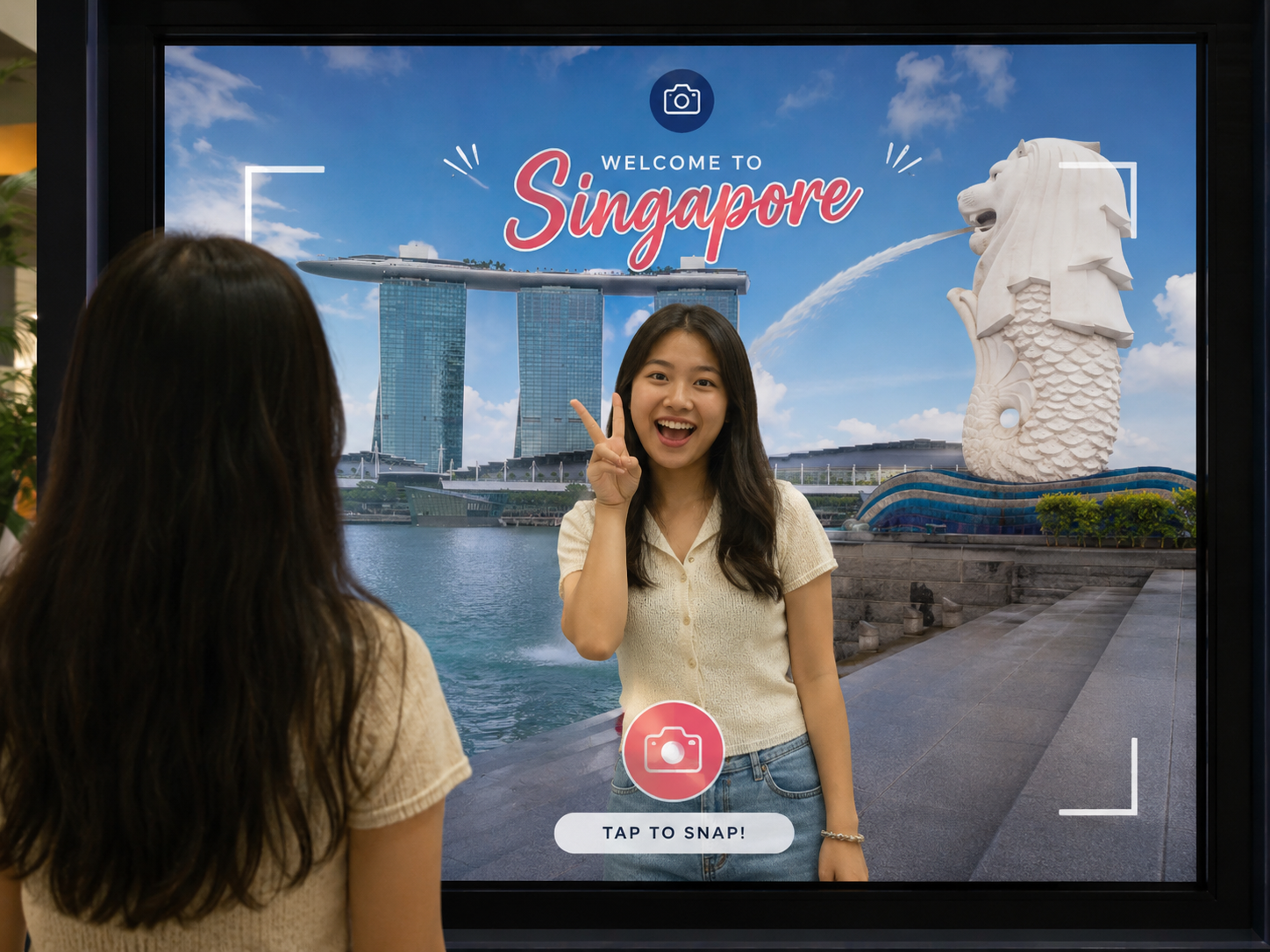
ImageDestination Theme
Connect the experience to a country, landmark, culture or travel campaign.
 Image
ImageEvent-Branded Effect
Create an AR effect that reflects the event identity, theme or key visual.
From Attention to Participation
An AR Head Effect can be used as the first step of a larger campaign journey.
What You Can Customise
What the AR Head Effect Can Do for Your Campaign
Attract Passing Attention
Use a live camera interaction to give people walking past an immediate reason to notice the screen and stop.
Turn Displays Into Experiences
Transform a regular digital display from a static advertising screen into a live and responsive attraction.
Bring the Campaign Theme to Life
Turn mascots, products, destinations and campaign visuals into 3D AR effects that appear on or beside users’ heads.
Guide Users Into the Next Action
Connect the attraction to a campaign message, game, registration form, product discovery step or reward journey.
Where Brands Use It
Events
Create a live visual attraction that encourages attendees to stop and interact.
Exhibitions
Use the AR effect to attract people walking past and guide them towards the booth activity.
Shopping Malls
Turn digital displays into interactive attractions for seasonal and promotional campaigns.
Retail Stores
Capture attention near entrances, product displays or promotional areas.
Product Launches
Bring products, characters and campaign visuals to life on or beside users’ heads in real time.
Roadshows and Pop-Ups
Deploy the same branded attraction across different campaign locations.
Ways to Set It Up
On-Site Experience
The AR Head Effect runs on a camera-enabled digital screen at an event, exhibition, shopping mall, retail space or activation.
Frequently Asked Questions
An AR Head Effect uses a live camera view to place a 3D model on or beside a user’s head in real time. The model follows the head as it moves and can be customised to match a brand, product, character, destination or campaign theme.
No. The experience can detect users automatically when they enter the camera view, allowing it to attract attention without requiring them to touch the screen.
No. A digital screen, operating system, browser, camera and network connection are sufficient for the live AR attraction. A touchscreen may be added when the next campaign step requires user input.
Yes. You set the 3D model, its position, size and rotation, the delay before the next step and the background music. Messages and artwork go on the steps before or after it.
Yes. Set how many seconds a face must stay in view, and the experience then moves on by itself to the next campaign step, such as a message, game or reward.
Yes. The AR Head Effect can be used as the attraction stage before guiding users into gamification, registration, product content, a luck game or reward journey.
Yes. It can be the first part of a longer campaign journey, or run on its own with the journey sent back to the effect after each visitor.
Data collection is optional. Registration, consent and customised questions can be added when the user continues into another campaign step.
Build and Launch Your AR Head Effect
Upload your AR asset, customise the live screen and connect the experience to your wider campaign journey with qiksense.