Logo Wall
A big-screen wall of partner logos in greyscale. Each partner scans the QR code on their card, their logo flies out onto a card for a photo, then flies back and lights up in colour, until the whole wall is lit. It runs on one screen with a USB barcode scanner, with your own partners, logos, header and photo moment.
How the Logo Wall Works
Show the Wall
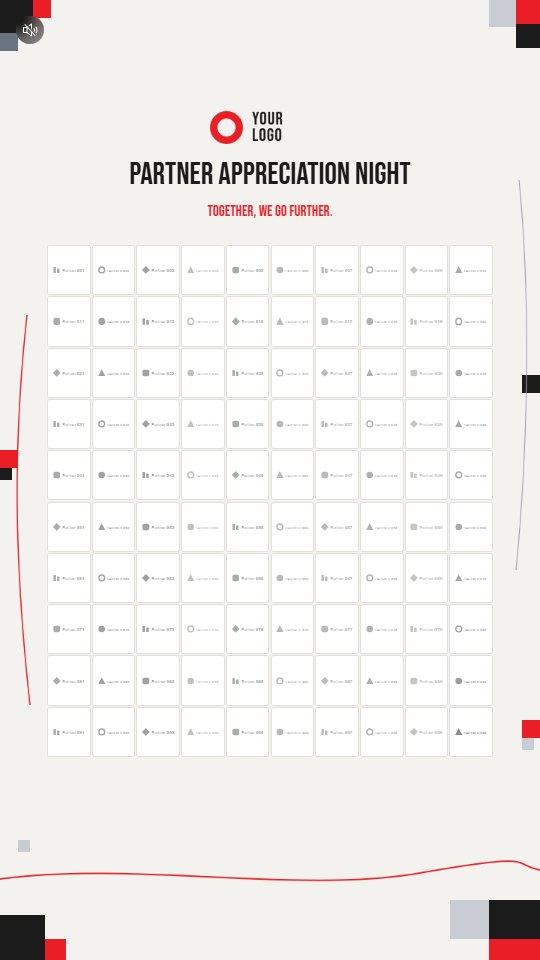
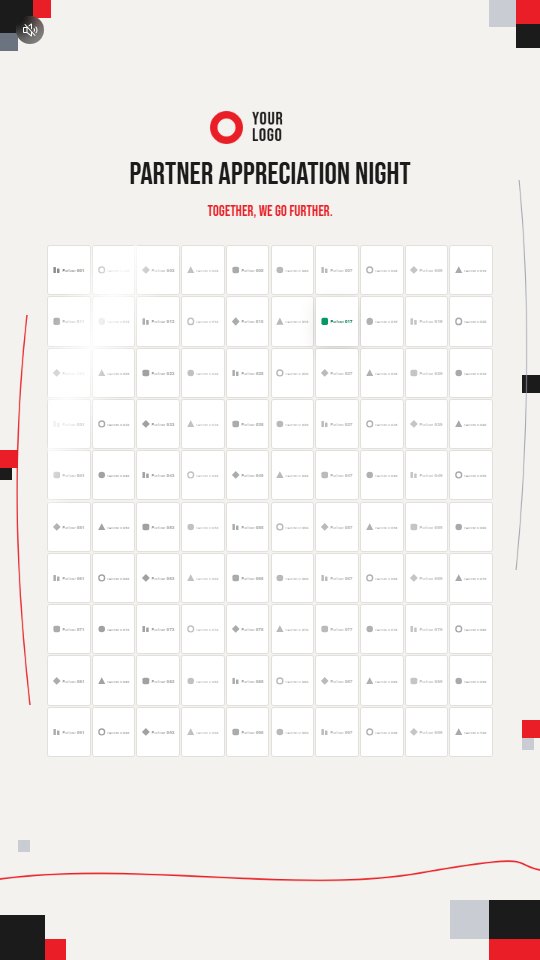
The big screen fills with every partner’s logo in greyscale, tile by tile, while a soft light band sweeps across it.
Scan the Card
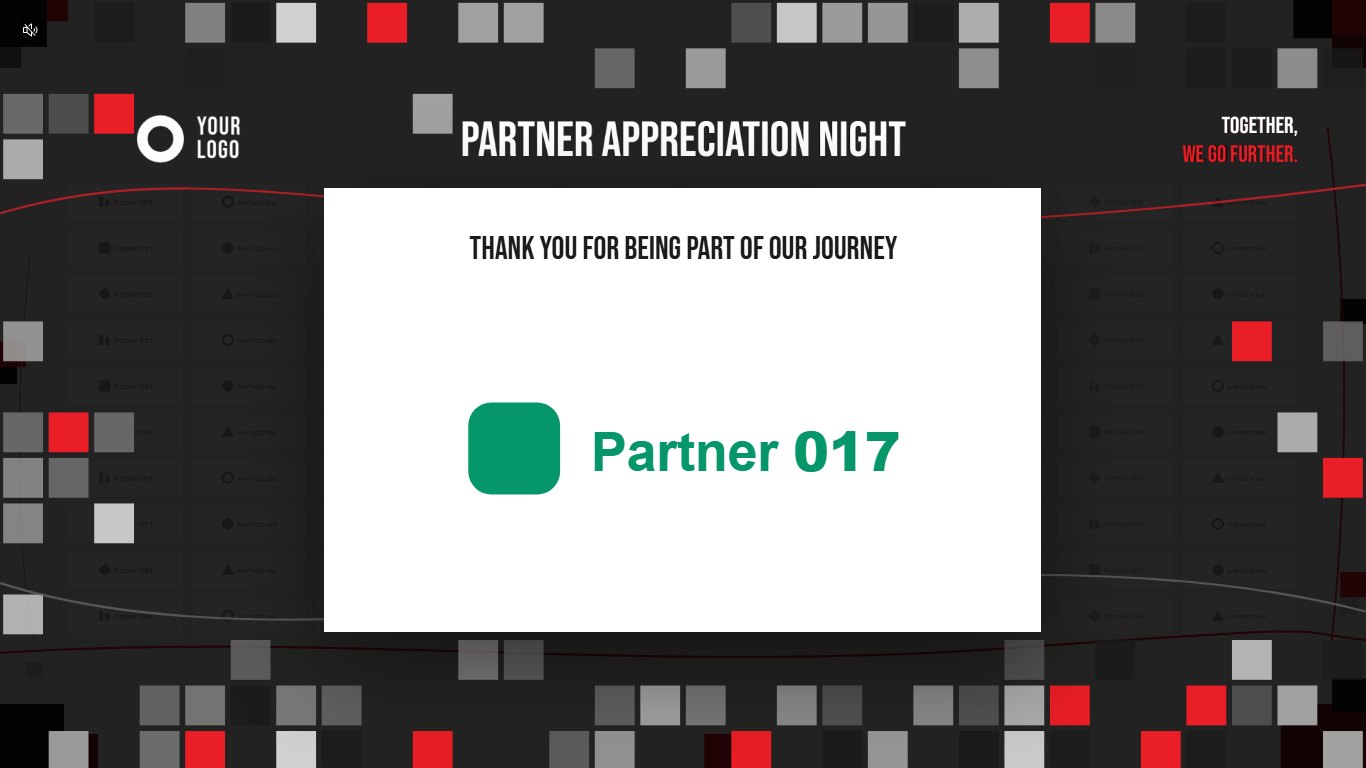
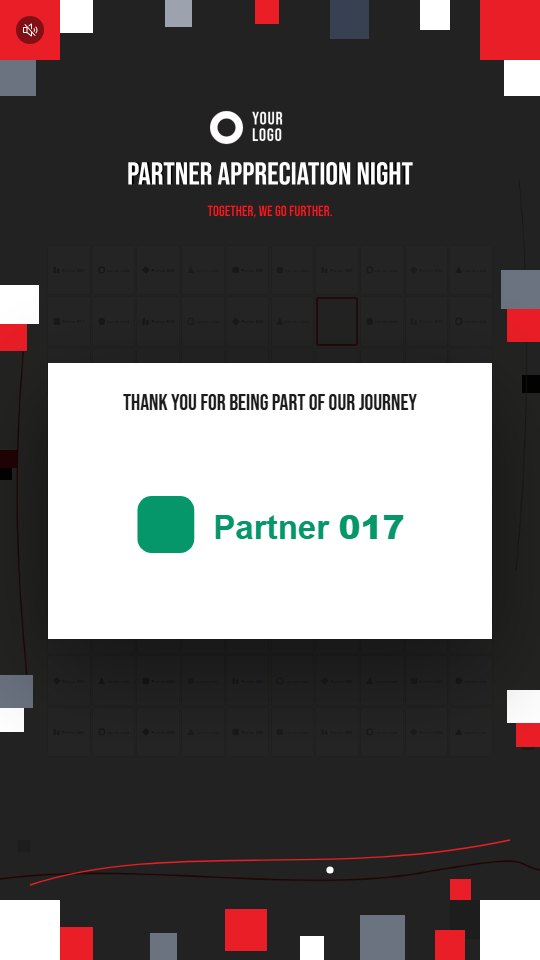
A partner scans the QR code on their card with a USB barcode scanner at the front. Their tile flashes and the logo flies out onto a card over the darkened wall, with your thank-you line.
Take the Photo
Everything on screen stands still so the photo comes out sharp. The card stays up until the crew presses Enter or taps the screen.
Light It Up
The card flies back to its tile and the logo wipes into colour. It stays lit for the rest of the event, so the wall fills with colour partner by partner.
The Partner Appreciation Night Demo
The demo shows a wall of 100 sample partners in greyscale under a Partner Appreciation Night header. On a computer, press Space to call up a random partner, or type P017 and press Enter as a scanner would. The logo flies out onto a white card over the darkened wall, under a thank-you line. Press Enter or click to close it, and the logo flies back and lights up in colour. Phones and tablets show the wall, but opening a card needs a keyboard.
 9:16
 9:16
 9:16
What You Can Customise
What the Logo Wall Can Do for Your Campaign
Give Every Partner a Moment
Each sponsor or partner gets their own reveal on the big screen and a photo with their logo.
Show Who Made It Happen
As partners light up one by one, the wall turns from greyscale into a full picture of everyone behind the event.
Run It With One Scanner
Print a QR code on each partner card and scan it at the front. Nothing is needed on guests’ phones.
Keep It on Brand
Your header, colours, thank-you line and photo moment sit around the wall, in portrait or landscape.
Where Brands Use It
Partner Appreciation Nights
Thank each partner on stage, one logo at a time, with a photo for each.
Award Nights
Reveal each winner or sponsor on the big screen as they come up.
Opening Ceremonies
Light up every founding partner as they join the opening moment.
Gala Dinners
Thank the sponsors behind the night in front of the whole room.
Conferences and Summits
Recognise sponsors on the main stage screen between sessions.
VIP Arrivals
Light up each guest’s organisation as they arrive and scan in.
Ways to Set It Up
On-Site Experience
Logo Wall runs on one big screen at the event, with a scanner at the front.
Try the Demo
Open the demo on a computer with a keyboard.
Frequently Asked Questions
Logo Wall is a big-screen wall of partner logos in greyscale. Each partner scans the QR code on their card, their logo flies out onto a card for a photo, then flies back and lights up in colour.
No. The crew scans each partner’s card at the front of the screen. Logo Wall does not run on a guest’s own phone.
Any USB barcode scanner that types the code and then presses Enter. A keyboard works too.
Up to 400 partners, on a wall of up to 20 by 20 tiles.
Lit logos are remembered by the screen’s browser, so a reload or a restart keeps them lit. Reset the wall before the event.
Yes. Scanning a partner who is already lit opens their card again for another photo.
No. Logo Wall has no score, no winner and no prizes. It stays on one page for the whole event.
Build Your Logo Wall
Import your partners, print their QR codes and light up the wall one partner at a time with qiksense.