Motion and Gesture
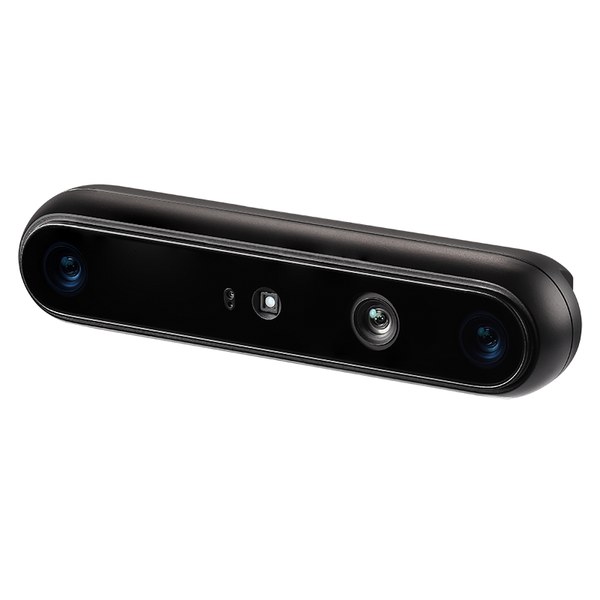
Players control the game with their body and hands, without touching the screen. A motion sensor camera on top of the screen reads each move, like a swipe, a jump or a thumbs up, and turns it into a game control. Made for screens at events, booths, malls and more.
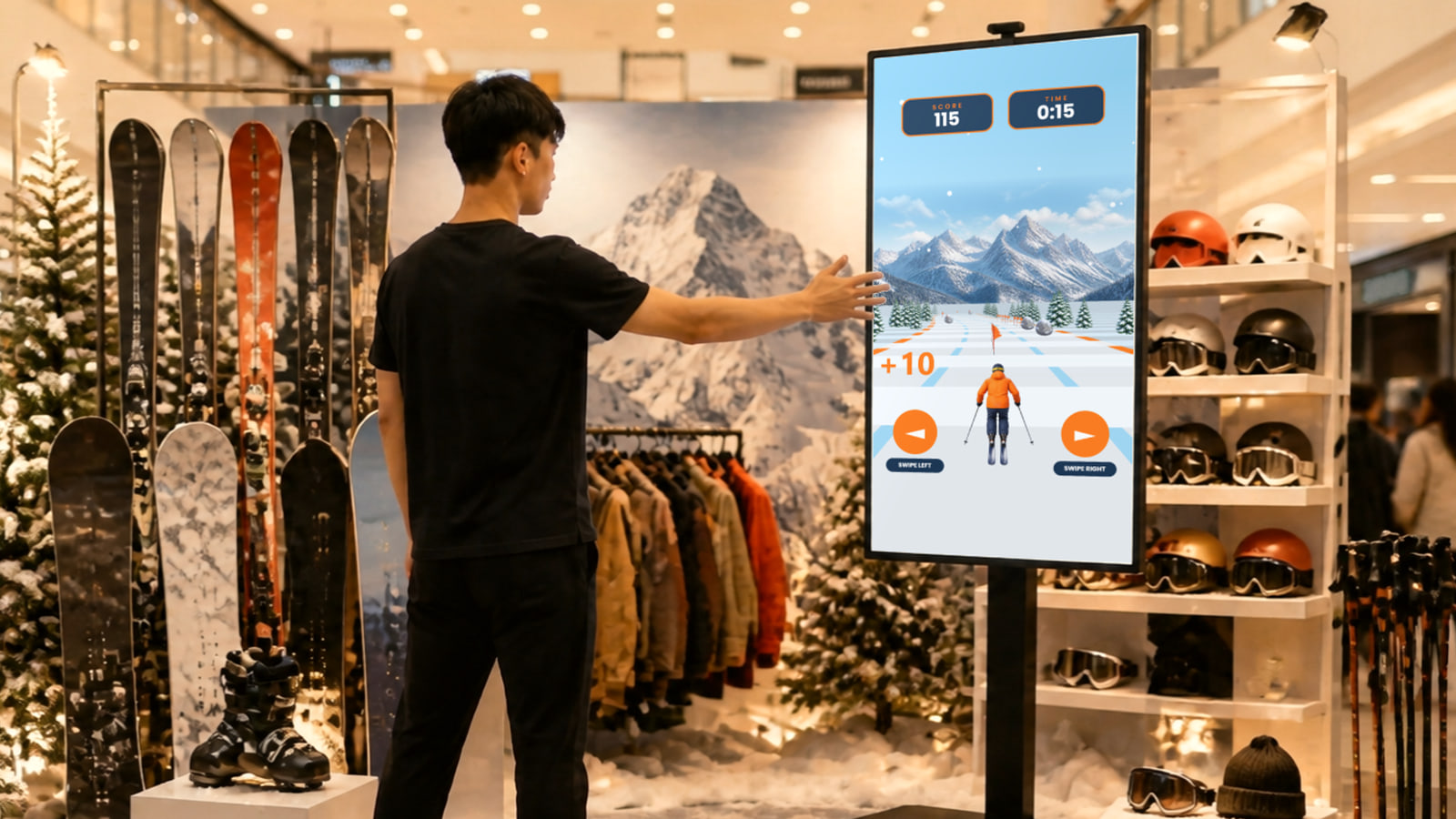
Every Move Players Can Use
The camera reads body moves, hand signs and a hand cursor. Choose the moves that suit your game.
Body Moves

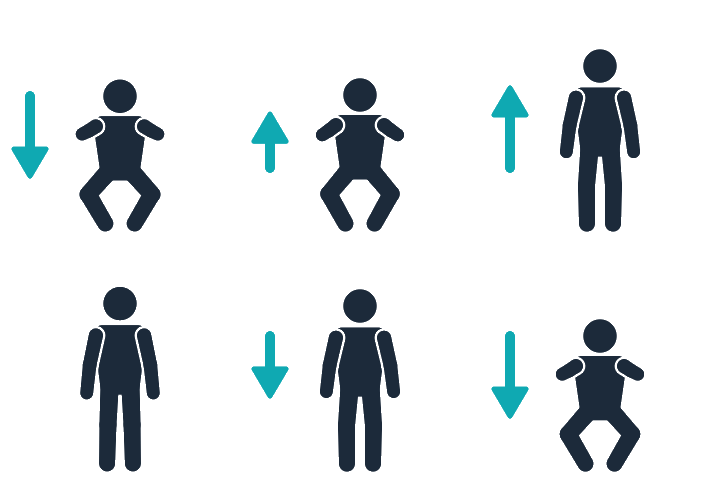

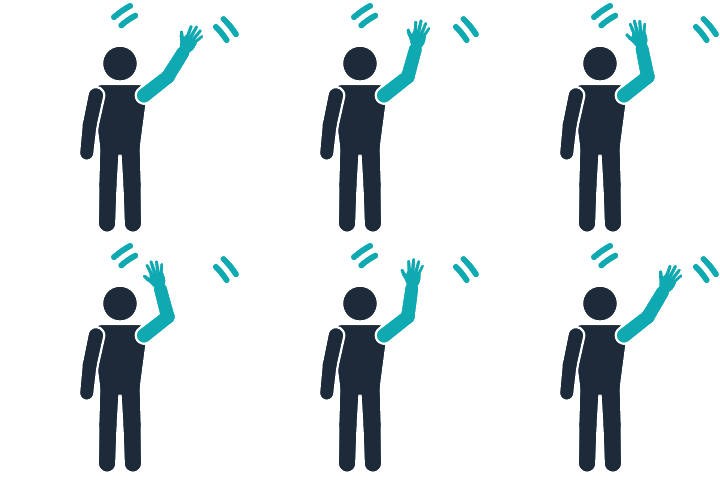
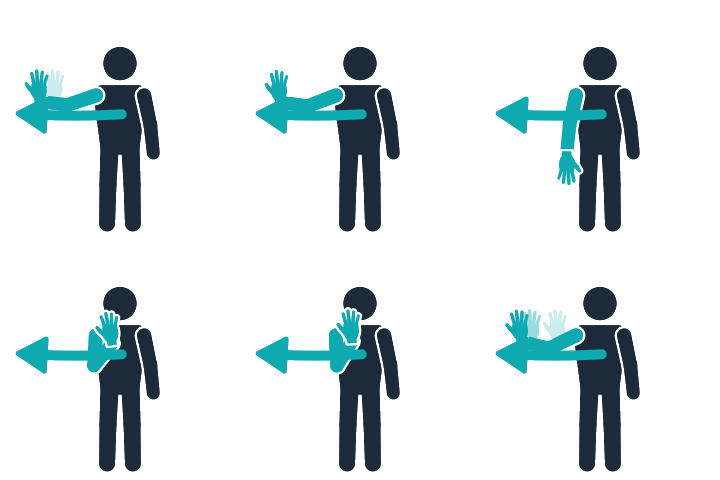
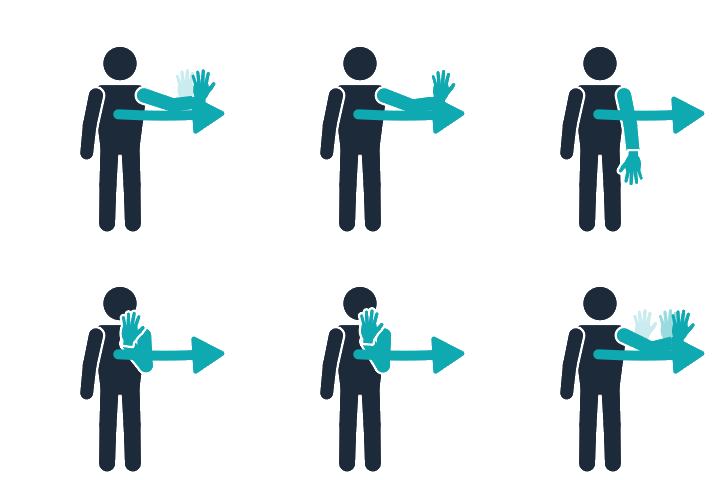
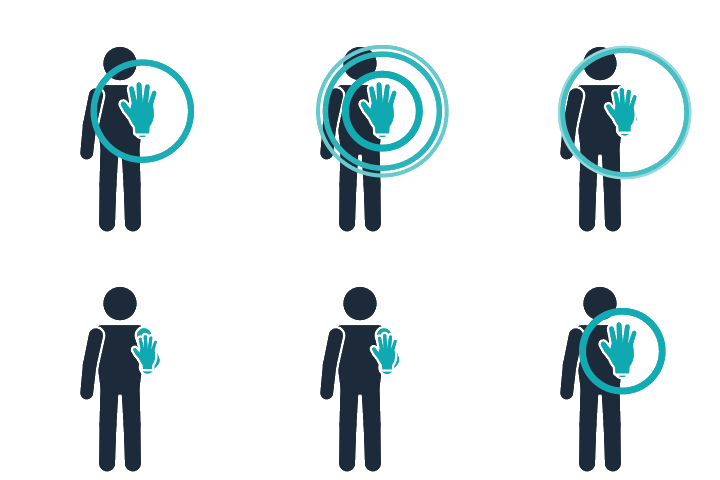

Hand Signs



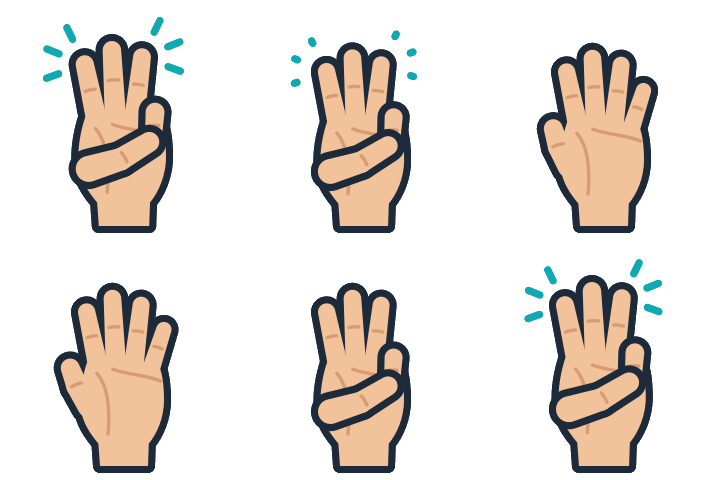
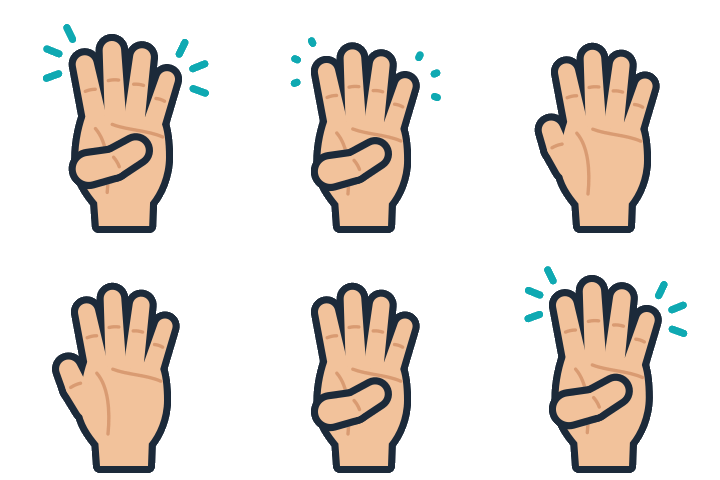







Hand Cursor

Players move a hand in front of the screen like a cursor. Holding it over a button for about a second taps it.

Players move the cursor the same way, then make a fist over a button to tap it at once. A fist can also drag.
Examples of Motion Games
These are a few examples of games played with gesture moves instead.
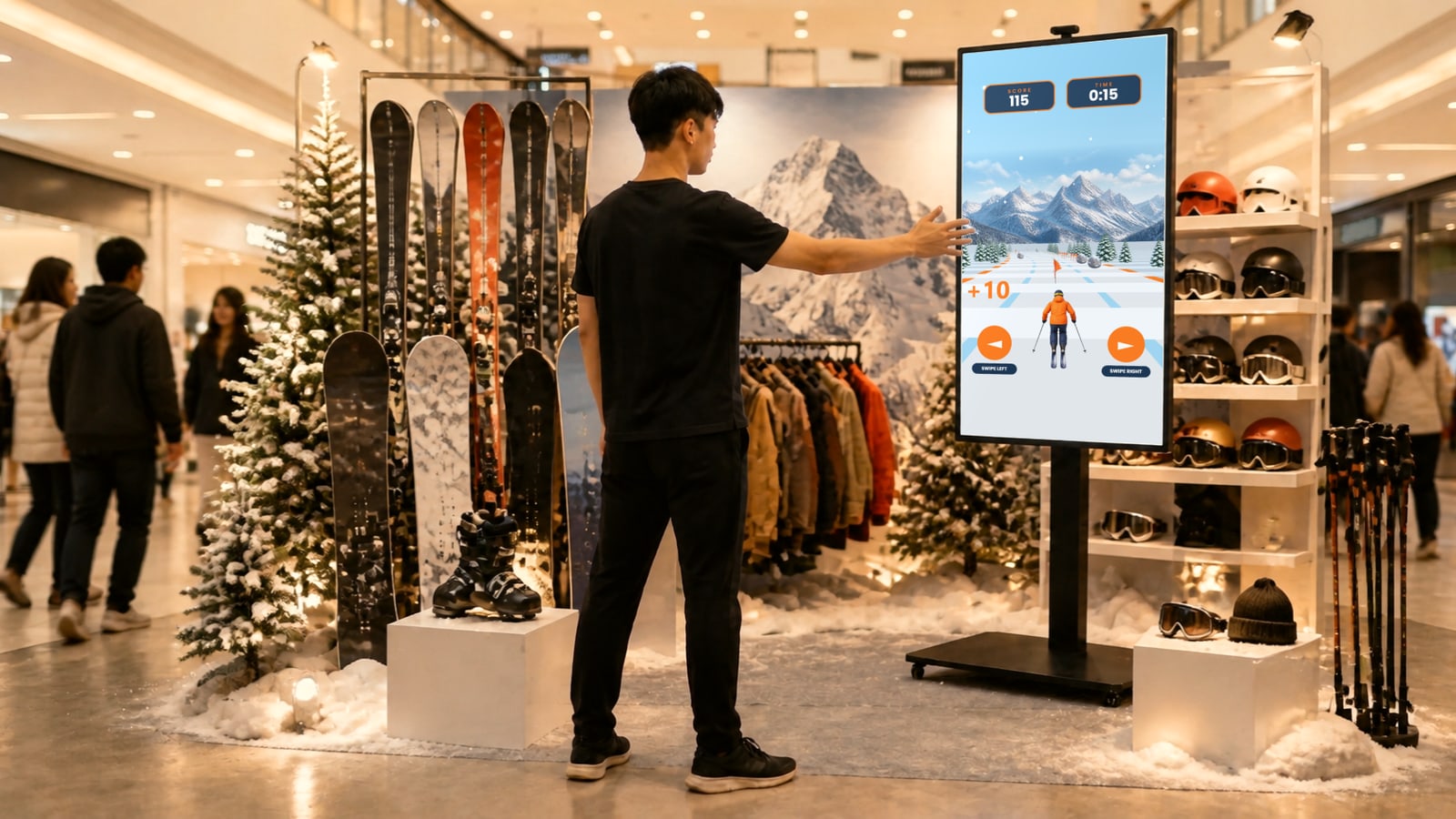
Ski Steering Game
Swipe left or right to steer the skier, grab the flags and dodge the rocks.
Hurdle Jump Race
Jump on the spot so the runner leaps the hurdles and collects the coins.
Mascot Greeting
Each move gets a reaction from Sunny, from a wave hello to a fist bump.
Push to Spin the Wheel
Push a palm towards the screen to spin the prize wheel and see the result.
Hand Sign Quiz
Hold up one, two or three fingers to pick the answer to each question.
Slice Game
Raise a hand to start, then swipe to slice cakes and avoid the bombs.
Memory Shopping Grab
Remember the shopping list, then make a fist over each item to grab it fast.
Interactive Questionnaire
Hover and hold a hand on each answer to pick it, then see the final result.
Claw Machine (Motion)
Move an open hand to aim the claw, then close it into a fist to drop it.
See the Claw Machine (Motion) page →A Typical Setup
A screen with the motion sensor camera on top, a computer running the game behind it, and a clear space in front for one player at a time.
 1234
Sits on top of the screen or at its side to read each move.
A portrait or landscape screen on a stand, wall or booth build.
A clear, well lit space about 1.5 to 3 metres from the screen.
A power point near the screen, for the screen and computer.
Frequently Asked Questions
No. A motion sensor camera on top of the screen reads the player's body and hand moves and turns each one into a game control, so nobody touches the screen.
No. Motion sensor games run on-site, on a screen with the camera attached. They are not played online or on a visitor's own phone.
One player at a time. The camera follows the person standing in the play area, and the next player steps in when they leave.
About 1.5 to 3 metres away. From about 1.5 metres the camera can see the whole body, and closer than about 0.7 metres it loses the player.
A well-lit play area works best. The camera reads hands from its colour picture, so in a dim venue hand signs are missed more often.
Build and Launch Your Motion and Gesture Experience
Pick a game, choose the moves, brand every screen and launch it on-site with qiksense.