Personality Test
A short set of branded questions matches each user to one personality type, from product personas to campaign characters. Every option carries points towards one or more types, and the strongest match wins. The result screen is a natural share moment and a springboard into recommendations or rewards.
How the Personality Test Works
Start the Test
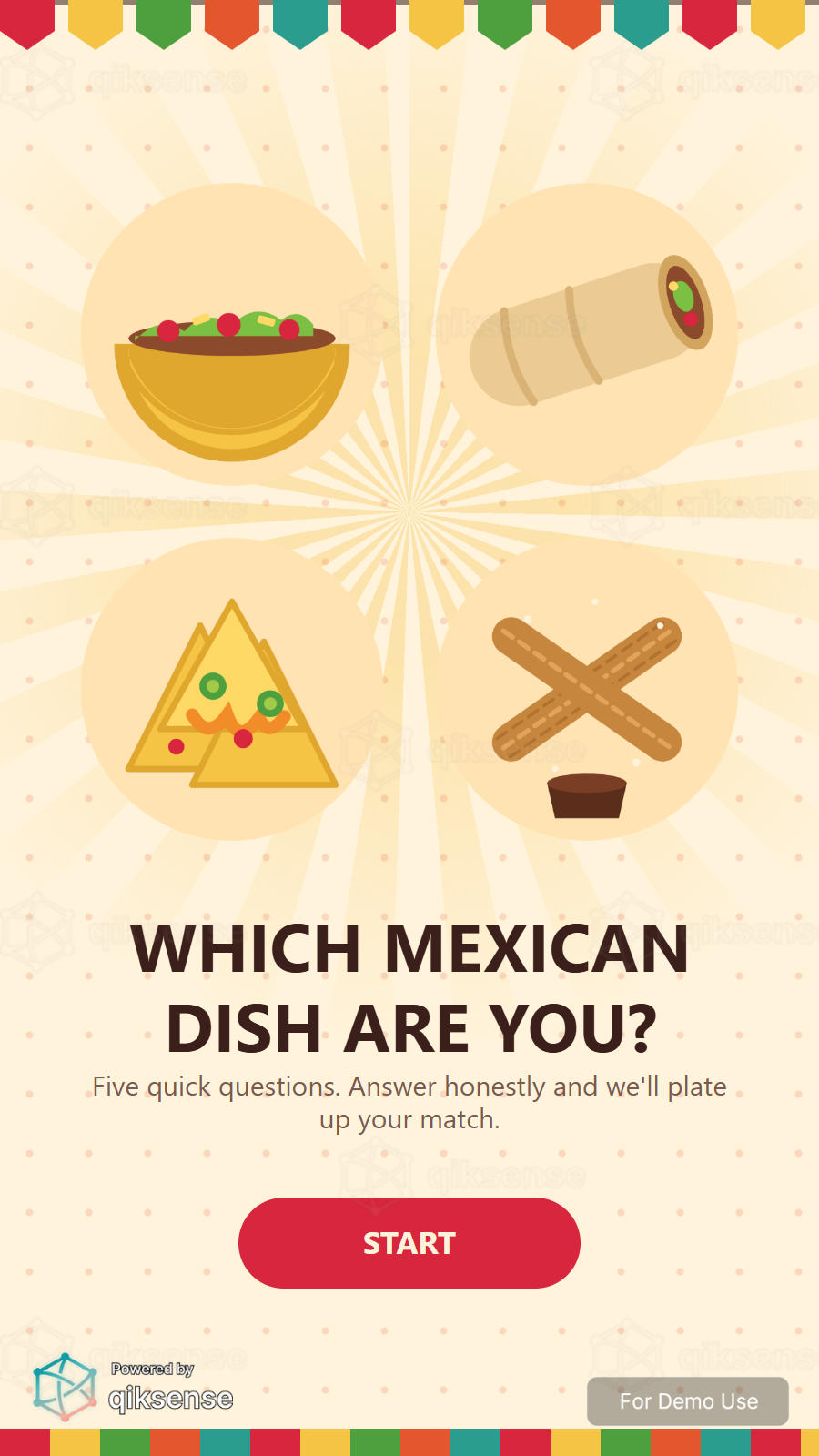
Users arrive at the first question, or at a branded cover page with a Start button if one is added before the test.
Answer the Questions
One question per page with a progress line such as Question 3 of 8. Users pick one option per question and can go back and change any answer.
Get Matched
After the last question, the points behind every answer are tallied and the strongest personality type wins.
Continue the Journey
The result carries into the next step: a personality reveal, a product recommendation, a reward or a share moment, depending on the campaign setup.
A Closer Look
 9:16
9:16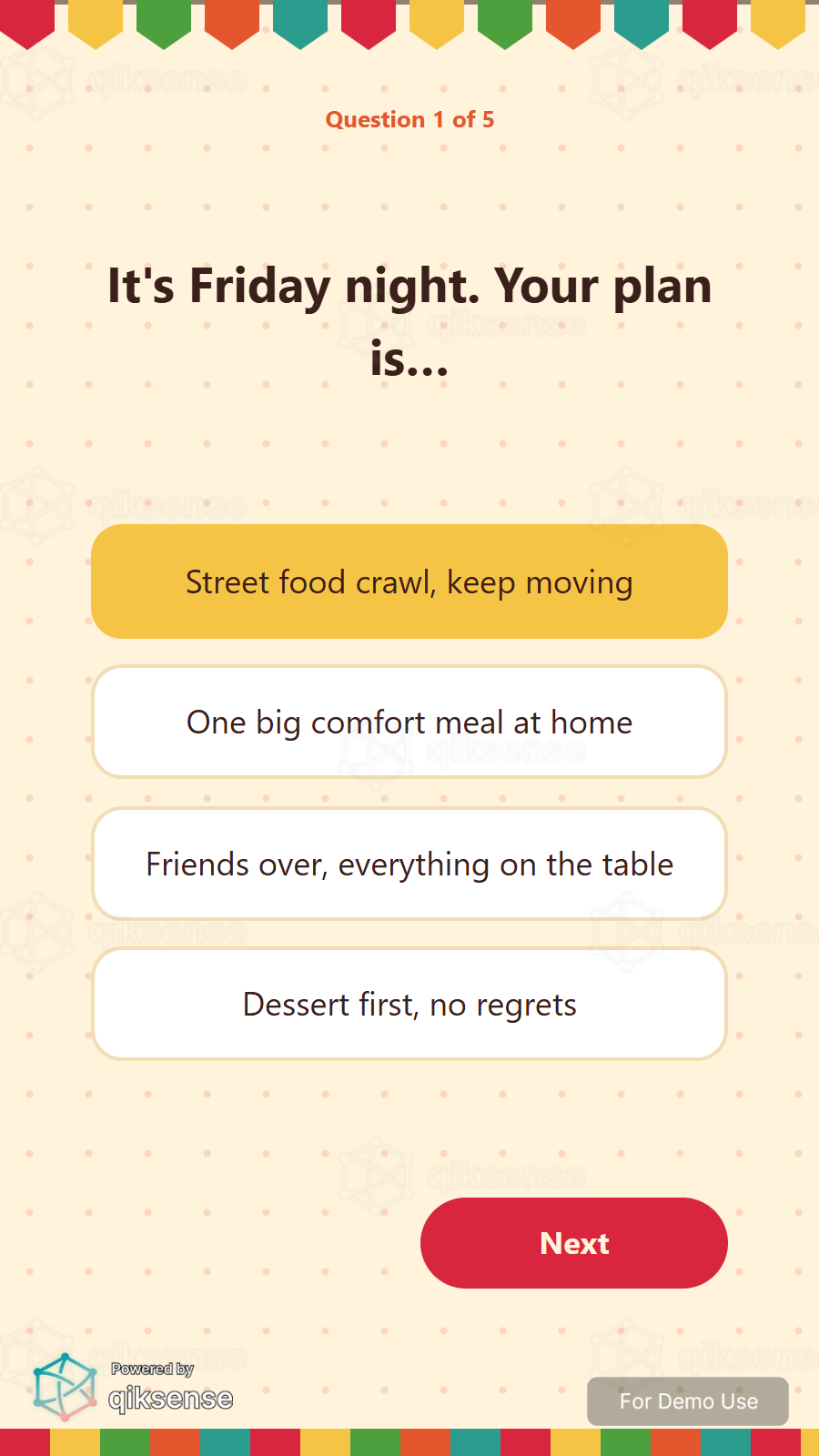 9:16
9:16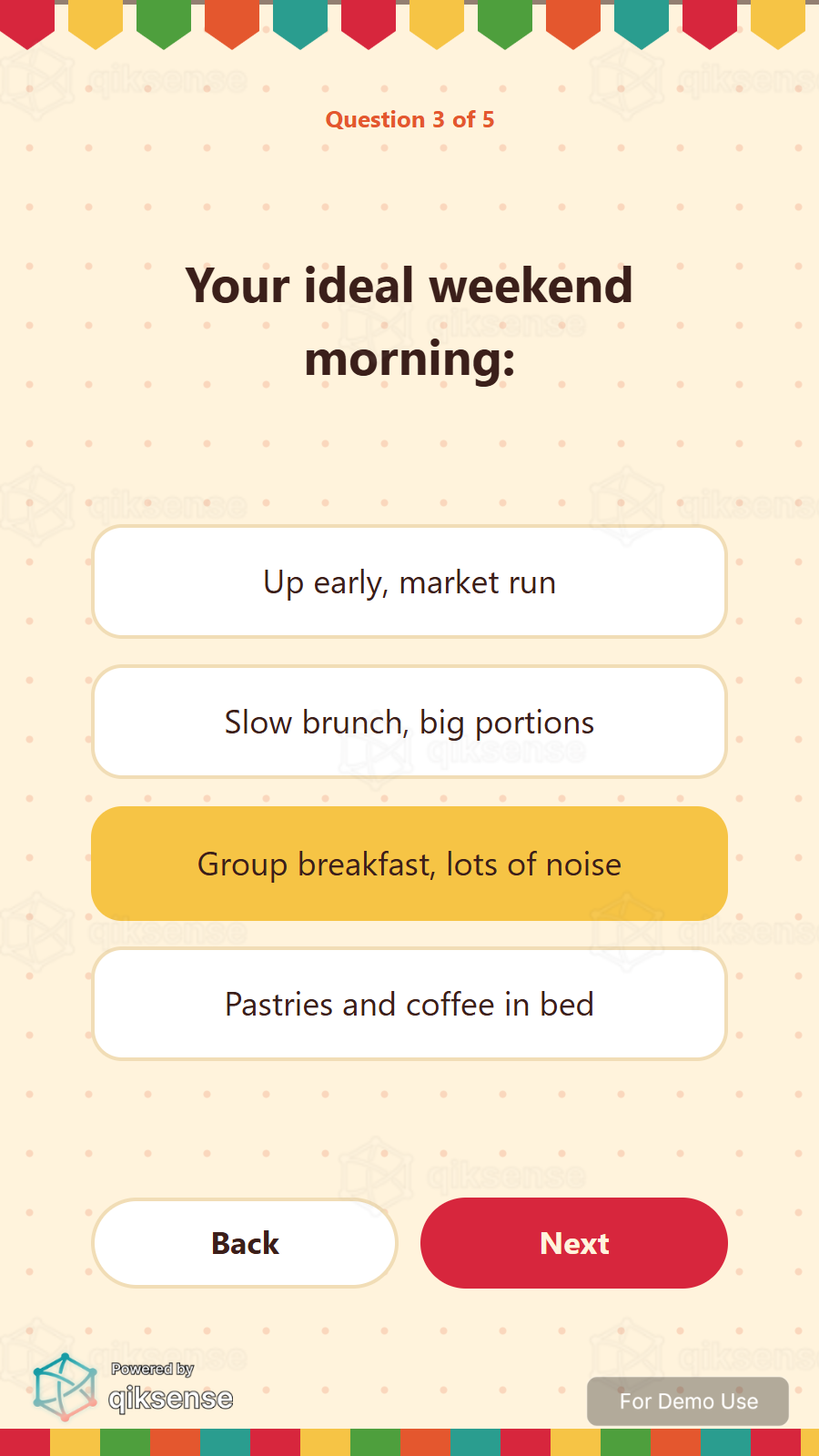 9:16
9:16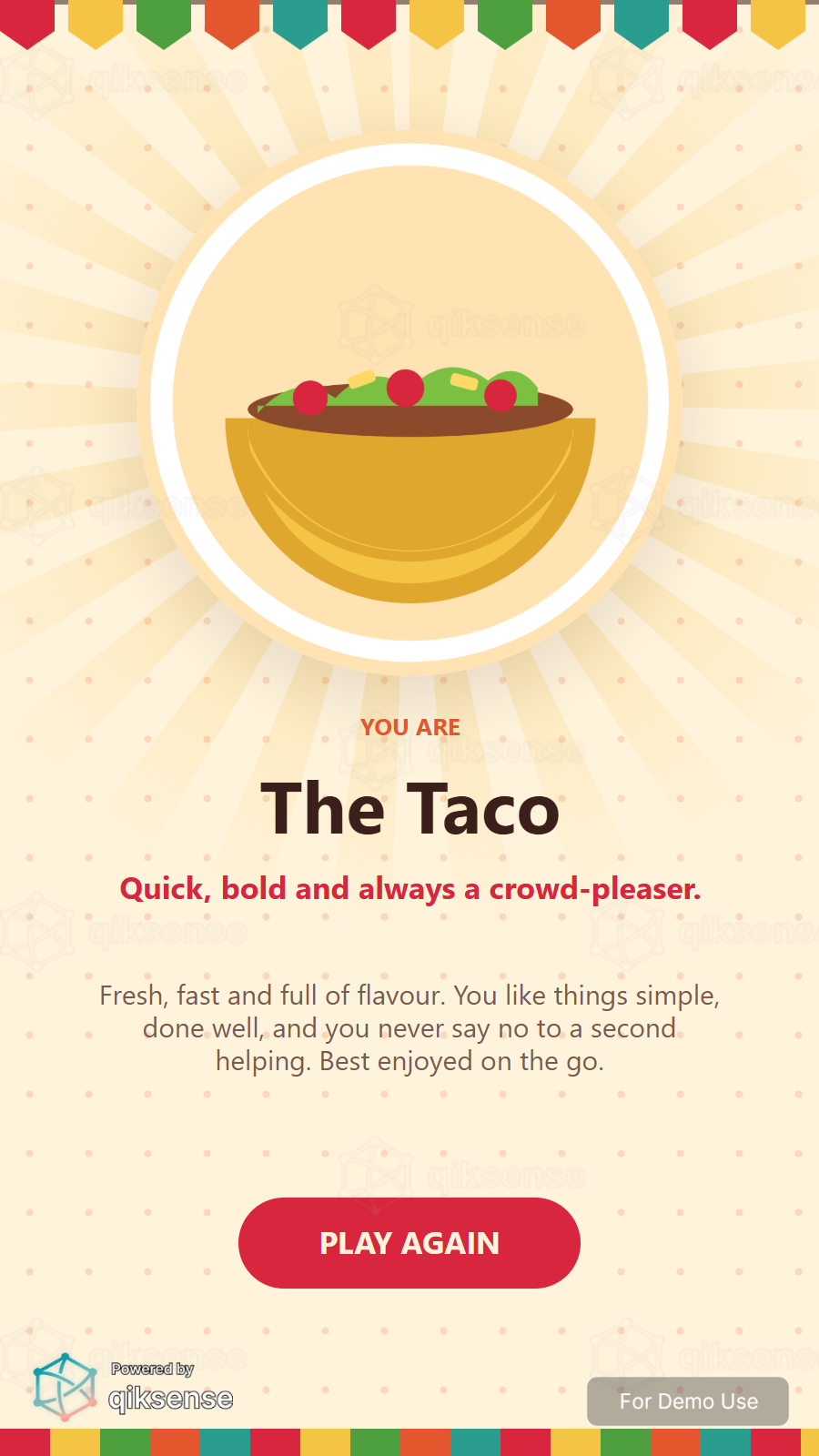 9:16
9:16What You Can Customise
What the Personality Test Can Do for Your Campaign
Attract and Engage Users
A personality test is a low-effort, high-curiosity format: everyone wants to know their result.
Reinforce Campaign Messaging
Write the questions and personality types in your campaign voice, from product personas to brand characters.
Capture Participation Data
Track participation, completion and the distribution of results, with optional contact details collected around the test.
Extend the Engagement
Carry the matched personality type into the next step, such as a recommendation, reward or share moment.
Where Brands Use It
Events
Capture opinions, run personality moments and qualify leads while users are engaged.
Exhibitions
Turn booth conversations into structured, exportable responses.
Shopping Malls
Run shopper polls, preference tests and campaign sign-ups.
Retail Stores
Collect product feedback and route shoppers to recommendations.
Product Launches
Teach the story with questions, then measure what landed.
Roadshows and Pop-Ups
Run the same questions at every stop through a link or QR code.
Ways to Set It Up
Online Experience
Users can access the questions through a web browser on their own device.
On-Site Experience
The experience can be set up on-site at events, retail spaces, exhibitions or activations.
Frequently Asked Questions
Every answer option carries points towards one or more personality types. When the last question is answered, the type with the most points wins and the campaign carries the result forward into the next step.
From 3 to 15 questions, each with 2 to 6 options, and from 2 to 10 personality types. Each question page is generated automatically from the list, and short sets of five to ten questions keep completion high.
Yes. Users can go back, see their earlier answer still selected and change it. Only the final answer counts, and by default users cannot move on without picking something.
Yes. The backgrounds, images, colours, typography, buttons and copy on every question page and the result reveal can be styled to the campaign or brand identity.
Yes. The matched type carries into the next step, which can show its own name, description and image alongside a product recommendation, a reward or a share moment.
qiksense records participation, completion and the distribution of personality results. Contact details and customised questions can be added around the test, and the data can be exported.
Give Every User a Result Worth Sharing
Write the questions, define the types and give each result its own name, image and description with qiksense.