Pixel Relay
Send robots around the track to clear pixels that match their colour and shape. Plan when to send each robot and bring back the ones with shots left. Clear the board to reveal a picture.
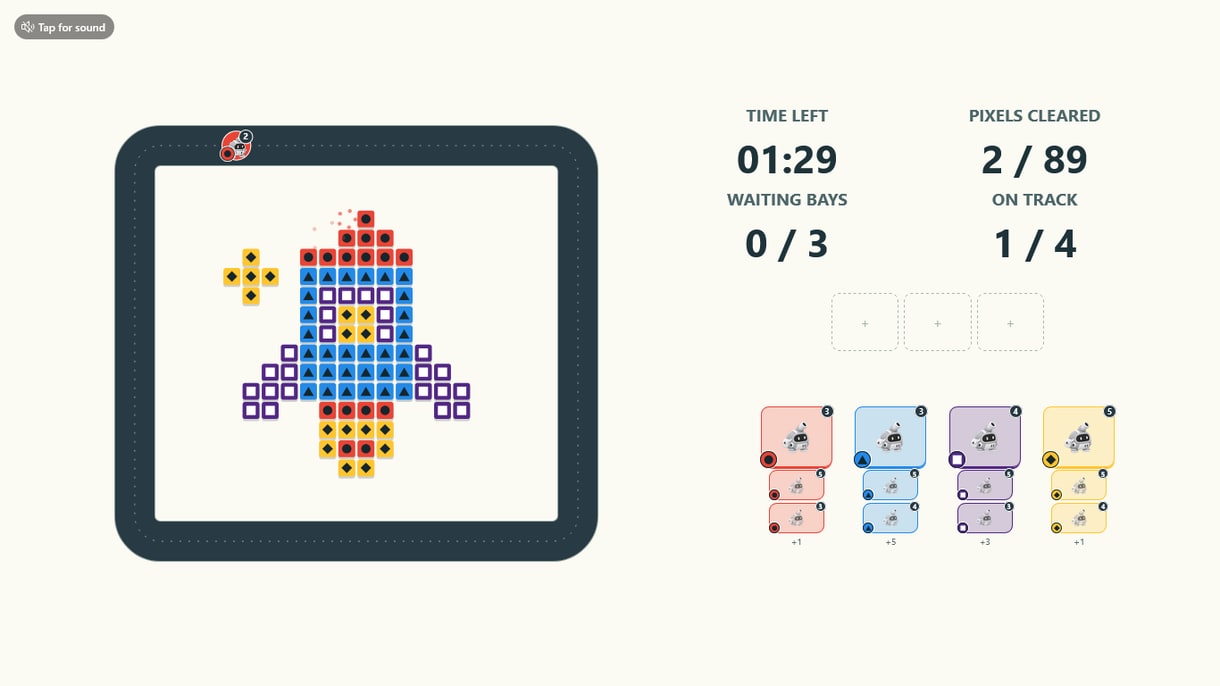
How Pixel Relay Works
Send a Robot
Tap or click the front robot in any queue. The timer starts when the first robot goes onto the track.
Match and Clear
Robots clear exposed pixels with the same colour and shape. A robot with shots left goes to a waiting slot, where players can send it out again.
Reveal the Picture
Clear every pixel to reveal the original artwork and see your time. The round ends if the timer runs out or the track and waiting slots are both full.
Continue the Campaign
Try again from the result page, or connect the game to a leaderboard, reward or other campaign step.
The Rocket Challenge
The demo uses a four-colour rocket with 89 pixels and 23 robots. Each robot has three, four or five shots. Use the built-in rocket or replace it with your logo, a product image or an event illustration.
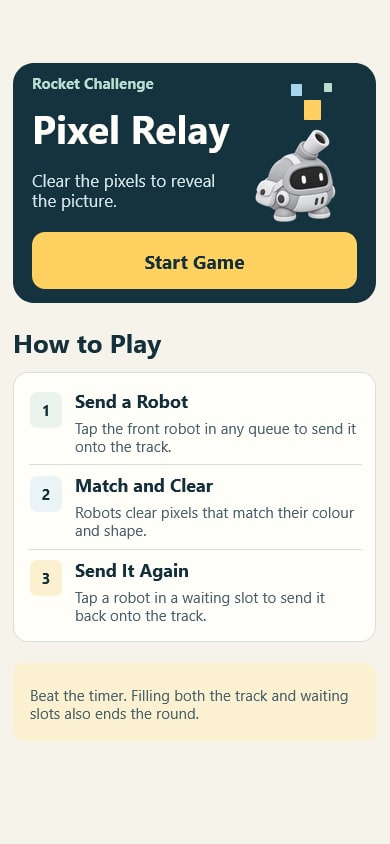 9:16
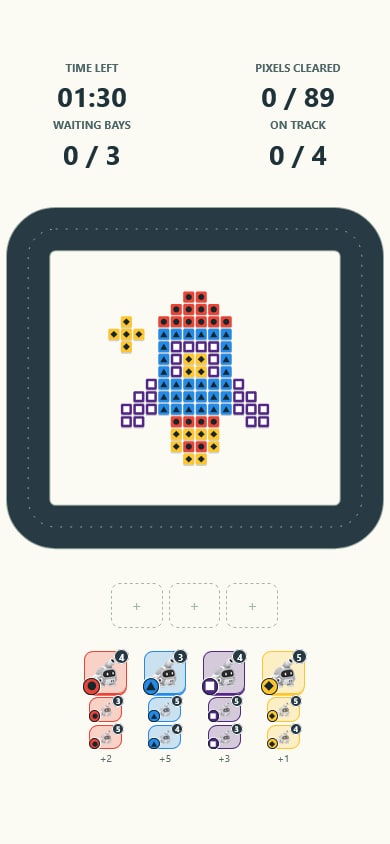 9:16
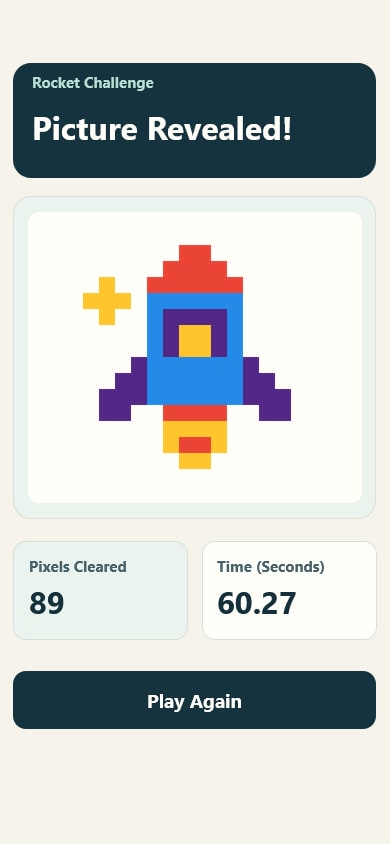 9:16
What You Can Customise
What Pixel Relay Can Do for Your Campaign
Attract and Engage Users
Make the final image part of a product launch or event reveal. Each cleared pixel brings players closer to seeing it.
Reinforce Campaign Messaging
Use your own artwork. The game turns the image into pixels and checks that the level can be cleared before you save it.
Capture Participation Data
Track plays, scores and conversion, and collect contact details where needed.
Extend the Engagement
Connect the game to a leaderboard, reward, voucher, lucky draw or the next step in the campaign journey.
Where Brands Use It
Events
Create a quick and engaging activity that encourages attendees to stop and participate.
Exhibitions
Attract visitors to the booth with a simple and repeatable branded challenge.
Shopping Malls
Run interactive games for shopper engagement, seasonal campaigns and promotions.
Retail Stores
Support product promotions, purchases and in-store reward journeys.
Product Launches
Turn product features, visuals or campaign messages into an interactive game.
Roadshows and Pop-Ups
Launch the same branded experience across different campaign locations.
Ways to Set It Up
Online Experience
Users can access the game through a web browser on their own device.
On-Site Experience
The game can be set up as a physical experience at events, retail spaces, exhibitions or activations.
Frequently Asked Questions
Yes. Upload a PNG, JPG or WebP. The game converts it into pixels and checks that the resulting level can be cleared.
Each colour has a matching shape on the robot marker and on the pixels it can clear.
An internet-connected phone, tablet or computer. Tap or click the robots to send them around the track.
Build and Launch Your Marketing Game
Customise the gameplay, design the screens and launch your marketing game online or on-site with qiksense.