Red Packet Puzzle
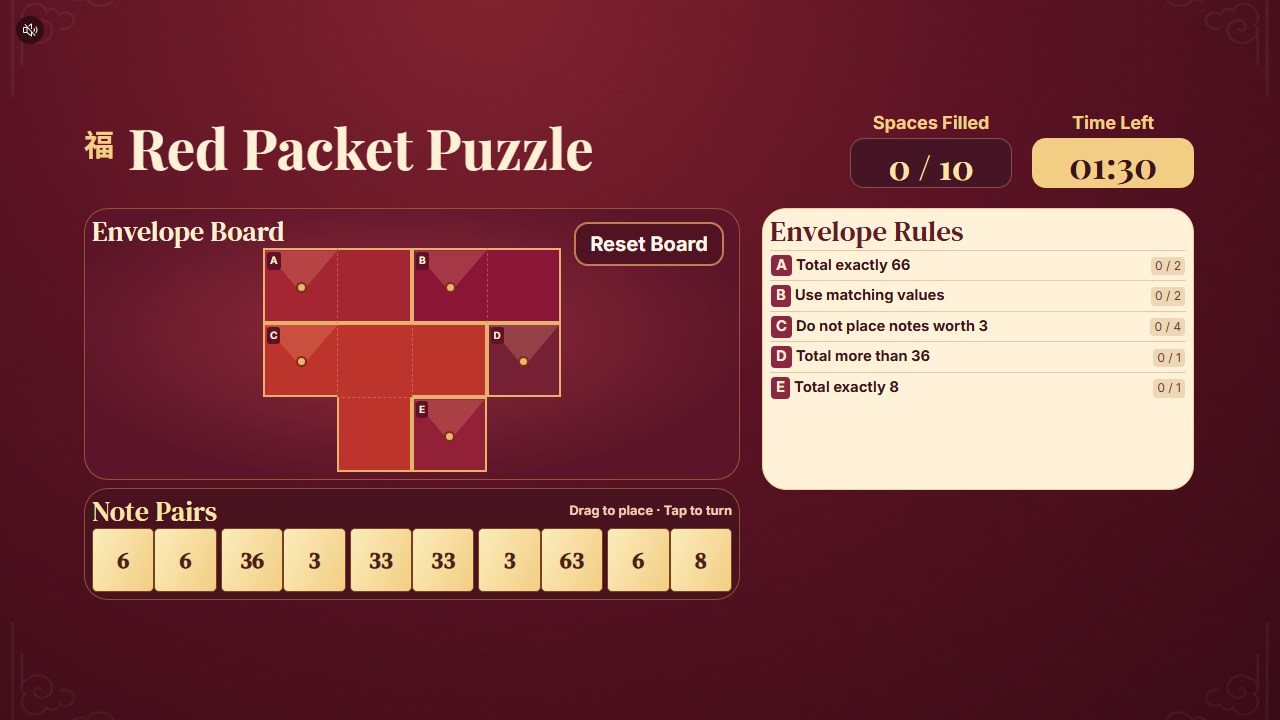
Fill a board of red envelopes in one 90-second round. Drag each pair of banknotes into two empty spaces and tap to turn it. Fill all ten spaces and meet each envelope’s rule before time runs out.
How Red Packet Puzzle Works
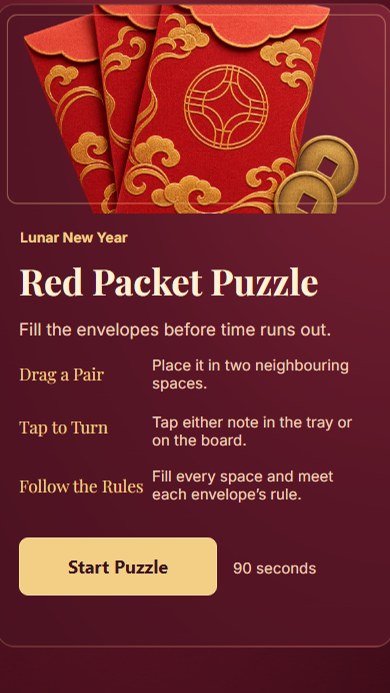
Read the Envelope Rules
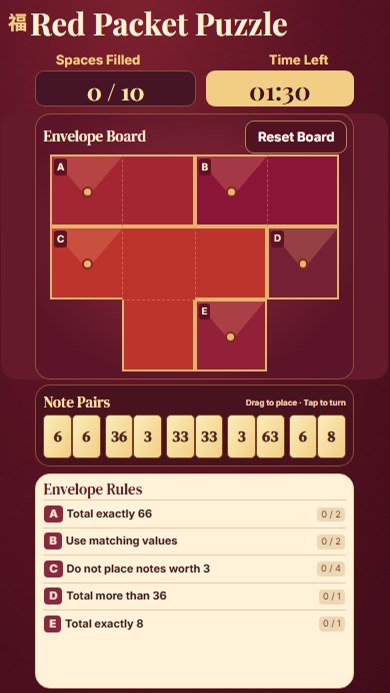
Each envelope has a rule, such as an exact total or matching values.
Place and Turn the Pairs
Drag a pair into two neighbouring empty spaces. Tap a pair to turn it.
Complete the Board
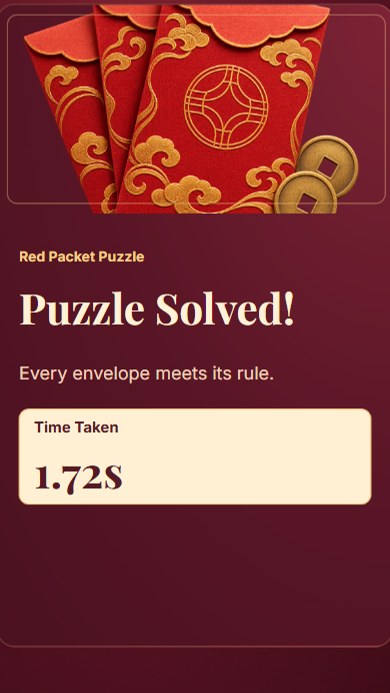
Fill all ten spaces and satisfy every rule to see your completion time. If time runs out, you can try again.
The Lunar New Year Puzzle
The demo uses a red-and-gold board with five envelopes, five pairs of banknotes and 90 seconds to solve the puzzle.
 9:16
 9:16
 9:16
What You Can Customise
Where Brands Use It
Events
Create a quick and engaging activity that encourages attendees to stop and participate.
Exhibitions
Attract visitors to the booth with a simple and repeatable branded challenge.
Shopping Malls
Run interactive games for shopper engagement, seasonal campaigns and promotions.
Retail Stores
Support product promotions, purchases and in-store reward journeys.
Product Launches
Turn product features, visuals or campaign messages into an interactive game.
Roadshows and Pop-Ups
Launch the same branded experience across different campaign locations.
Ways to Set It Up
Online Experience
Users can access the game through a web browser on their own device.
On-Site Experience
The game can be set up as a physical experience at events, retail spaces, exhibitions or activations.
Frequently Asked Questions
Yes. Set the board, banknote pairs and envelope rules in Builder and verify the puzzle before using it.
No. Use a touchscreen, mouse or trackpad.
Build and Launch Your Marketing Game
Customise the gameplay, design the screens and launch your marketing game online or on-site with qiksense.