Smile Rating
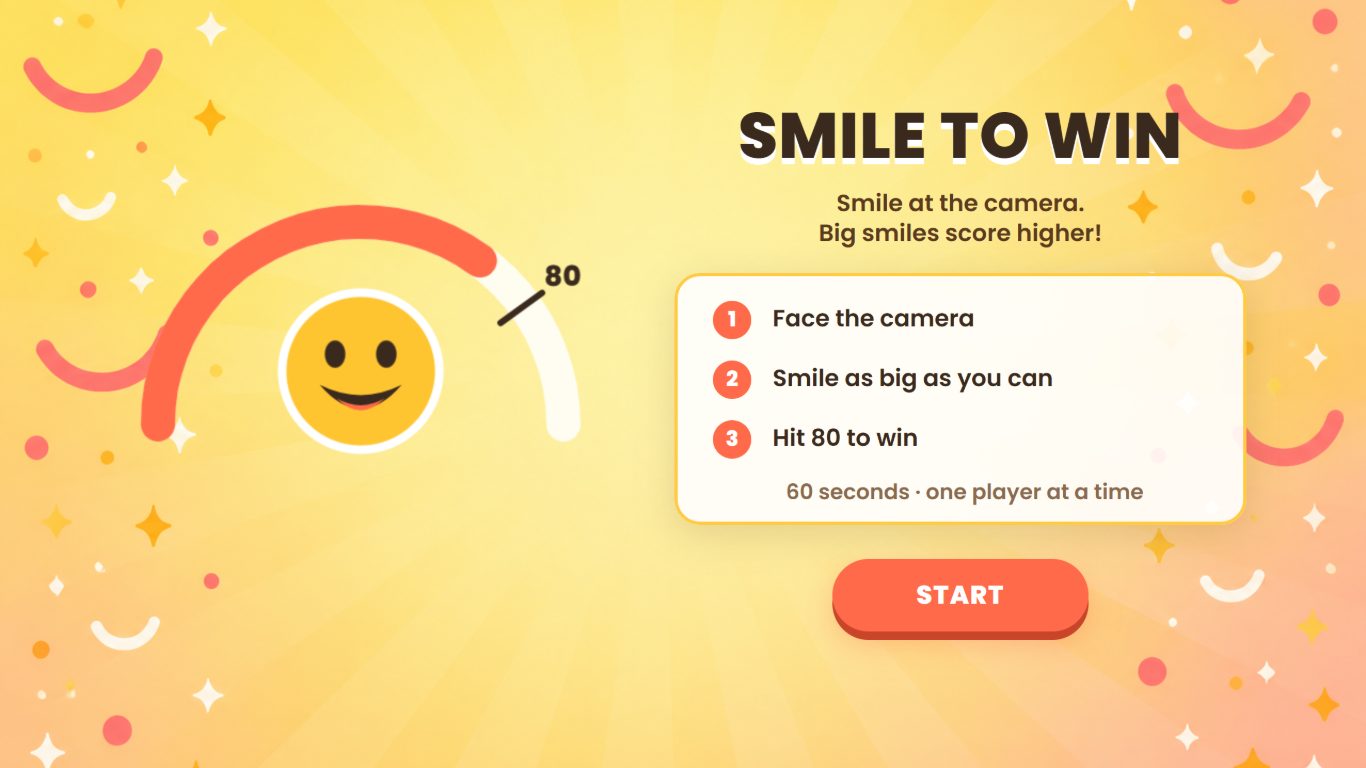
A smile challenge for the camera. Players smile at the screen, the strength of their smile is scored from 0 to 100 in real time, and reaching the target score wins the round. Shown here as Smile to Win, where players have 60 seconds to reach 80, it works on an on-site screen with a front camera or on a visitor’s own phone or laptop.
How Smile Rating Works
Start the Challenge
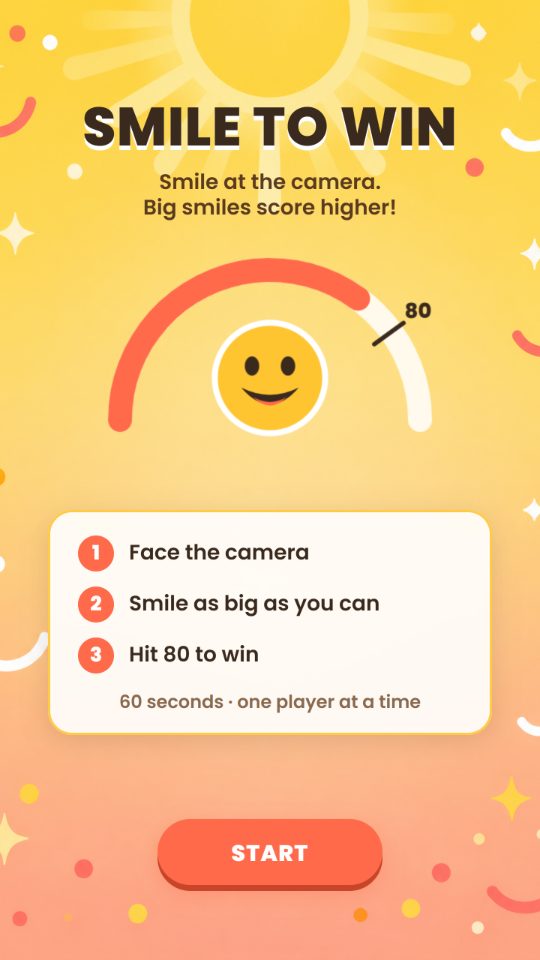
In the demo, users see how to win on the start screen, then tap Start and allow camera access. The countdown starts as soon as the camera is running.
Smile at the Camera
The camera reads the player’s face about seven times a second and scores the smile from 0 to 100. Only a smile counts, so a plain face scores 0, and the score is smoothed so one lucky frame cannot win.
Receive the Result
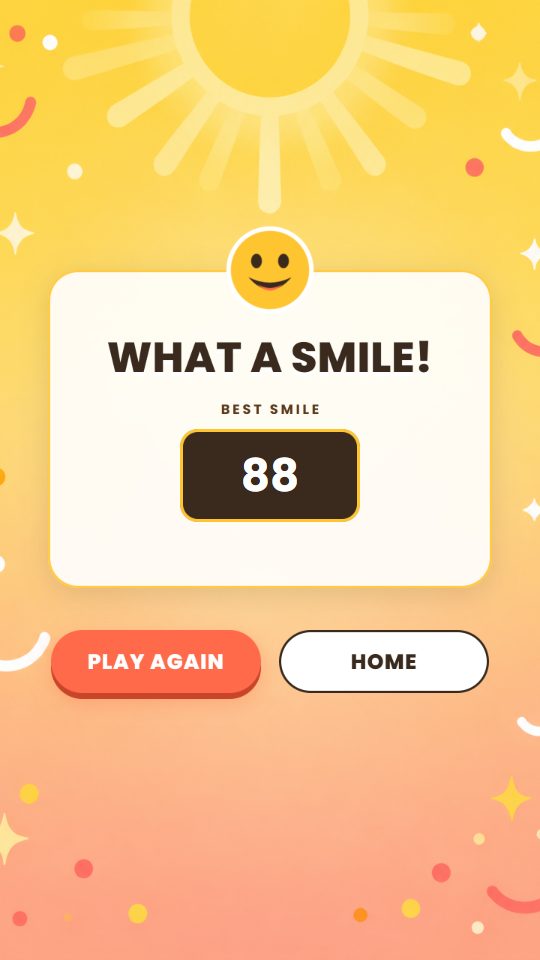
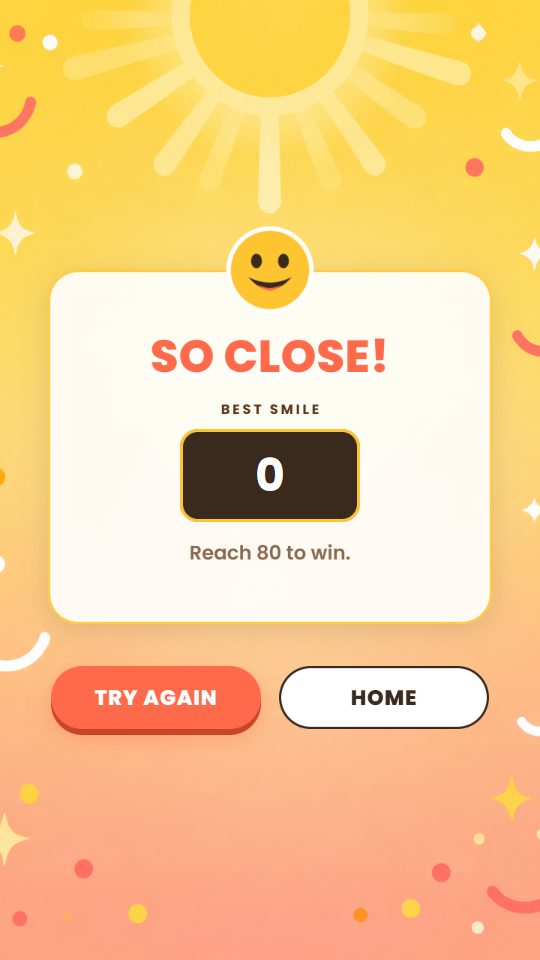
The round ends as a win the moment the score reaches the target, or as a loss when time runs out. Either way, the best score of the round is the one recorded. The demo gives 60 seconds to reach 80.
Continue the Journey
Winners and everyone else go on to their own pages, which can show the best score, the rank and the leaderboard, or lead to a reward, registration or another campaign step.
The Smile to Win Demo
The demo shows Smile Rating as Smile to Win, in a sunny yellow theme. A start screen sets out the challenge: face the camera, smile as big as you can and hit 80 to win, with 60 seconds and one player at a time. The live score and the time left sit on top of the camera picture, and a result screen shows the best smile of the round. Keep it as it is, or swap in your own screens, background and copy.
 9:16
 9:16
 9:16
 9:16
What You Can Customise
What Smile Rating Can Do for Your Campaign
Give People a Reason to Stop
A screen that scores your smile is an easy invitation. Anyone walking past knows what to do, and the live score makes them want to try.
Interact Without Touching
Players take part with a smile alone, so there is nothing to tap during the round.
Bring a Feel-Good Message to Life
A smile challenge suits campaigns about happiness, customer satisfaction or a brand that wants people to leave smiling.
Set the Challenge
Choose the score to win, so an ordinary smile passes in a second or two, or only a big grin will do.
Rank the Best Smiles
Put won rounds on a leaderboard ranked by the best smile, highest first.
Guide Users Into the Next Action
Connect the result to a prize, registration, campaign message or another game.
Where Brands Use It
Events
Set up a smile challenge that gets attendees to stop, step up and play.
Exhibitions
Draw people walking past towards the booth with a screen that scores their smile.
Shopping Malls
Run a feel-good challenge for seasonal campaigns and shopper promotions.
Retail Stores
Place a smile challenge near entrances, product displays or promotional areas.
Product Launches
Link the moment people smile to a new product, message or reward.
Roadshows and Pop-Ups
Bring the same smile challenge to every campaign location.
Ways to Set It Up
Online Experience
Users play in a web browser on their own device, using its front camera.
On-Site Experience
Smile Rating runs on a screen with a front camera at an event, exhibition, shopping mall, retail space or activation.
Frequently Asked Questions
Smile Rating is a camera experience that scores the strength of a player’s smile from 0 to 100 in real time. Reaching the target score you set wins the round, and the best score of the round is recorded.
Smile to Win is the demo shown on this page. Players face the camera and smile as big as they can, and a score of 80 within 60 seconds wins. Use it as it is, or set your own target score, round length and brand art.
A device with a front camera, such as their own phone or laptop, or an on-site screen with a camera. Players allow camera access to start, and their face should be well lit from the front. One player is scored at a time.
Not during the round. The camera does the work, and touch is only needed for buttons on the pages around it, such as Start.
No. Only a smile is scored. A plain face, a frown or a surprised look all score 0.
Yes. Set the score to win and the round length, style and place the live score and timer, and design your own start and result pages.
Yes. A leaderboard can rank players by their best smile, highest first, keeping each player’s best score. Only won rounds go on it.
Yes. A prize can be attached to a won round and shown on the next page.
No. It runs in a web browser with camera access.
Data collection is optional. Registration, consent and customised questions can be added as steps before or after the round.
Build and Launch Your Smile Rating
Set the score to win, design the screens around the camera and connect the smile challenge to your wider campaign journey with qiksense.