Survey
A structured form with eleven question types, from short text and choices to scales, grids, dates and times. Users answer and submit, every response is recorded against the campaign, ready to export. Run it standalone or place it in front of a game to earn the play.
How the Survey Works
Open the Survey
Users arrive at the form with its title, short description and question list.
Answer the Questions
Eleven field types cover text, choices, scales, grids, dates and times. Required questions must be filled before submitting.
Submit
Users press Submit and every answer is recorded against the campaign in one accepted submission.
Continue the Journey
The campaign moves to the next step, such as a thank-you page, a reward or a game, and the responses are saved for export.
A Closer Look
 9:16
9:16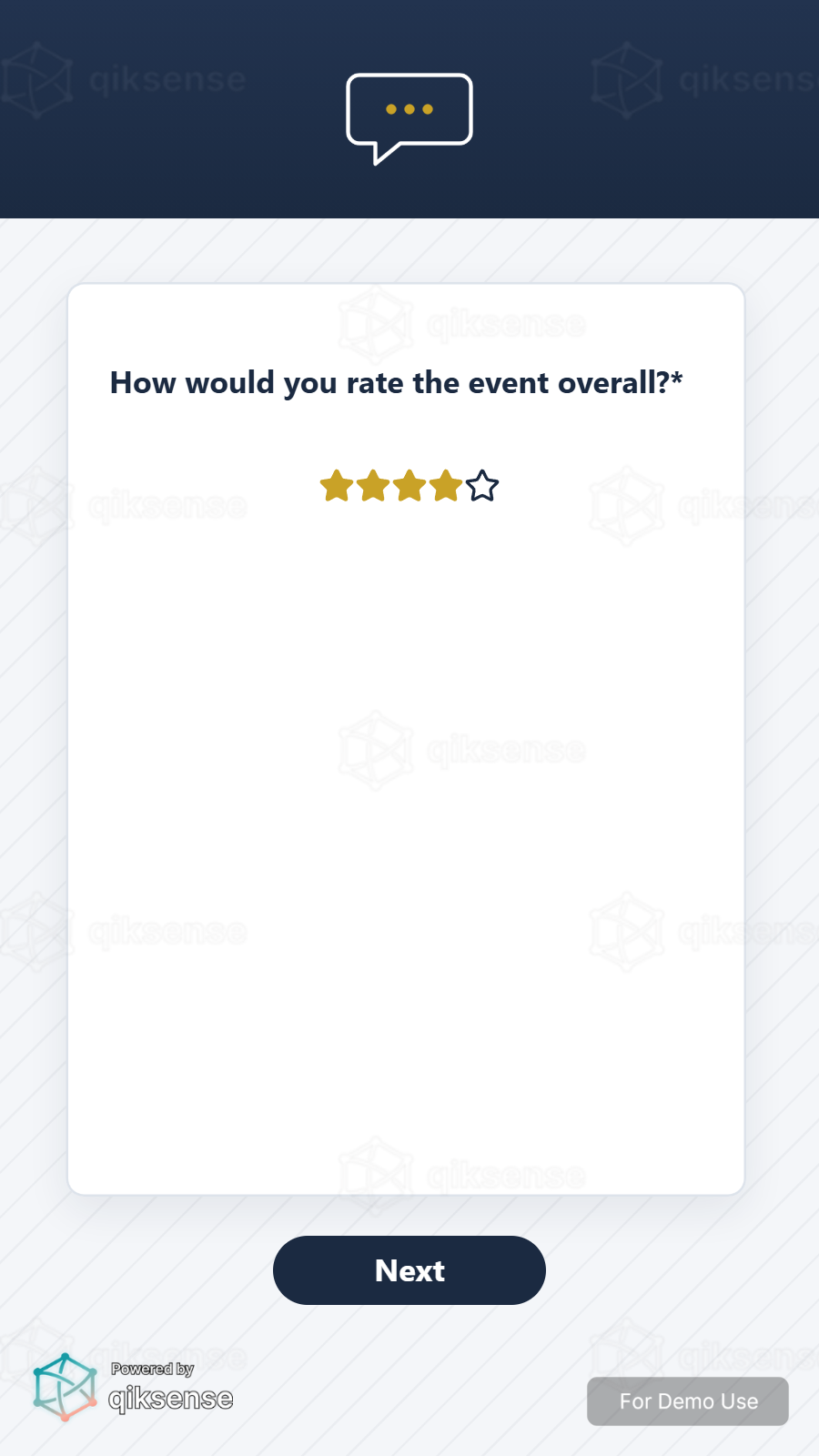 9:16
9:16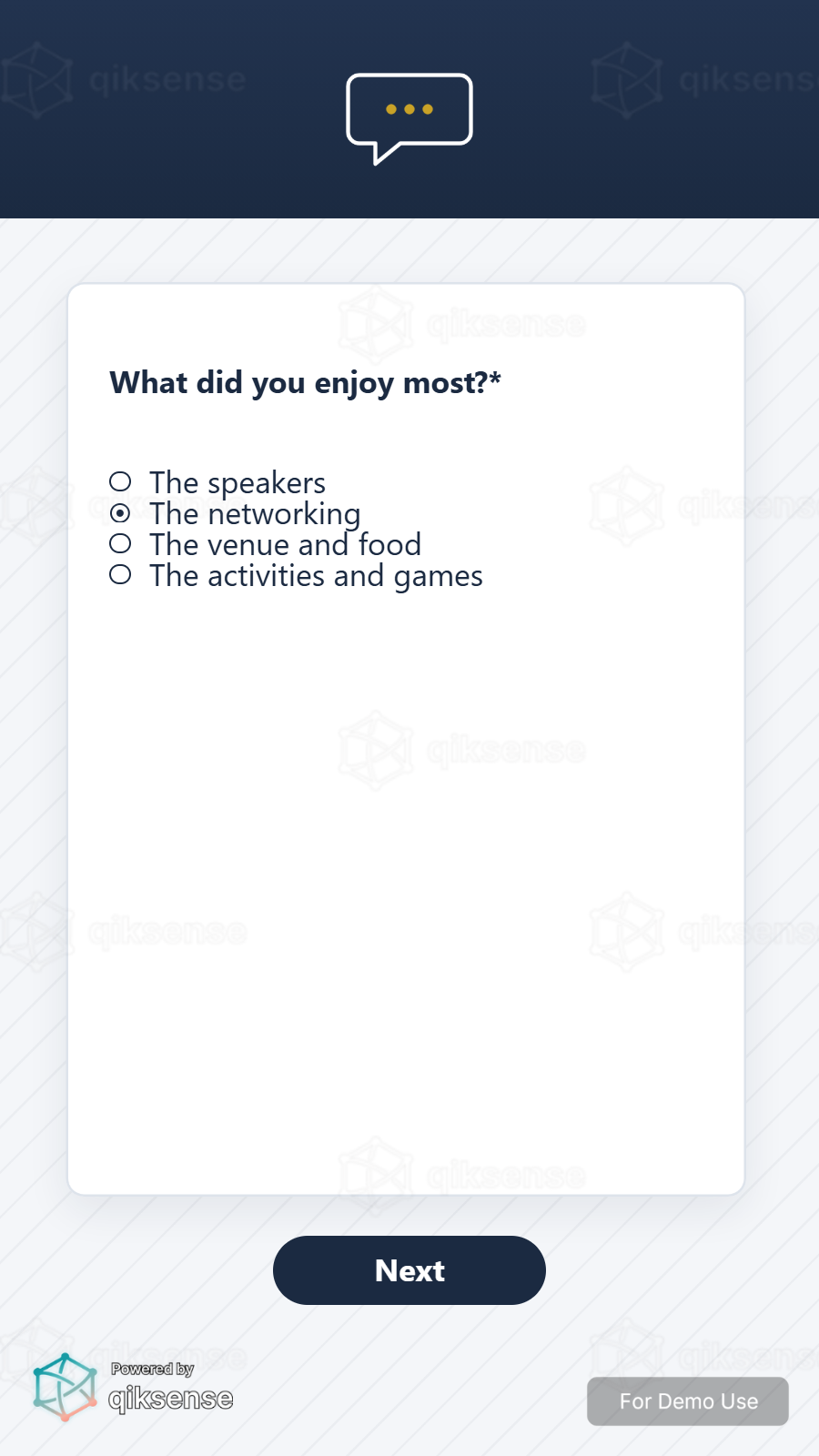 9:16
9:16 9:16
9:16What You Can Customise
What the Survey Can Do for Your Campaign
Capture Structured Feedback
Eleven question types return opinions, preferences and details in a clean, analysable shape.
Qualify the Audience
Place the survey in front of a game or reward so every play comes with the answers you need.
Capture Participation Data
Every submission is recorded against the campaign, ready to export.
Extend the Engagement
Route users onward to a game, reward or thank-you step the moment they submit.
Where Brands Use It
Events
Capture opinions, run personality moments and qualify leads while users are engaged.
Exhibitions
Turn booth conversations into structured, exportable responses.
Shopping Malls
Run shopper polls, preference tests and campaign sign-ups.
Retail Stores
Collect product feedback and route shoppers to recommendations.
Product Launches
Teach the story with questions, then measure what landed.
Roadshows and Pop-Ups
Run the same questions at every stop through a link or QR code.
Ways to Set It Up
Online Experience
Users can access the questions through a web browser on their own device.
On-Site Experience
The experience can be set up on-site at events, retail spaces, exhibitions or activations.
Frequently Asked Questions
Eleven, from a single line of text through single and multiple choice, scales, grids, dates and times. Required questions can be enforced before submission.
Anywhere after the entry point. It runs standalone, in front of a game so the answers are captured before users play, or at the end as a feedback step.
Yes. The title, description, question layout, backgrounds, colours, typography and buttons can be styled to the campaign or brand identity.
Yes. A prize can be attached to the survey step so users receive it after submitting.
Every submission is recorded against the campaign and can be exported, alongside participation and completion tracking.
Turn Opinions Into Campaign Data
Build the form, attach a reward and export every response with qiksense.