Tap NFC Card
Turn a physical NFC card into an interactive prop that connects users to a digital experience. At the activation, users pick up the card and tap it on an NFC reader to trigger a page, reveal content, perform an action or continue to the next campaign step. The card becomes part of the interaction itself, creating a simple way to connect a physical prop with content and experiences on a digital screen.
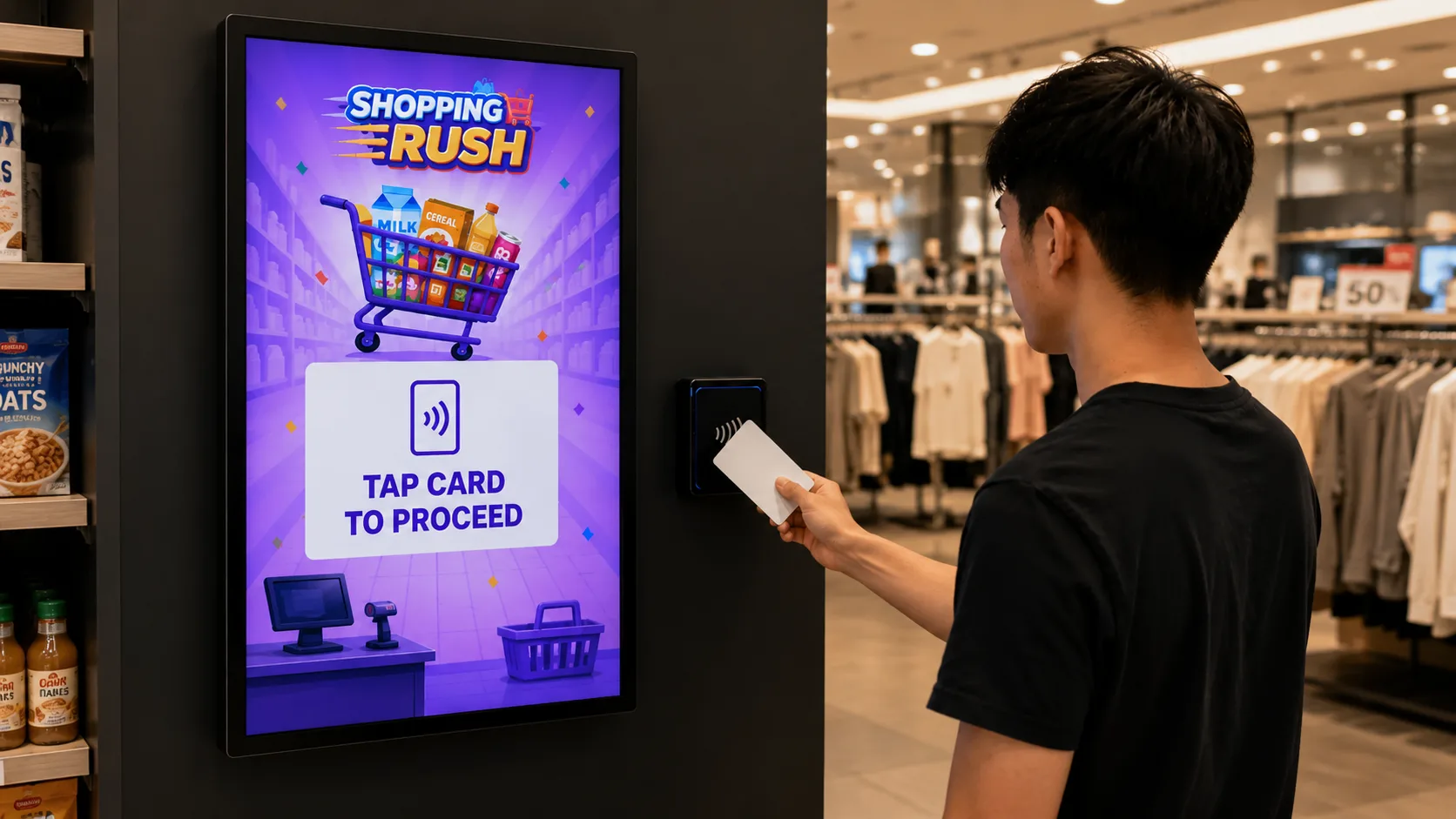
How the Tap NFC Card Works
Pick up the Card
Users pick up the physical NFC card provided as the interactive prop at the activation.
Tap the NFC Card
Users tap the card on the NFC reader to trigger the interaction.
Trigger an Action
The system recognises the card and automatically performs the action assigned to it.
Continue the Journey
The tap can open another page, reveal content, start an experience, unlock a reward or continue to another campaign step.
Campaign in Action
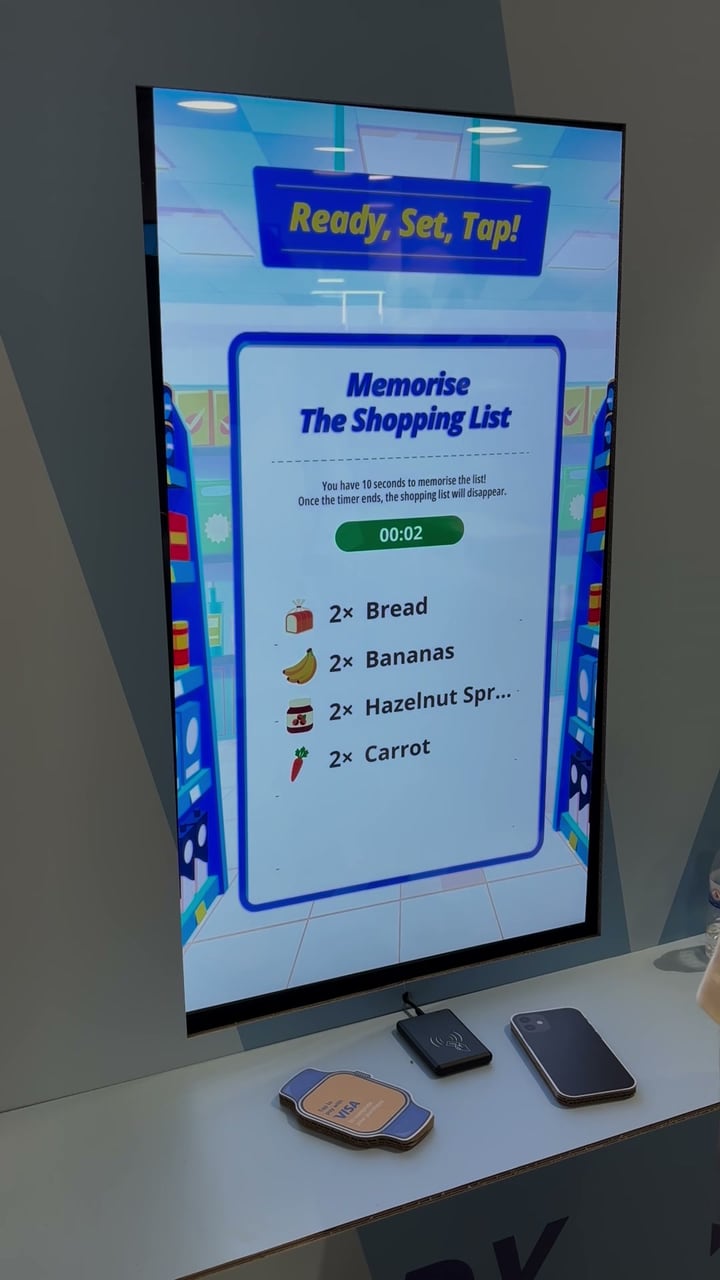
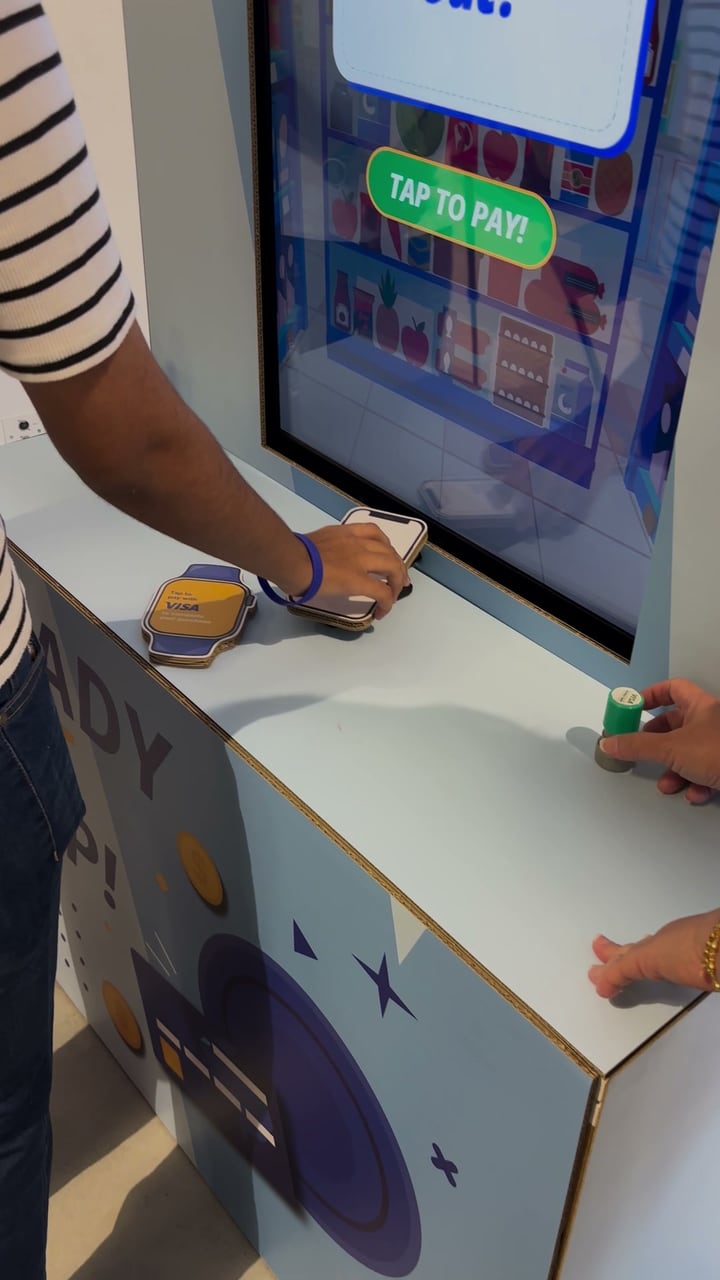
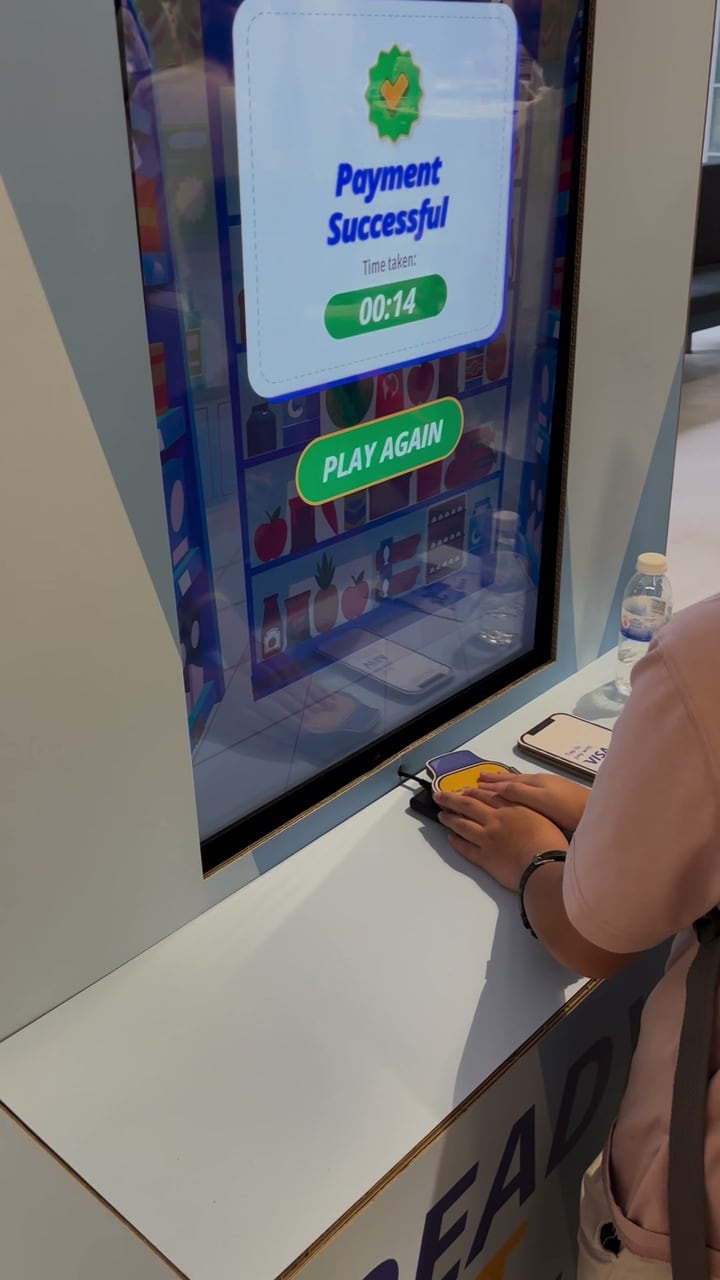
The Visa Family Day checkout, where children tapped a cardboard Visa phone or smartwatch with an NFC card inside on the reader to pay.
What You Can Create
What You Can Customise
What the Tap NFC Card Can Do for Your Campaign
Add Physical Interaction
Give users a physical prop to pick up and tap instead of relying only on touchscreen interaction.
Connect Physical and Digital
Turn branded cards or campaign props into triggers for digital content and experiences.
Encourage Discovery
Use different cards to let users explore products, stories, characters or campaign messages through physical interaction.
Create Different Journeys
Assign different actions to different cards so each card can lead users to a different experience or piece of content.
Extend the Campaign Journey
Connect the card tap to gamification, product content, registration, rewards, redemption or other campaign steps.
Where Brands Use It
Gamified Experiences
Use the NFC card as part of a larger game journey. For example, after a Memory Pick game in its Shopping Rush theme, users tap the card at a checkout step to pay, then move on to the success screen.
Events
Use physical cards to trigger games, content, rewards or other interactions at an event booth.
Exhibitions
Let visitors tap different cards to discover products, information or branded content.
Shopping Malls
Create tap based challenges, discovery journeys or reward mechanics that connect physical props with digital experiences.
Retail Stores
Use NFC cards as part of product discovery, checkout interactions, promotional activities or reward journeys.
Product Launches
Let users tap different product or feature cards to reveal content, trigger demonstrations or unlock experiences.
Roadshows and Pop-Ups
Use reusable NFC cards and readers to create the same physical and digital interaction across different locations.
Frequently Asked Questions
Tap NFC Card is an interactive prop experience where users tap a physical NFC enabled card on a reader to trigger a digital action on screen.
The card can open another page, reveal campaign content, launch a game or interactive experience, unlock a reward or trigger another configured action.
Yes. Individual NFC cards can be configured to trigger different pages, content, experiences or campaign journeys.
Not necessarily. The card tap itself can act as the interaction and trigger the next action automatically.
Yes. The card artwork can be customised with campaign branding, product visuals, characters, colours or other designs.
Yes. The card tap can be one step within a longer journey that includes content, gamification, registration, rewards or redemption.
Yes. The screen UI before and after the interaction can be customised with campaign backgrounds, images, instructions, animations, messages and other visual elements.
Turn Physical Cards Into Interactive Triggers
Customise your NFC cards, configure each tap action and connect physical interaction to a wider digital campaign journey with qiksense.