Foot Pedal
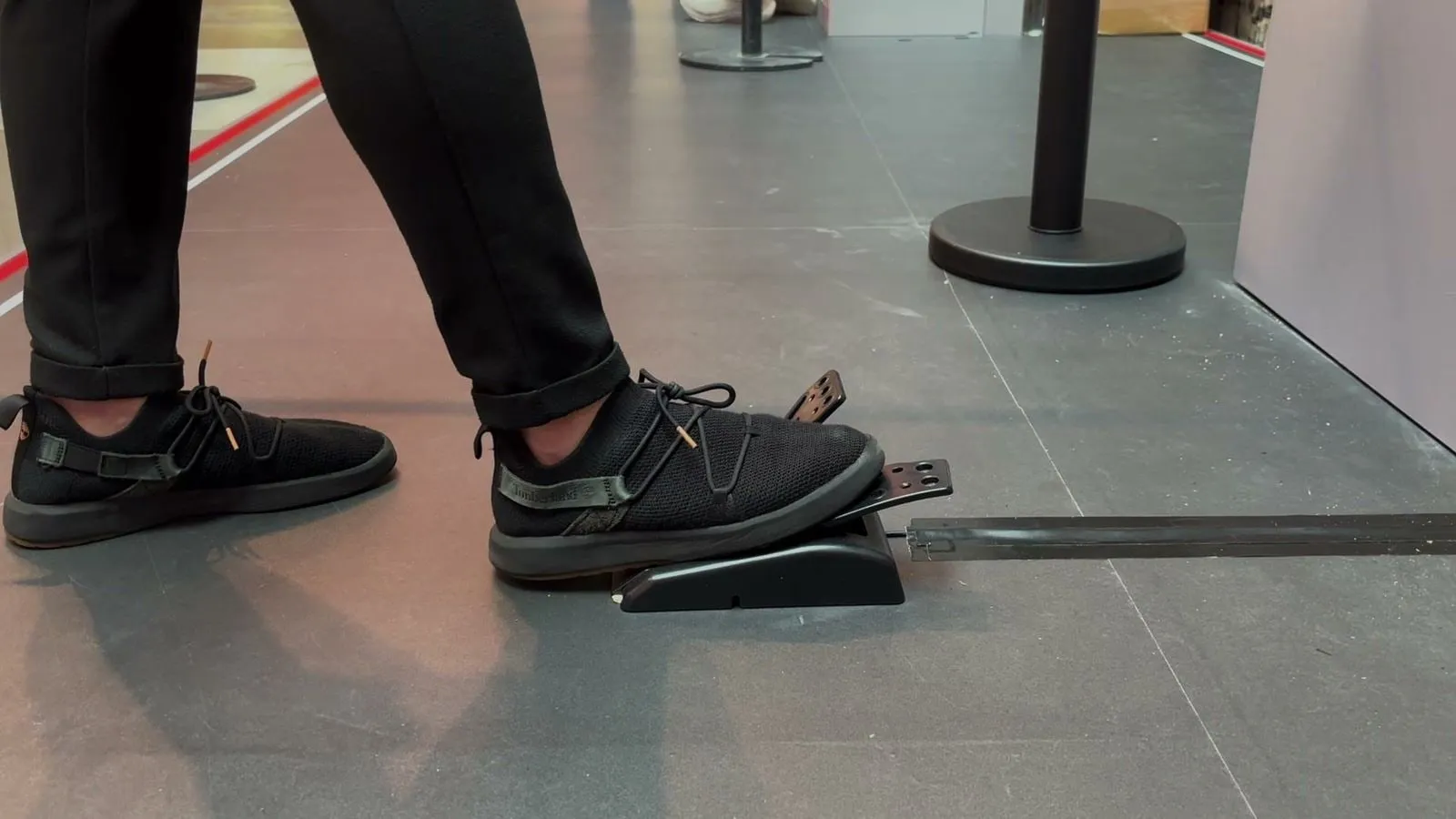
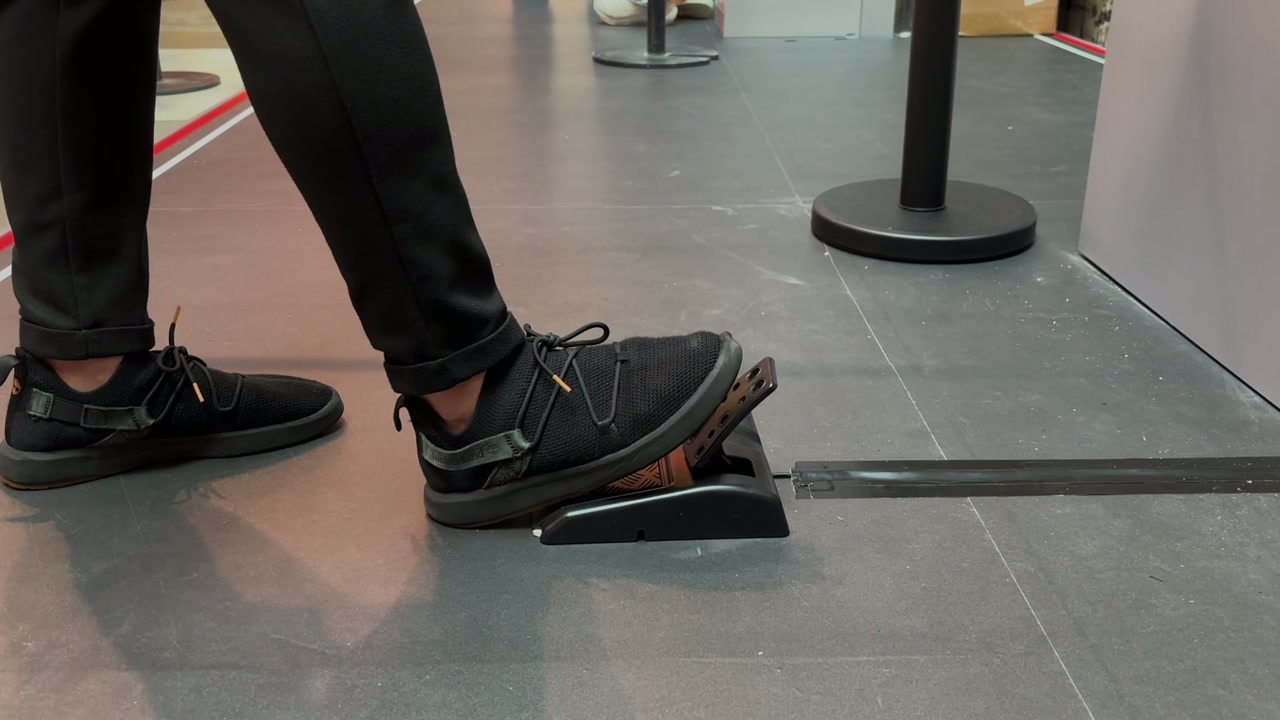
Turn a foot pedal into the controller of your game. Players stamp on the pedal to start a round, react, stop, steer or jump, so the game can be played without touching the screen. It works with any game button or screen that can be given a key, such as Lights Out, Stop On Target, Perfect Alignment, Lane Runner and the Runner Style Game.
How the Foot Pedal Works
Step up to the Pedal
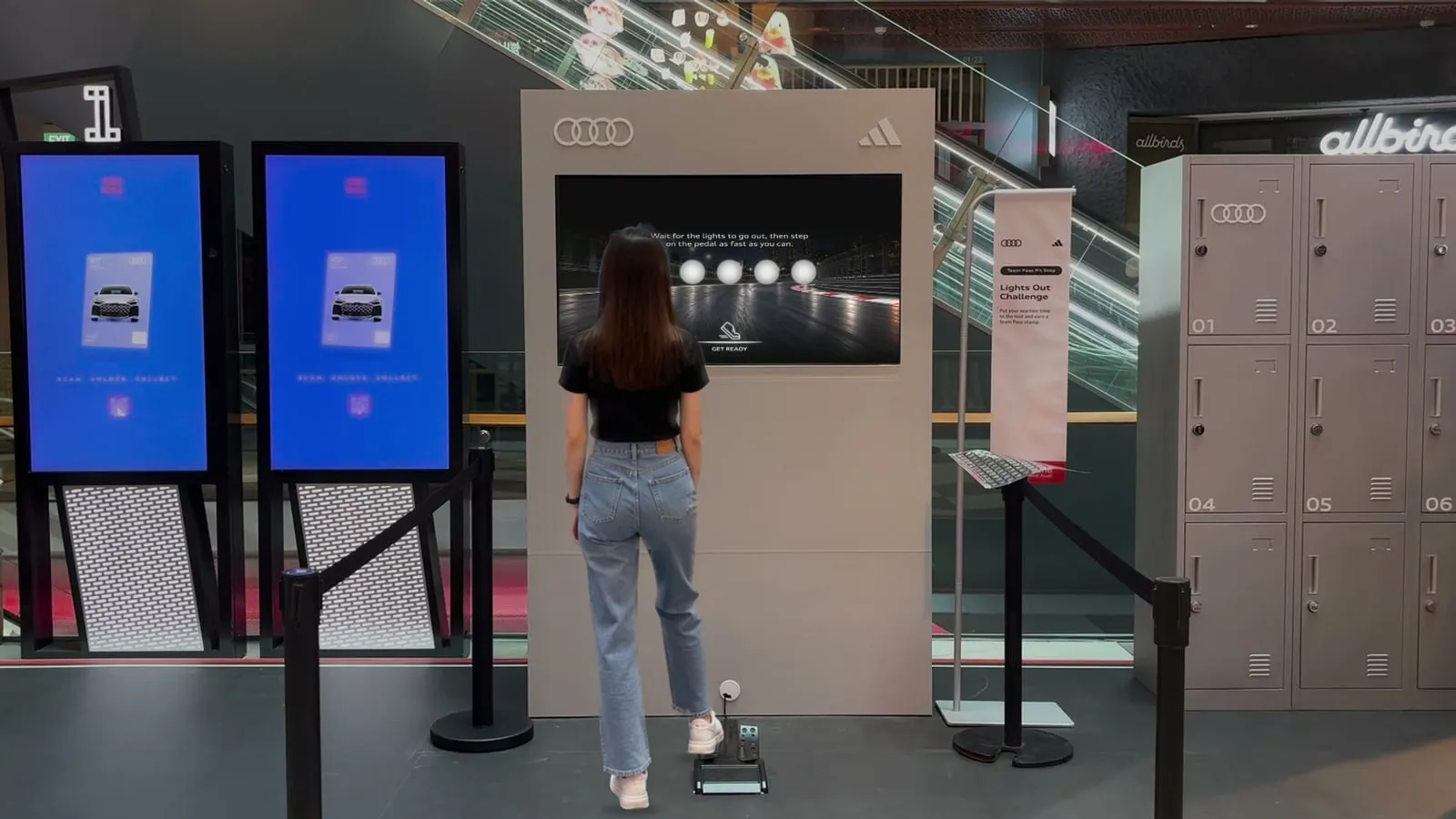
Players stand at the screen, with the foot pedal on the floor in front of them.
Step on It to Start
A press on the pedal starts the round, exactly like tapping the start button. Games that start by themselves open with a countdown instead.
Play With the Foot
Players stamp on the pedal to react, stop, steer or jump, depending on the game. Each press does exactly what a tap would.
Continue the Journey
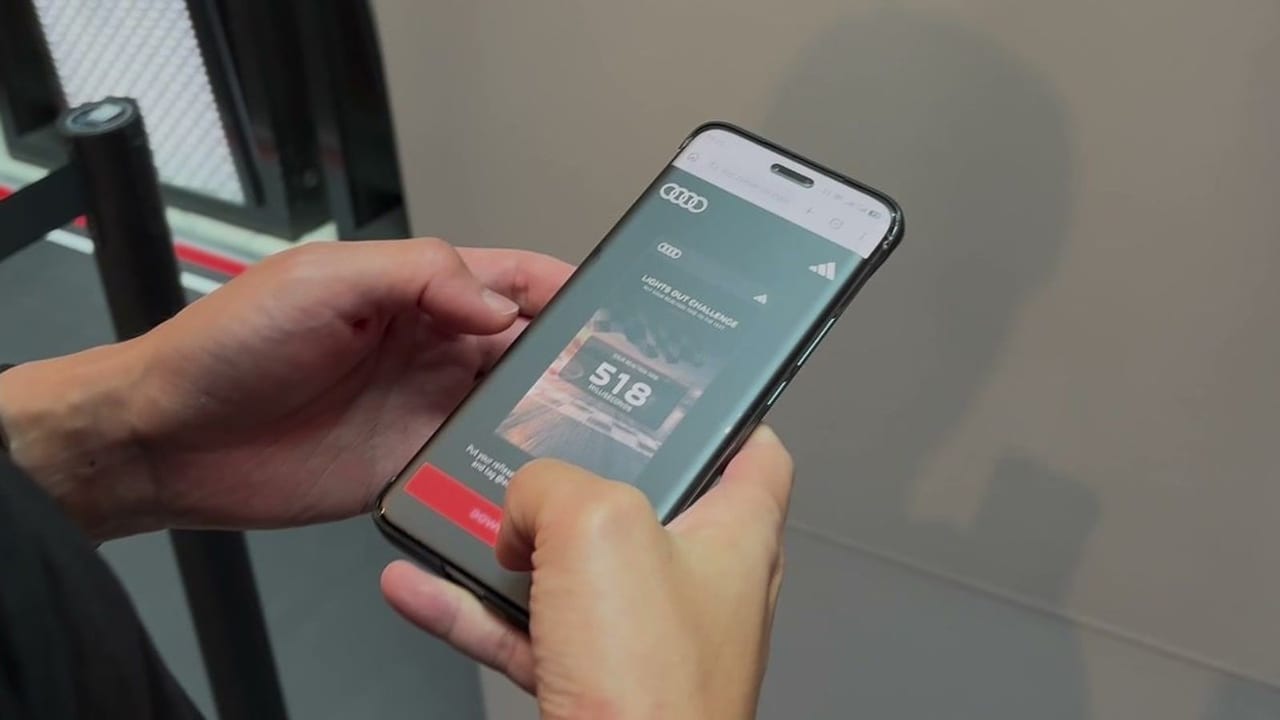
The result shows at the end of the round. Players can join a leaderboard, unlock a reward or play again, depending on the campaign setup.
Campaign in Action
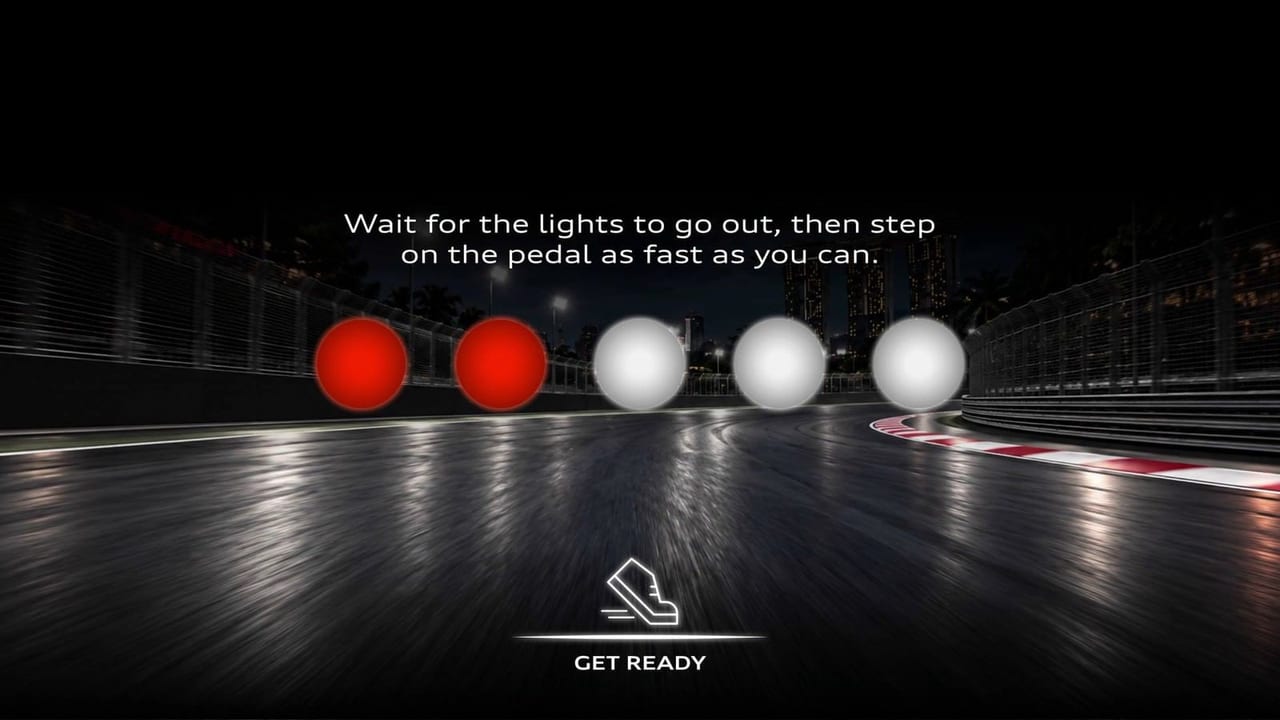
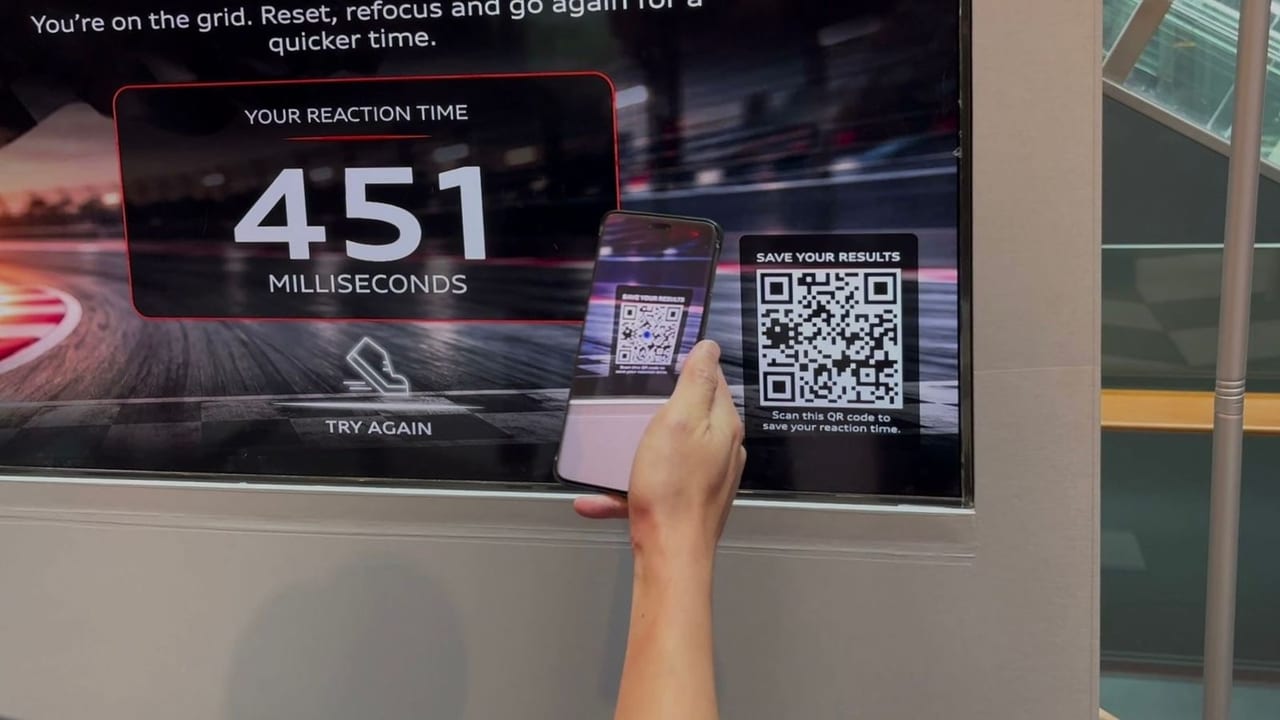
The Audi and adidas Lights Out Challenge in Funan, where fans used one foot pedal to start, react when the lights went out and play again.
What You Can Create
What You Can Customise
What the Foot Pedal Can Do for Your Campaign
Hands-Free Play
Players control the game with their feet instead of tapping a screen, which sets the booth apart.
Closer to the Real Thing
A stamp on a pedal feels like a driver’s start, a natural fit for motoring and sports brands.
Instantly Understood
One pedal and one action, so players know what to do the moment they step up.
Quick Rounds, More Players
In reaction games each round takes only a few seconds, so the queue keeps moving and players step on the pedal again to beat their time.
Works With the Games You Know
Any game button or screen that can be given a key responds to the pedal, from reaction games to runners.
Where Brands Use It
Motoring and Racing
Car launches, racing pop-ups and Formula 1 events, where a stamp on a pedal feels like a real start.
Sports Brands
Reaction challenges at product launches, store openings and sports events.
Events and Exhibitions
A hands-free booth game that visitors understand at a glance.
Shopping Malls and Pop-Ups
A prop on the floor that invites passers-by to step up and play.
Gamified Journeys
Use the pedal for the game in a longer journey, followed by a form, a print or a reward download.
Frequently Asked Questions
The Foot Pedal is an interactive prop that lets players control a qiksense game with their foot. The pedal sends a key press, and any game button or screen given that key responds exactly as if it had been tapped.
Lights Out, Stop On Target, Perfect Alignment, Lane Runner and the Runner Style Game. A pedal can also press Submit on a form or quiz, start a print or trigger a reward download.
Yes. Give the start button and the game the same key. In Lights Out, pressing the pedal starts the round, and pressing it again reacts.
Any foot pedal that sends a key press. The brake or throttle pedal of a connected racing wheel can also be used in Lights Out and Lane Runner.
Not when every control in the game is given the pedal’s key. At the Audi and adidas Lights Out Challenge, fans started, reacted and played again with the pedal alone.
Yes. Backgrounds, instructions and result screens can carry your campaign art, including a prompt that tells players to step on the pedal.
Let Players Play With Their Feet
Pair a foot pedal with Lights Out, Stop On Target, Perfect Alignment or a runner game, and turn a screen game into a hands-free challenge with qiksense.