Live Feedback Wall
Users scan a QR code, compose a message on their own phone and send it to the big screen, where posts appear live. Fill-in-the-blank prompts, photo uploads and a restricted-words filter keep the wall on-brand while the crowd fills it with content.
How the Live Feedback Wall Works
Scan and Compose
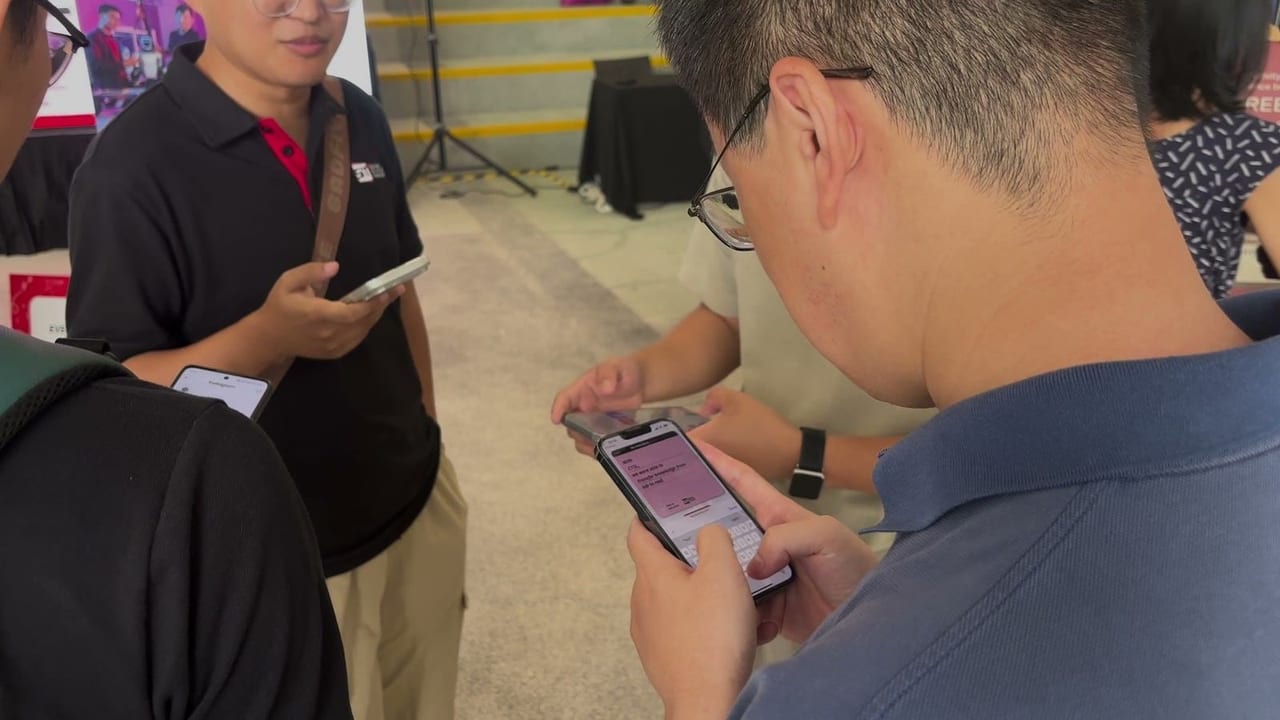
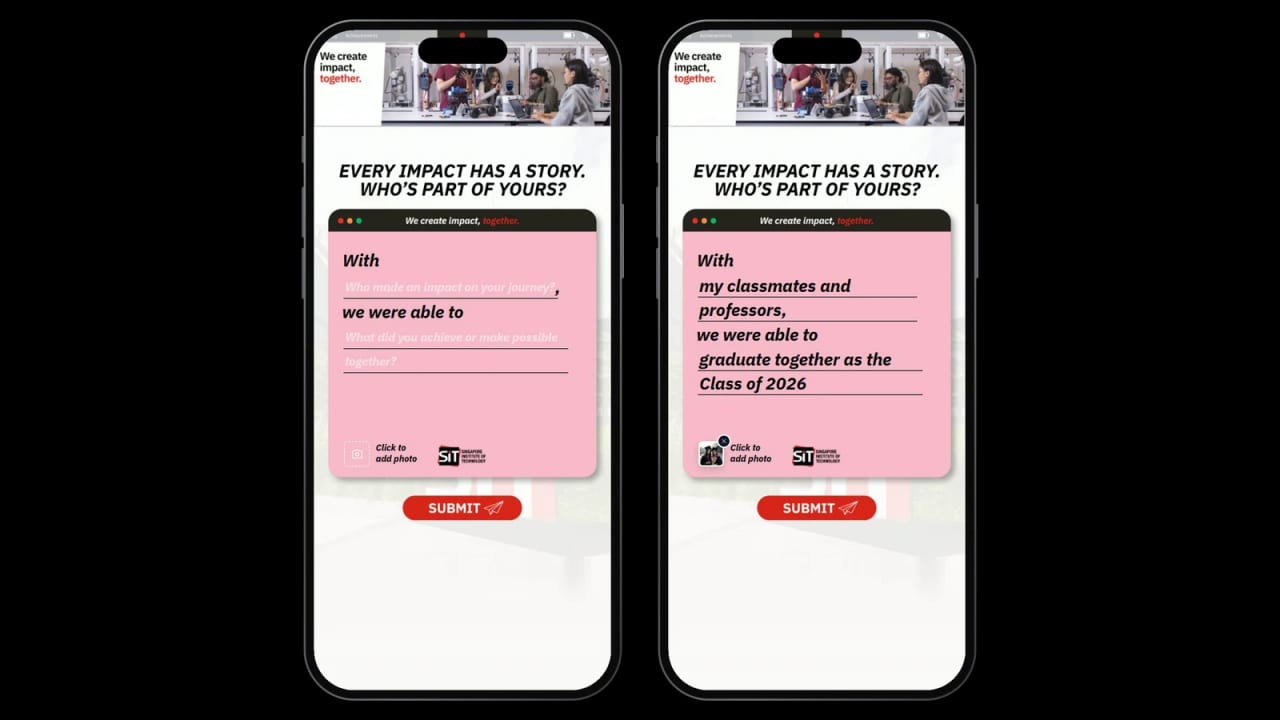
Users scan a QR code and compose a post on their own phone: a short message completing the campaign prompt, with an optional photo.
Send It In
Users tap Submit to send their post. The message is checked for restricted words as it is sent.
Appear on the Wall
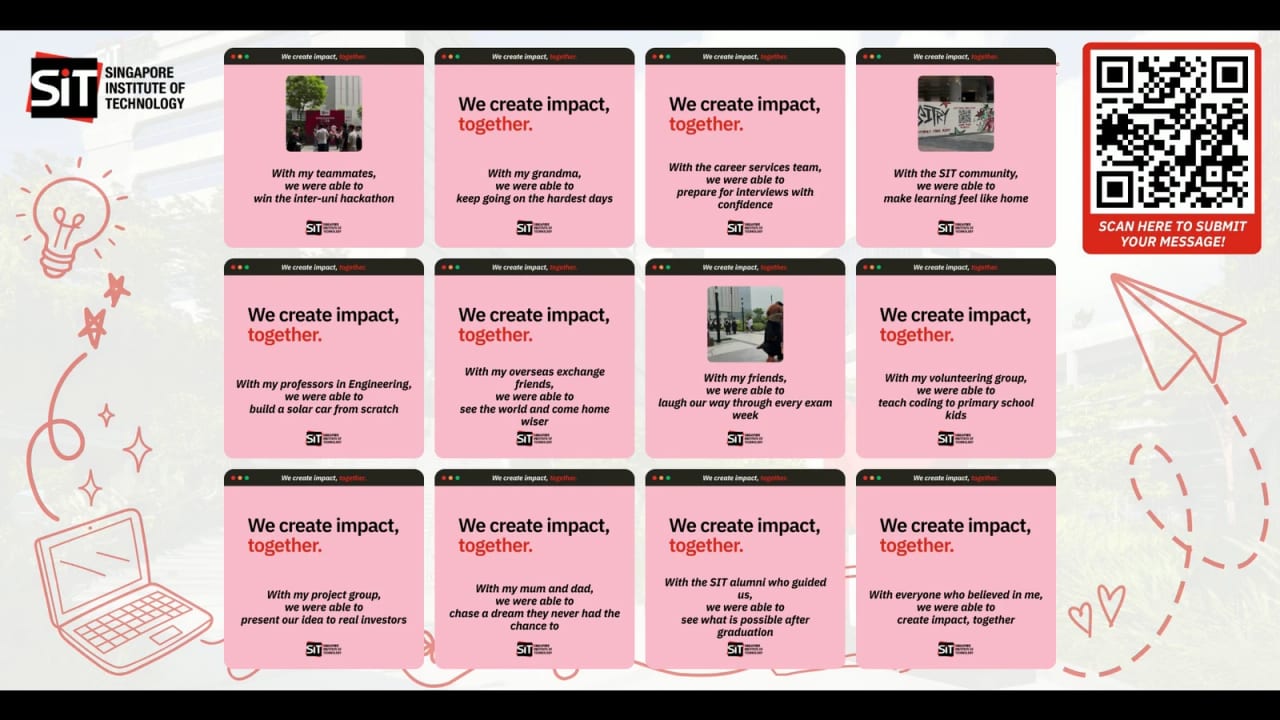
Sent cards land on the big screen as finished, designed pieces, joining the live wall as the crowd fills it.
After Sending
Users move on to the next page, such as a thank-you screen that can show their souvenir card. The wall updates live as posts arrive.
Campaign in Action
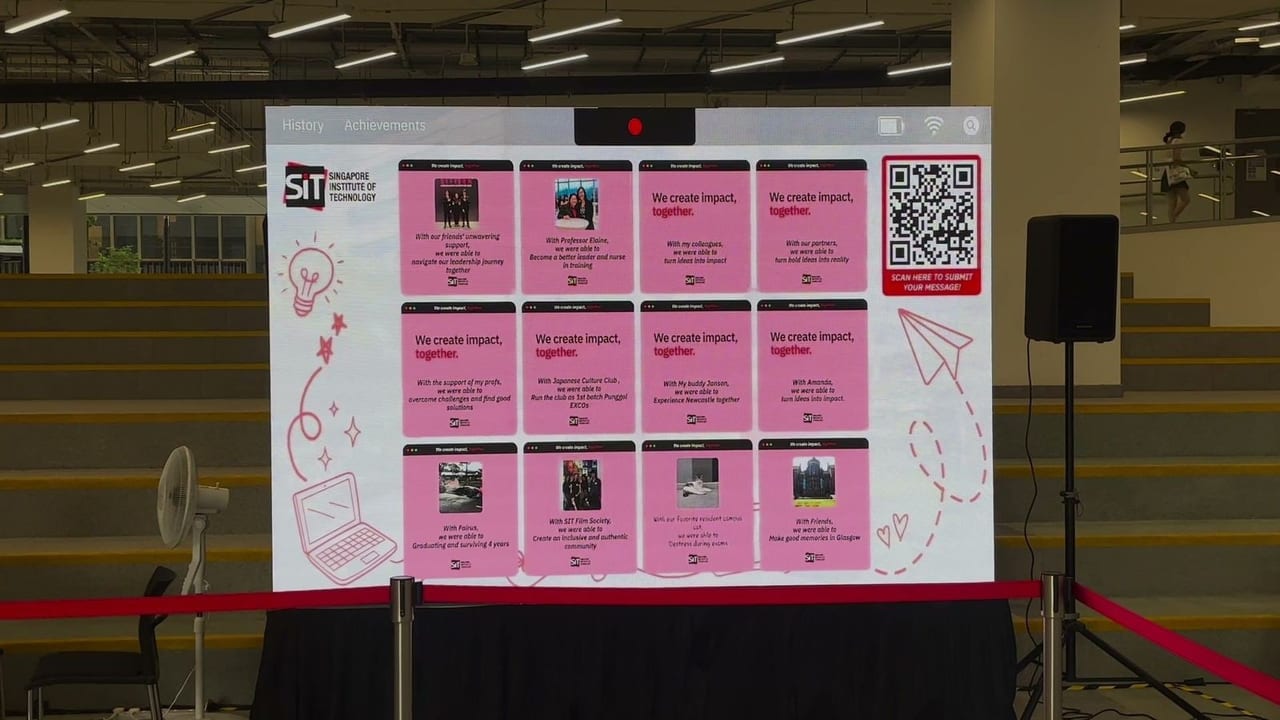
The SIT Convocation live wall, where graduates and families posted a message and photo from their phones.
Different Ways to Build Your Campaign
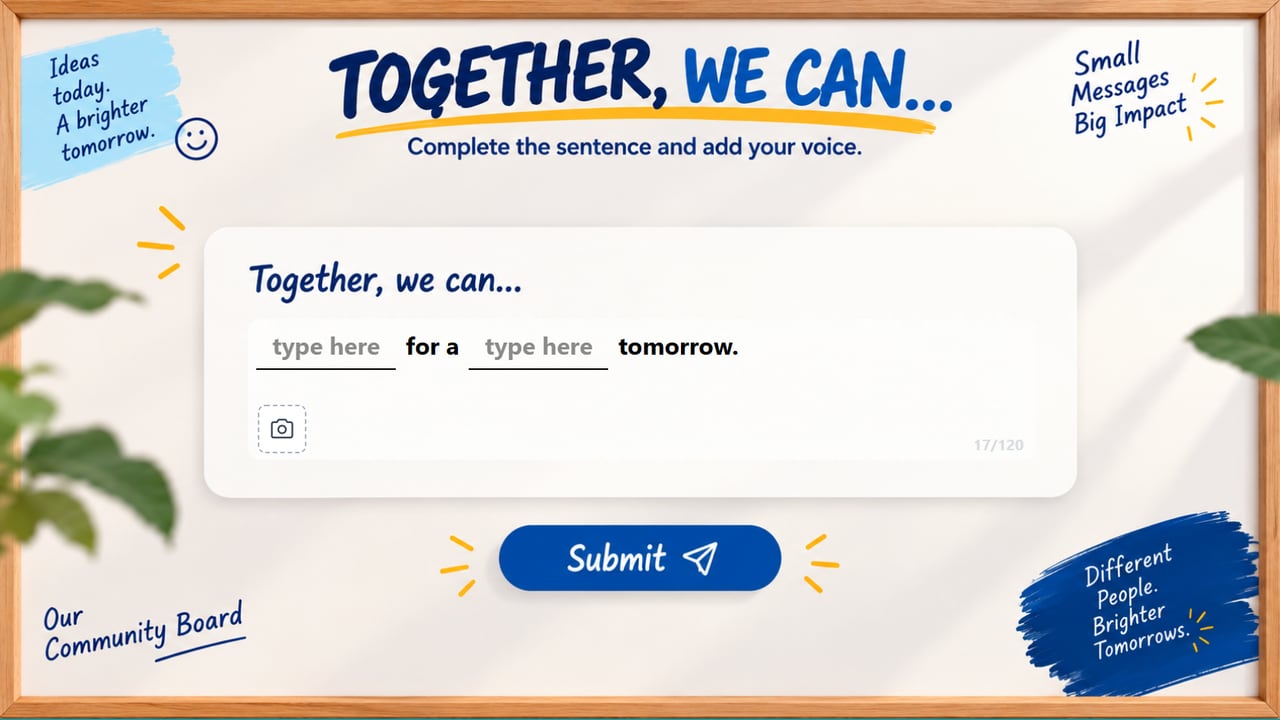


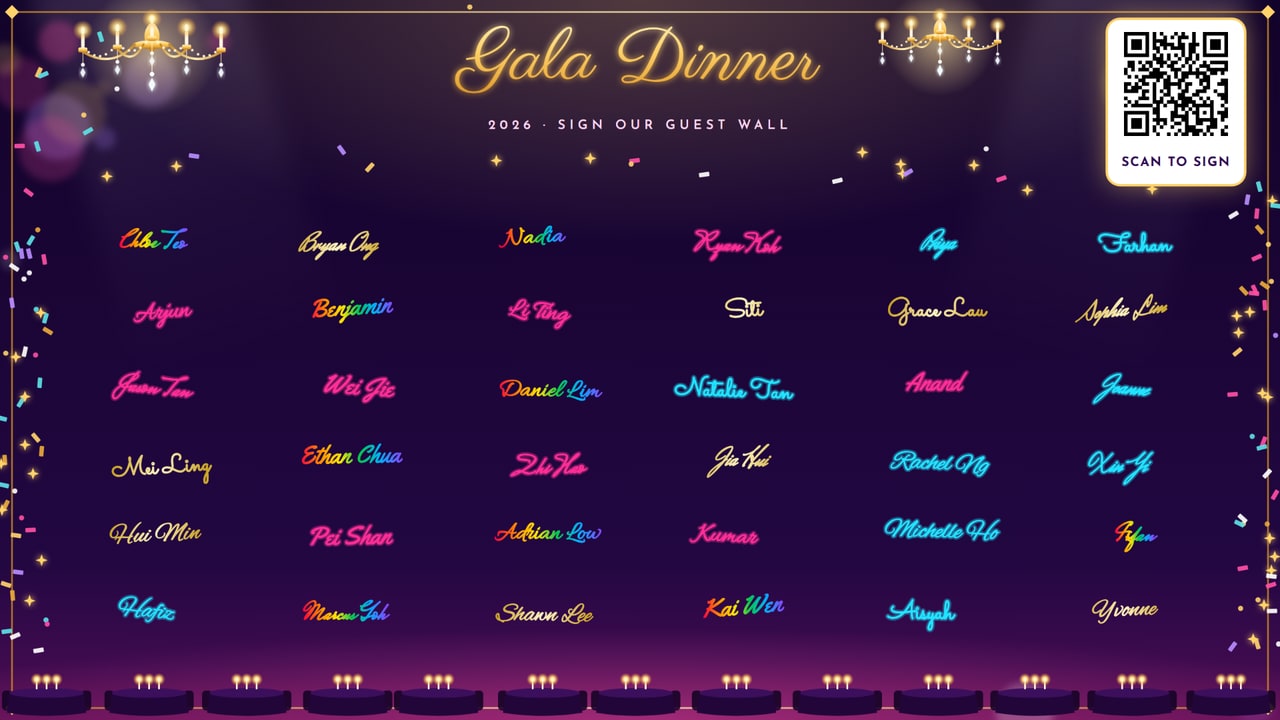
A Closer Look
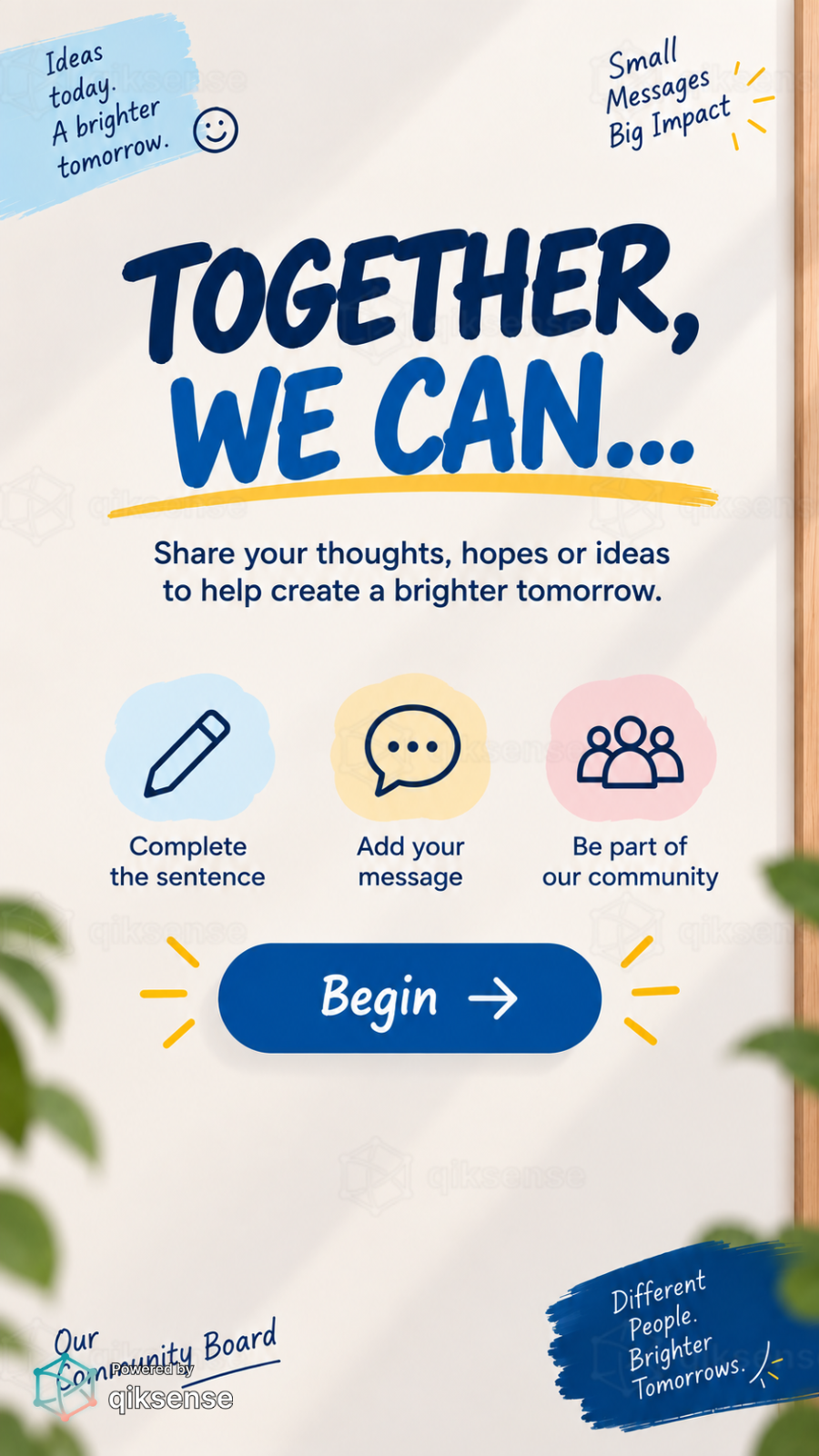 9:16
9:16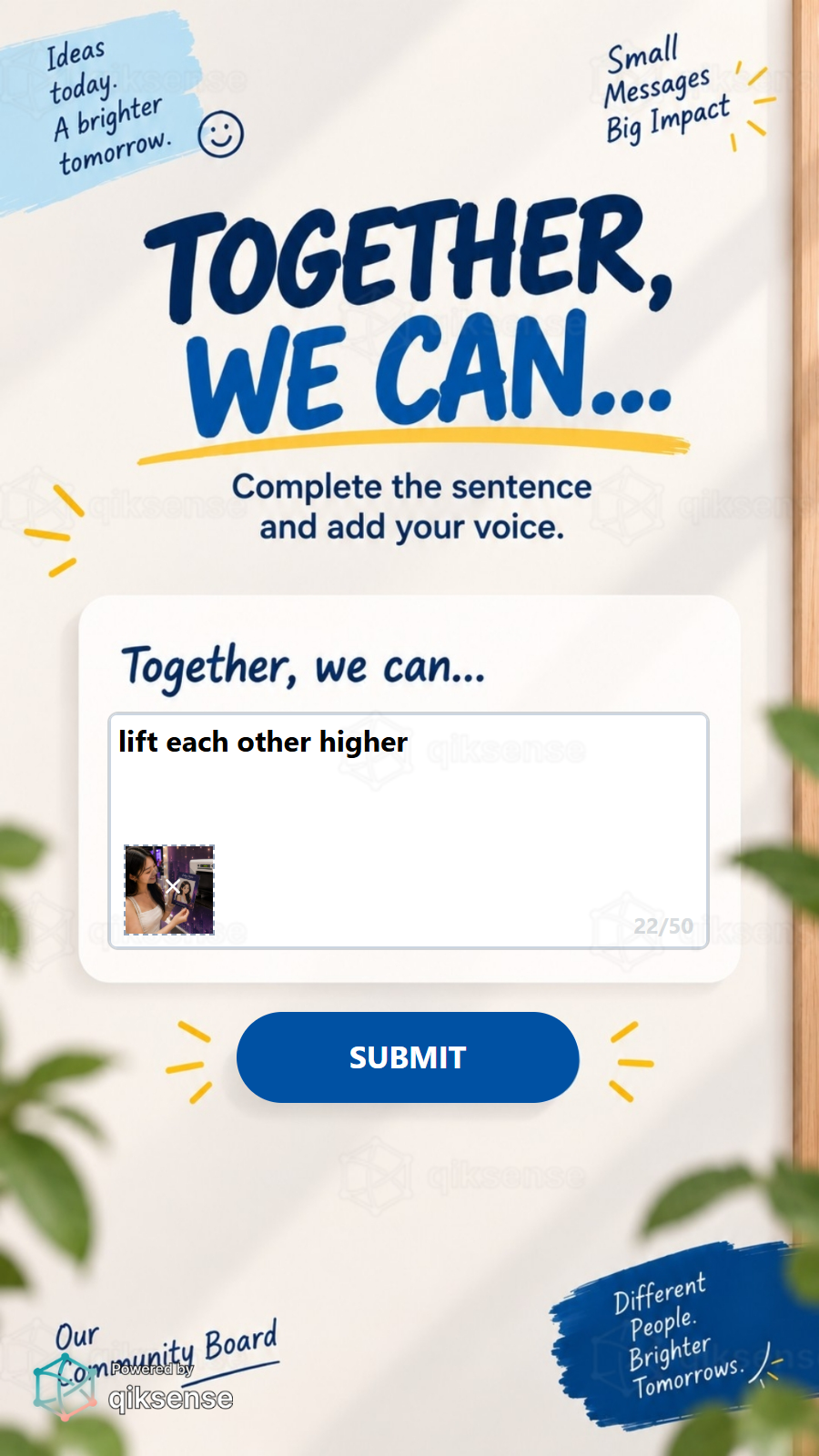 9:16
9:16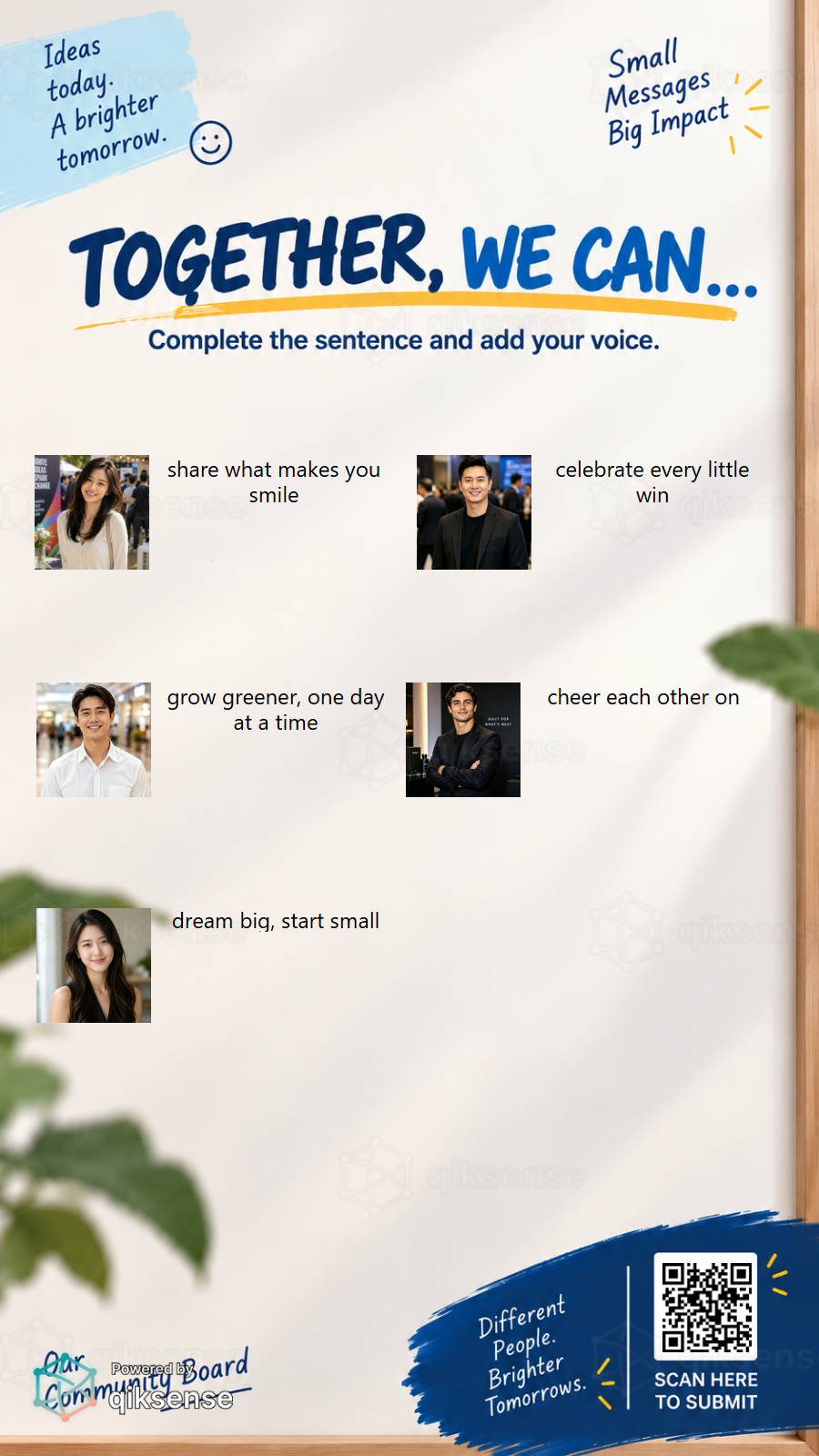 9:16
9:16What You Can Customise
What the Live Feedback Wall Can Do for Your Campaign
Turn the Audience Into the Content
The wall fills with the crowd’s own words, drawings and photos, framed in campaign artwork.
Give the Room a Shared Moment
Live posts landing on the big screen give town halls, launches and celebrations a focal point everyone watches.
Stay On-Brand
Card templates, prompts and frames keep the wall looking designed, even with spontaneous posts.
Capture Participation Data
Track posts and participation across the campaign.
Where Brands Use It
Town Halls
Give every seat a voice and put the answers on the screen everyone is watching.
Events
Fill the stage screen with live wishes, shout-outs and photos from the floor.
Exhibitions
Let visitors leave their mark on the booth and draw the next crowd in.
Product Launches
Capture live reactions as the announcement lands.
Weddings and Celebrations
Collect wishes and photos from guests as the night unfolds.
Roadshows and Pop-Ups
Run the same wall at every stop and keep the content local and live.
Ways to Set It Up
Guest Side
Users post from their own phones through a web browser.
Wall Side
The wall runs on the venue screen.
Frequently Asked Questions
A short message, typed freely or completing your campaign sentence, with an optional photo and signature if you turn them on. A character limit keeps every post wall-sized.
Partly. Each message is checked for restricted words as it is sent, and one that fails stays with the user to reword. Photos and signatures are not checked, so turn on Review to approve every post before it appears.
Yes. Users compose inside designed card templates, so every post lands on the wall as a finished, on-brand piece.
Any large display, LED wall or projector that runs a web browser can be the wall, and users only need their own phones.
Participation and posts are tracked, and contact details can be collected with consent where required.
Put Your Audience on the Big Screen
Design the card templates, choose the creation modes and let the crowd fill the wall with qiksense.