Mystery Box
A mystery box format creates curiosity by letting users pick a box to see if they win a prize. It is useful when you want people to take part quickly, submit their details and try for a reward in a simple, playful way.
How the Mystery Box Works
Play the Game
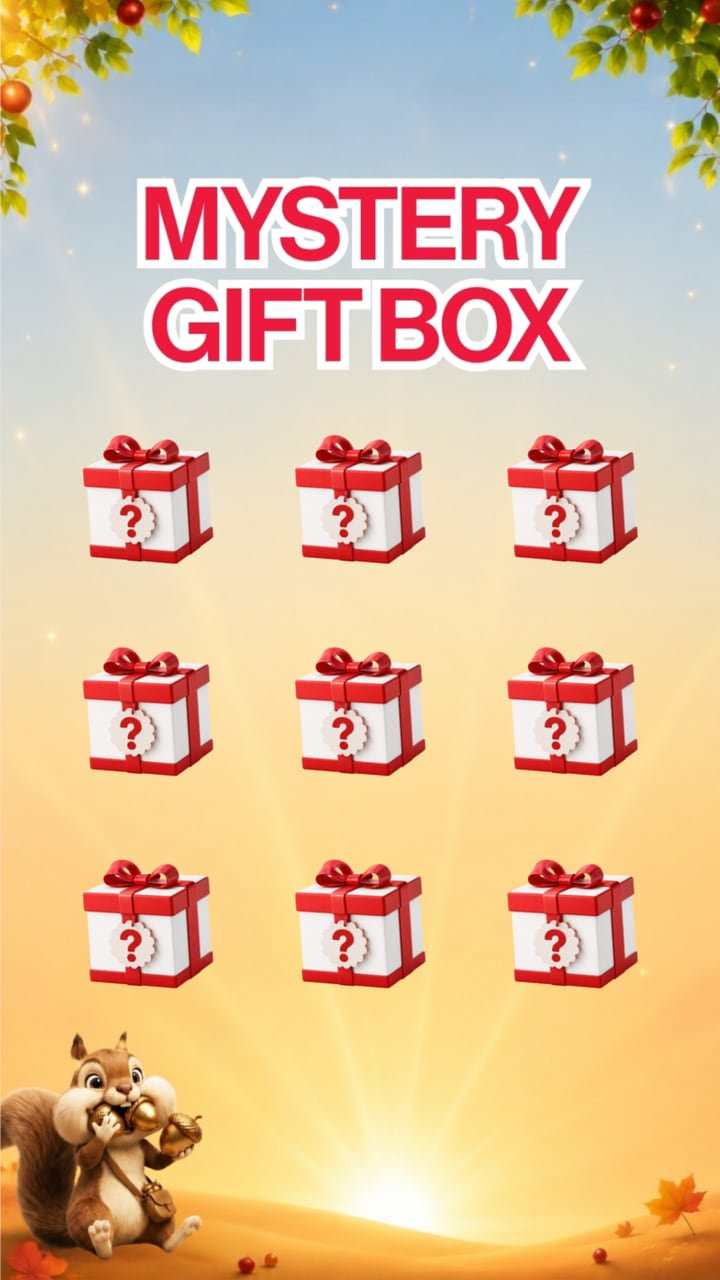
Users choose one of the mystery boxes on screen and tap it.
Reveal the Result
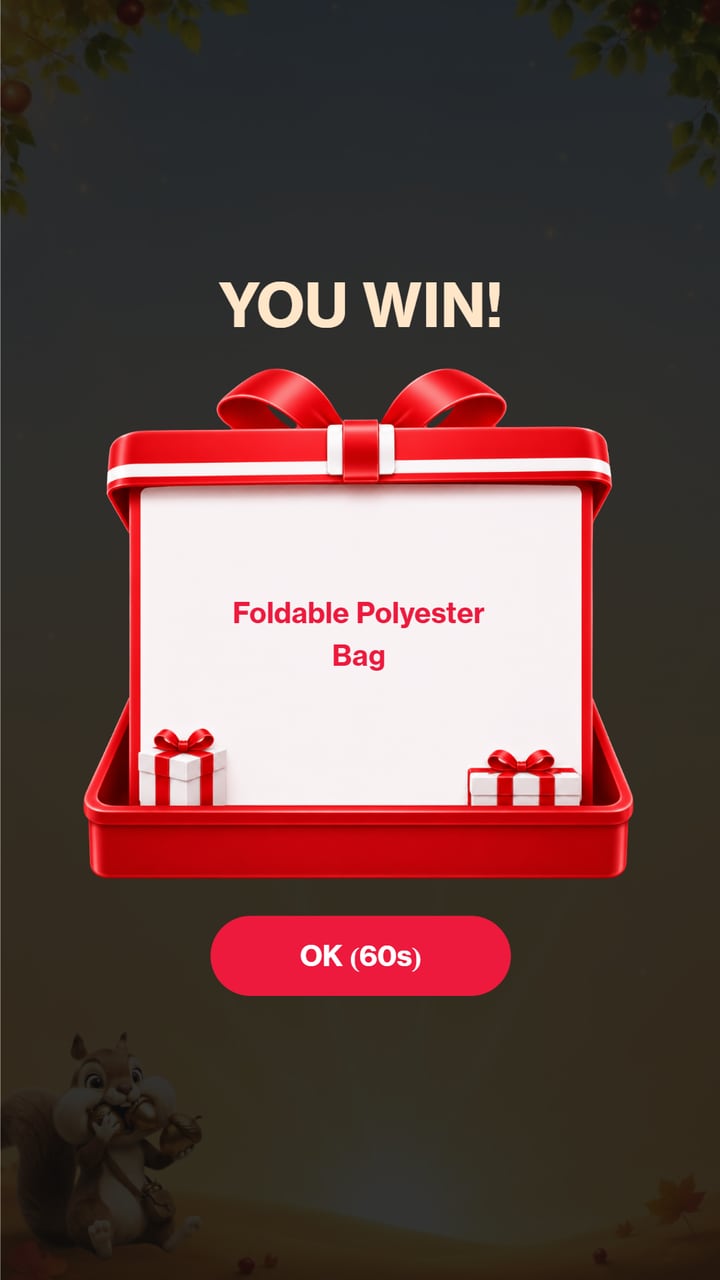
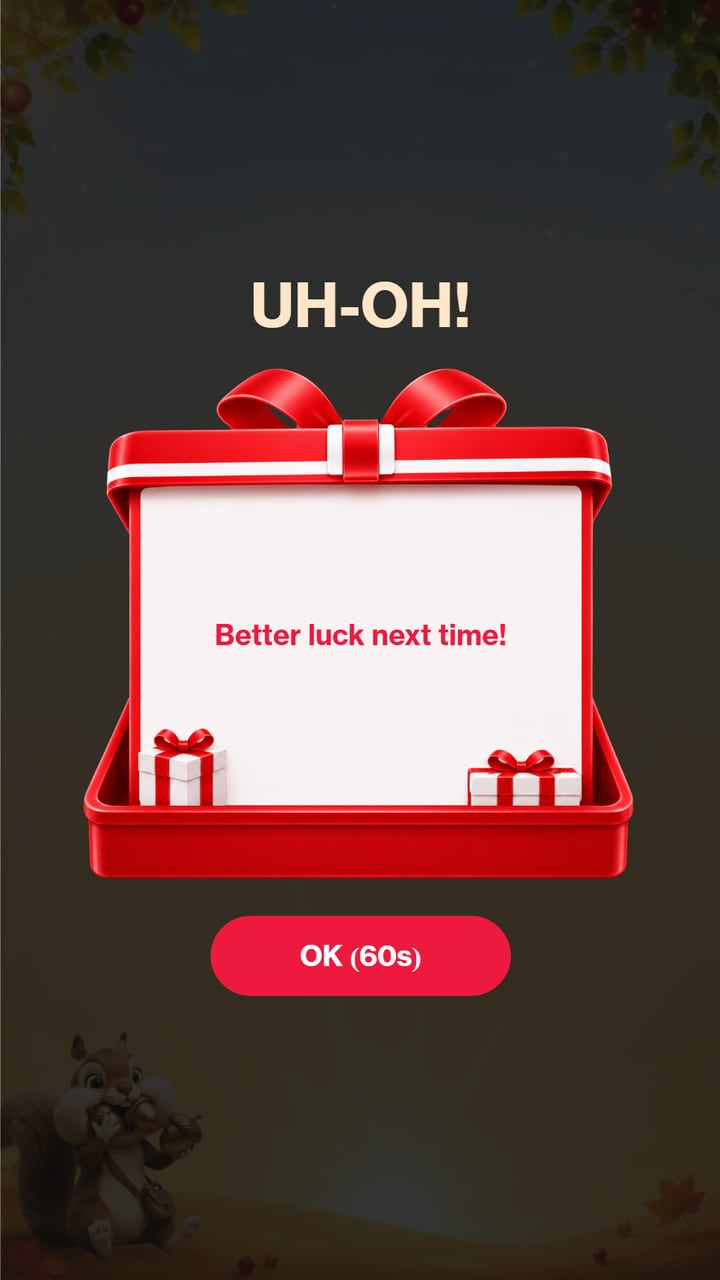
The result is drawn from the campaign prize rules the moment a box is tapped, and a win or lose message is shown to the user.
Continue the Journey
Winners receive their reward and redemption instructions. Users can submit their details, view how to redeem or play again, depending on the campaign setup.
Campaign in Action
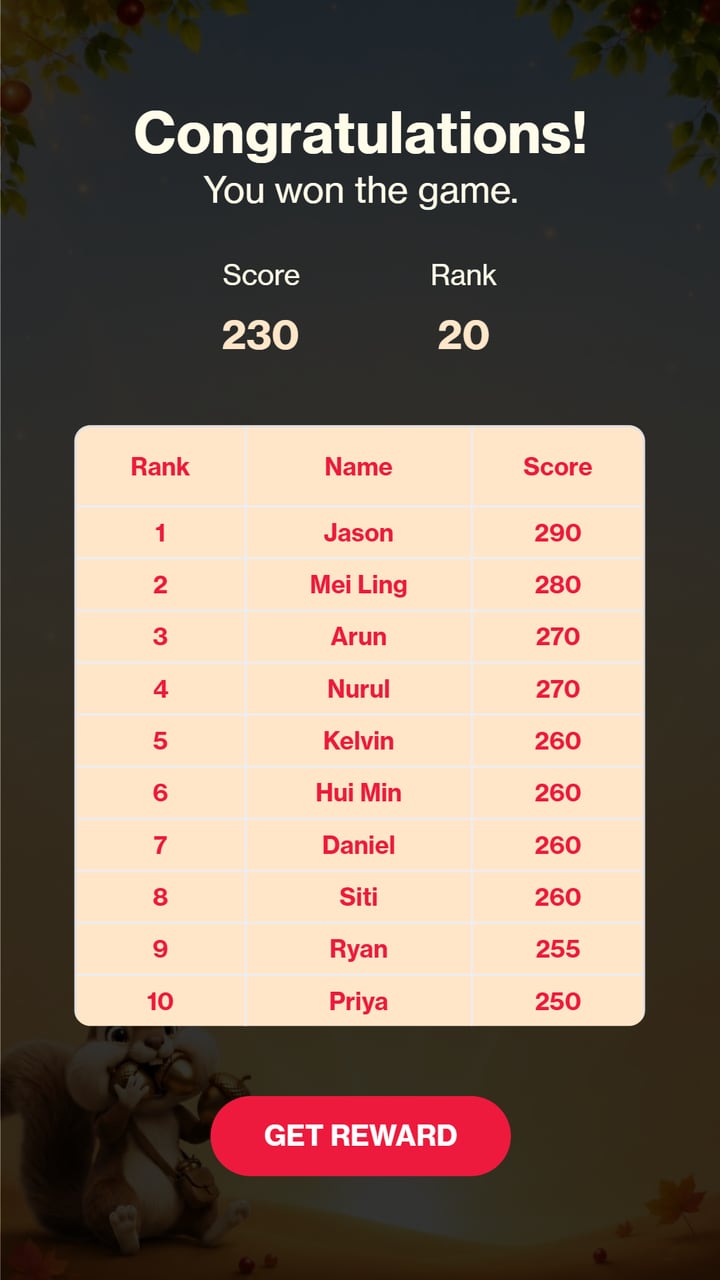
Singtel Protect and Etiqa in-store game, where winners picked a mystery box to reveal their Etiqa gift.
A Closer Look
 9:16
9:16 9:16
9:16 9:16
9:16What You Can Customise
What the Mystery Box Can Do for Your Campaign
Attract and Engage Users
The curiosity of a hidden reward makes users want to pick a box and see if they win, with no spin animation needed.
Encourage Campaign Actions
Unlock the game after a purchase, a booth visit, a QR scan, a form or other campaign actions.
Capture Participation Data
Track plays, results, voucher downloads and prizes, and collect contact details where needed.
Distribute Rewards
Give away prizes, vouchers, promotional codes or product samples, with prize odds and stock set by the campaign.
Where Brands Use It
Events
Create a quick and exciting activity that encourages attendees to participate and receive an instant result.
Exhibitions
Attract visitors to the booth with a simple game connected to prizes or giveaways.
Shopping Malls
Run seasonal promotions, shopper rewards and play and win campaigns.
Retail Stores
Connect the game to purchases, product promotions, store visits or in-store rewards.
Product Launches
Encourage users to discover and engage with a new product through an instant reward experience.
Roadshows and Pop-Ups
Launch the same branded luck game across different campaign locations.
Ways to Set It Up
Online Experience
Users can access the game through a web browser on their own device.
On-Site Experience
The game can be set up as a physical experience at events, retail spaces, exhibitions or activations.
Frequently Asked Questions
A luck game is a branded interactive experience where users complete a simple action to reveal a randomly selected result or reward. It can be used to create excitement, encourage participation and support promotional campaigns.
Yes. The background, images, colours, typography, prize names and result screens can be customised to match the campaign or brand identity. The game’s own sound effects are built in, and background music can be added.
Yes. Users can access the game online through a browser on a mobile phone, tablet or laptop. It can also be set up on-site using a touchscreen or digital display with an operating system, browser and internet connection.
Yes. The winning rules, prize probability, prize quantity and available results can be configured according to the campaign requirements.
Yes. Winning results can be connected to prizes, vouchers, promotional codes, product samples or other rewards. Winners see their prize on screen, plus a voucher code to scan or download if you upload a list of codes.
The campaign dashboard tracks performance such as participation, completion rates, results, voucher downloads and prizes given out. Contact details and responses to customised questions can also be collected with the relevant consent copy, and the data can be exported.
Build and Launch Your Luck Game
Customise the game, configure the rewards and launch your luck game online or on-site with qiksense.