Sound Activation
Turn a user’s voice, shout, cheer, clap or other sound into the controller of an interactive experience. The microphone responds to the sound level or duration and translates it into movement, progress, animation, scoring or a result on screen. Use sound to create challenges, trigger campaign content or connect users to a leaderboard and reward journey.
How the Sound Activation Works
Begin the Experience
The experience starts by itself after a short countdown, once the microphone is allowed. There is nothing to tap or press.
Make a Sound
Users shout, cheer, clap, sustain their voice or make another sound based on the campaign challenge.
Watch the Screen React
The microphone measures the sound level or duration while the visuals, movement or progress respond in real time.
View the Result
When the challenge ends, users receive an instant score, result or success message based on their performance.
Continue the Journey
Users can join a leaderboard, receive a reward, submit their details, discover more campaign content or play again.
Campaign in Action
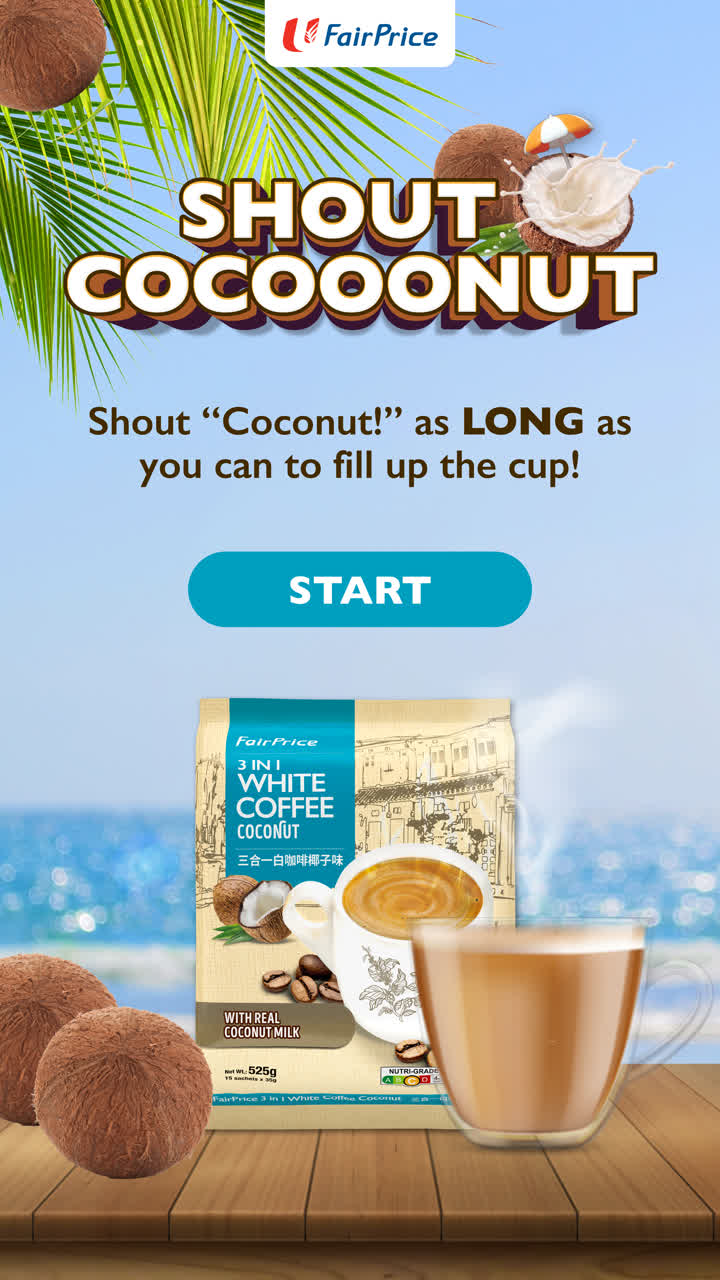
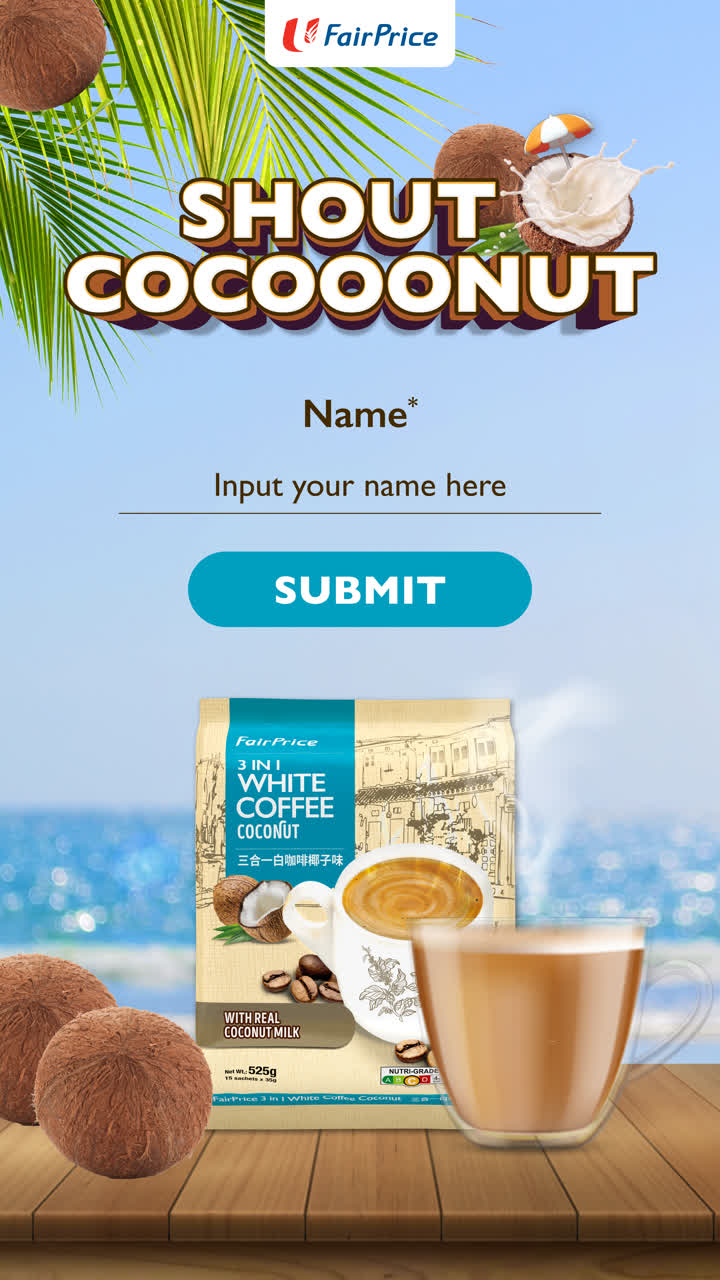
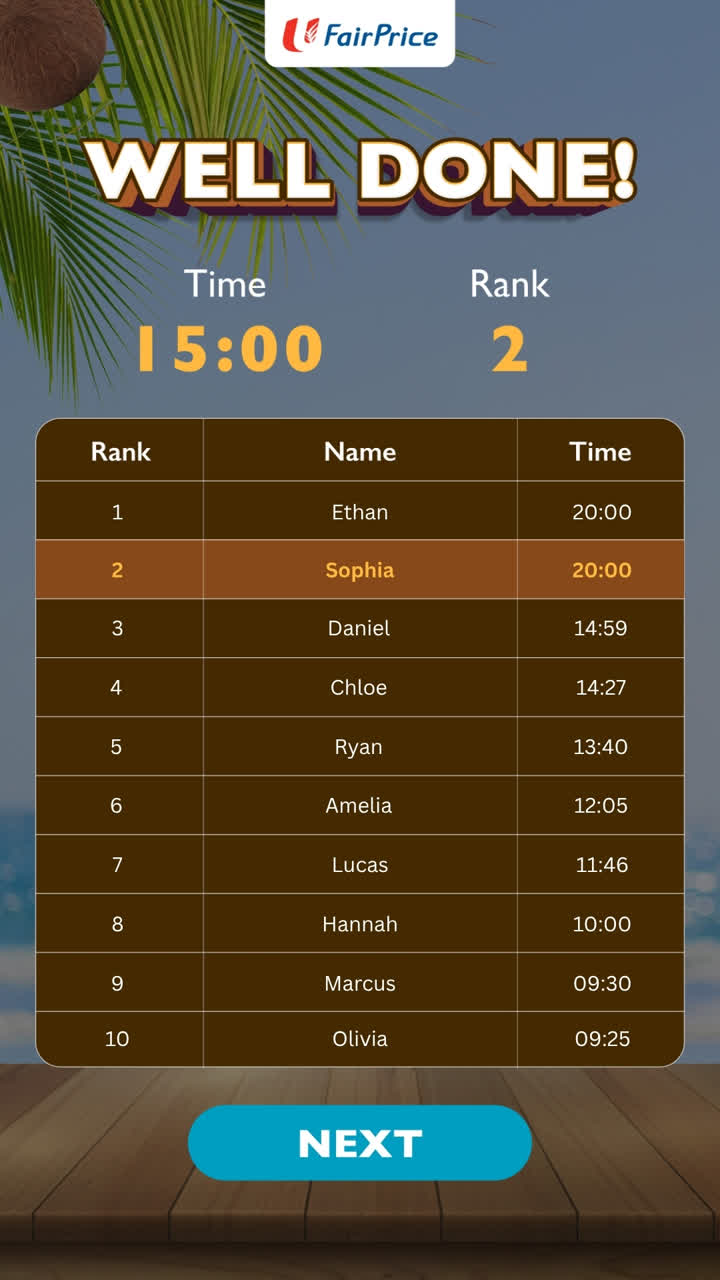
FairPrice shoppers shout “Coconut!” as long as they can to fill the cup and climb the leaderboard.

Different Ways to Build Your Campaign
Real-Time
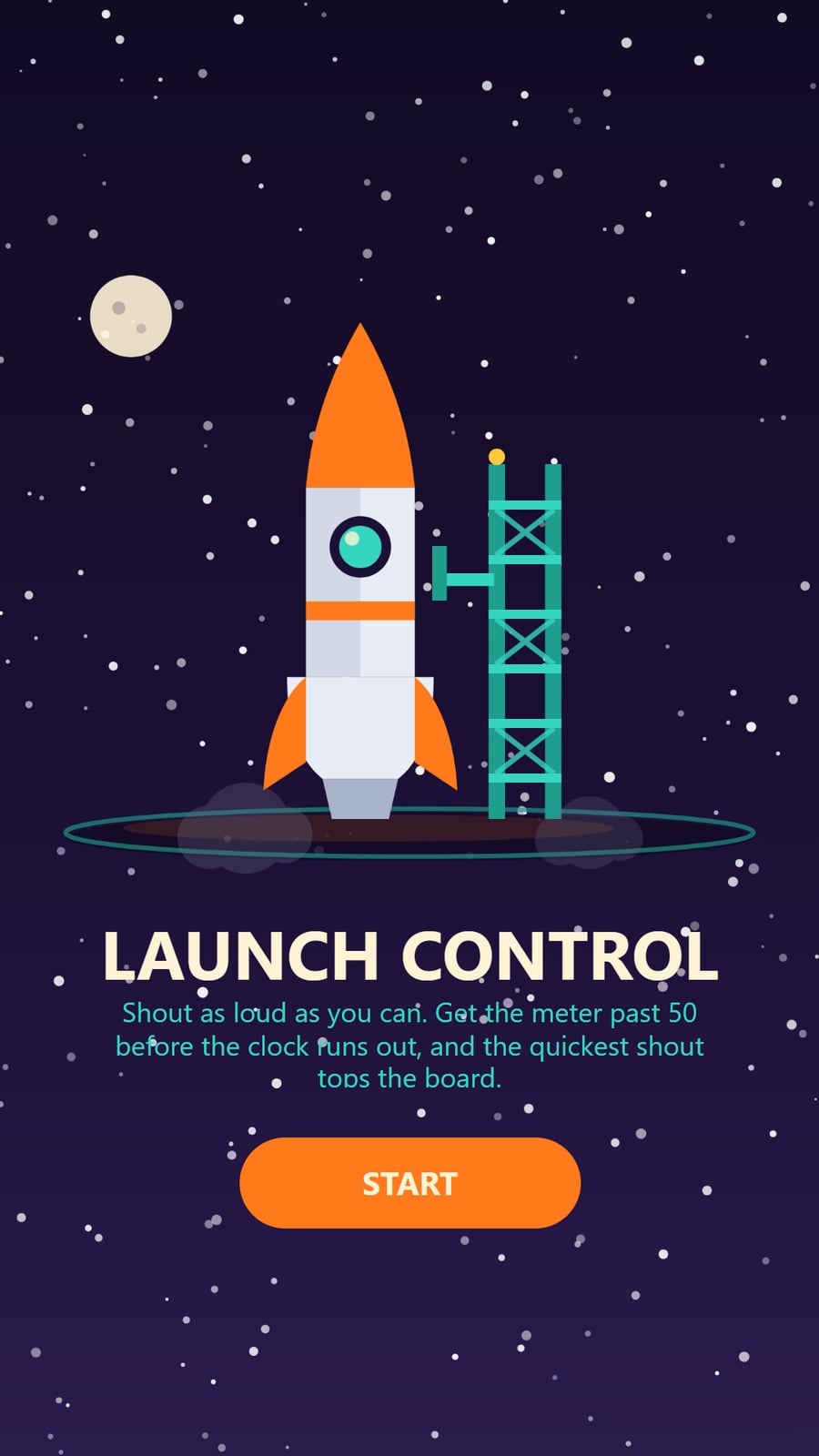
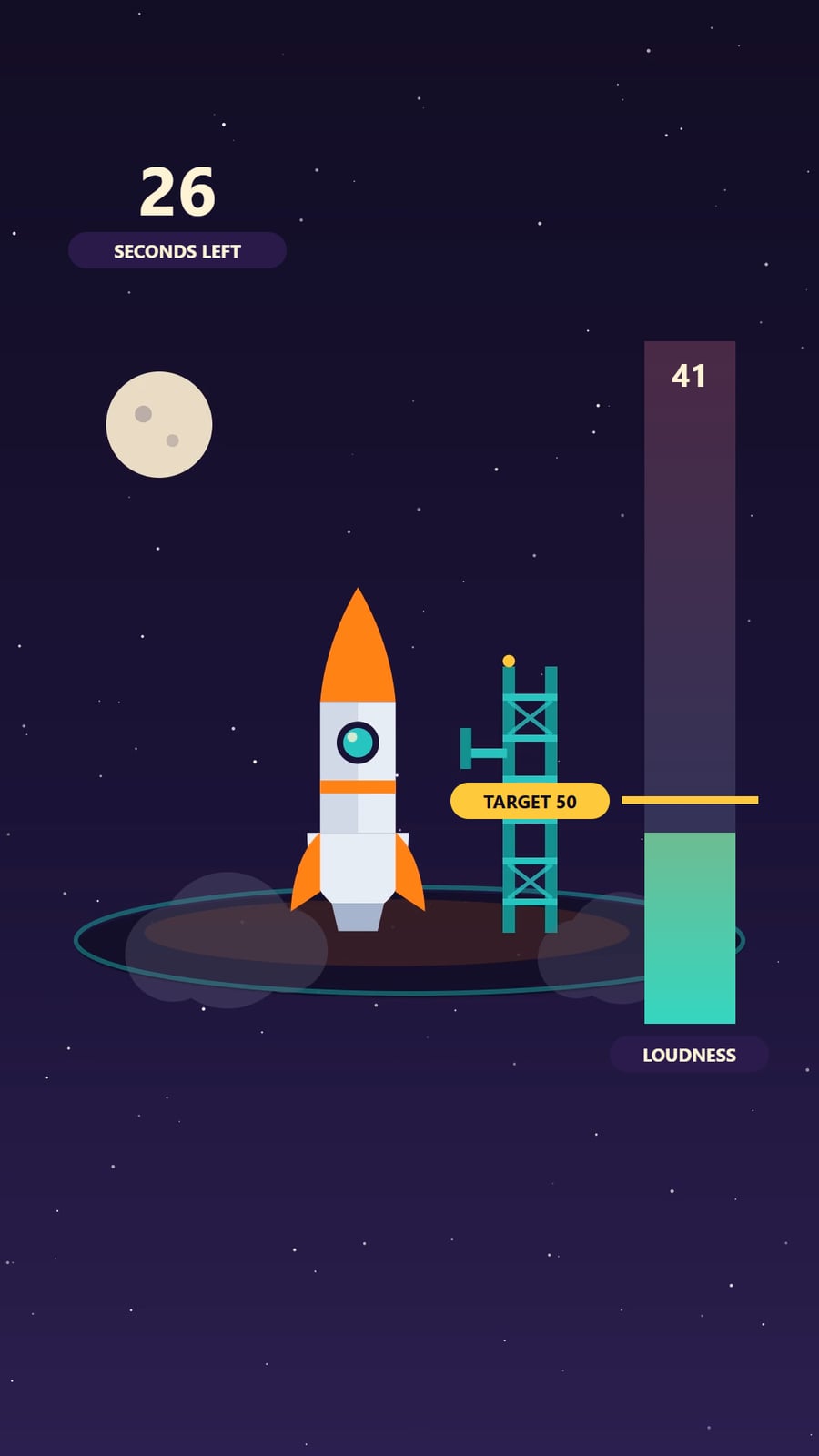
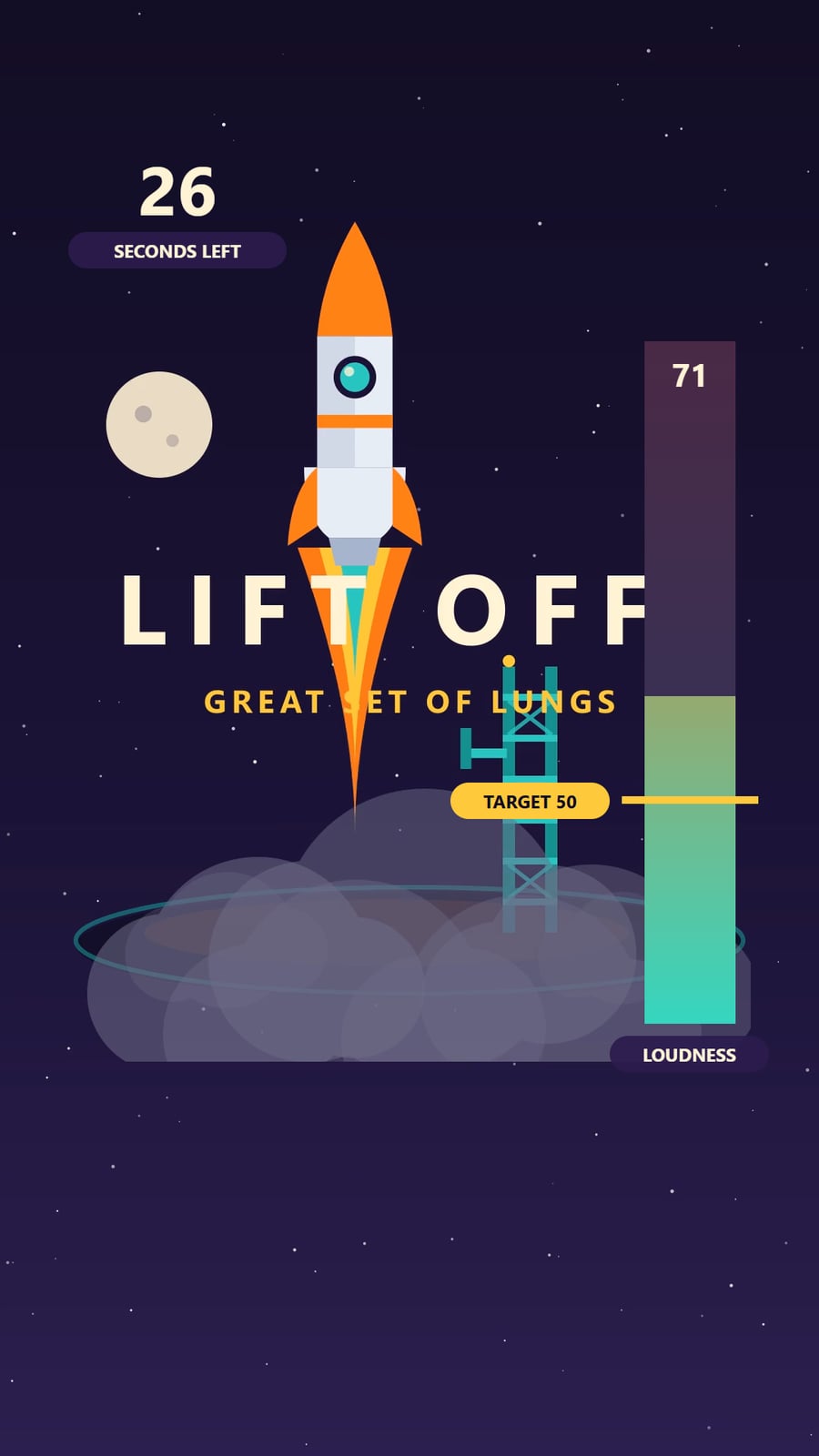
The meter follows the shout live. Once players pass the target, the reaction plays, like this rocket lifting off, and the quickest shout tops the leaderboard.
Ladder
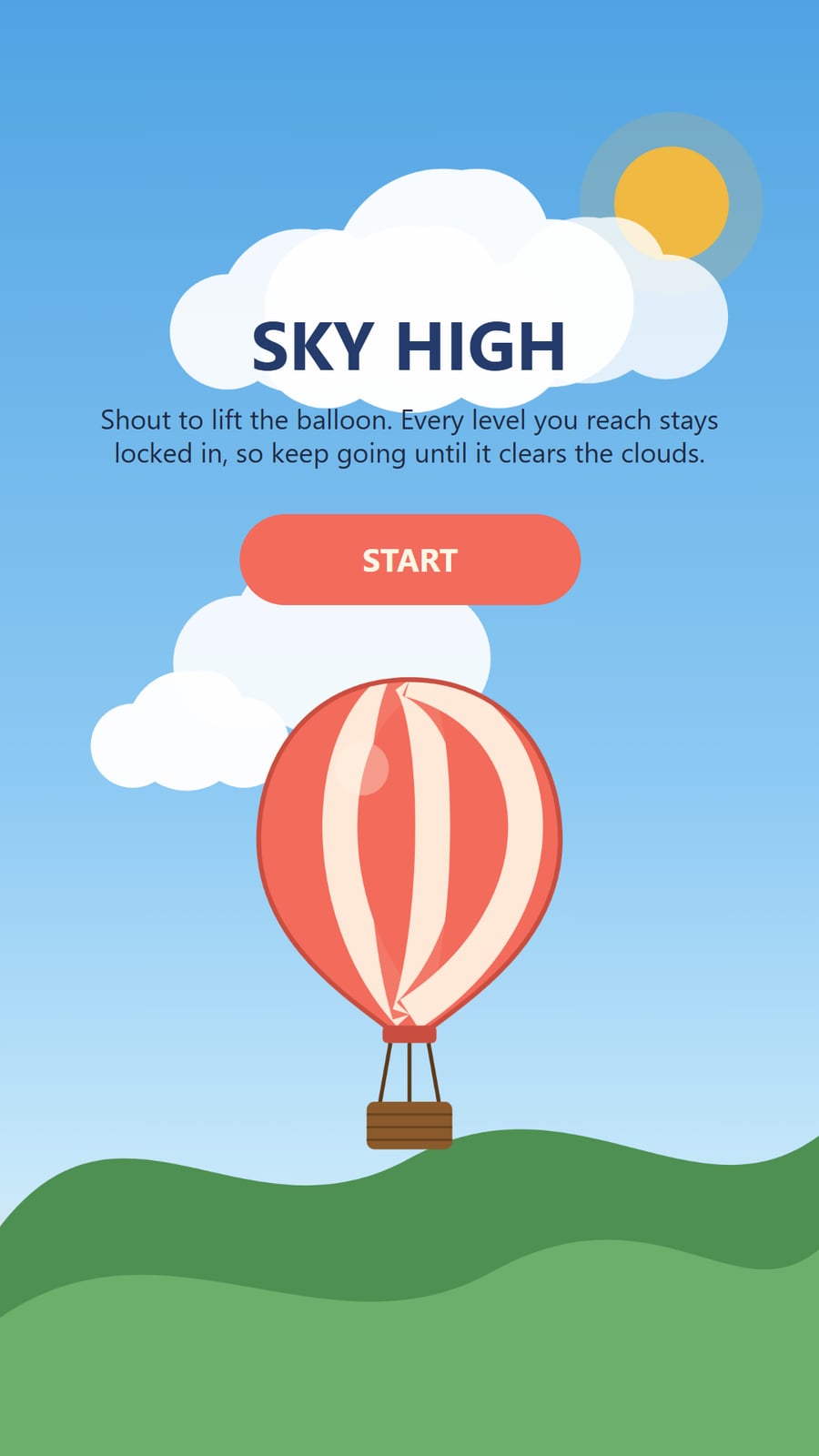
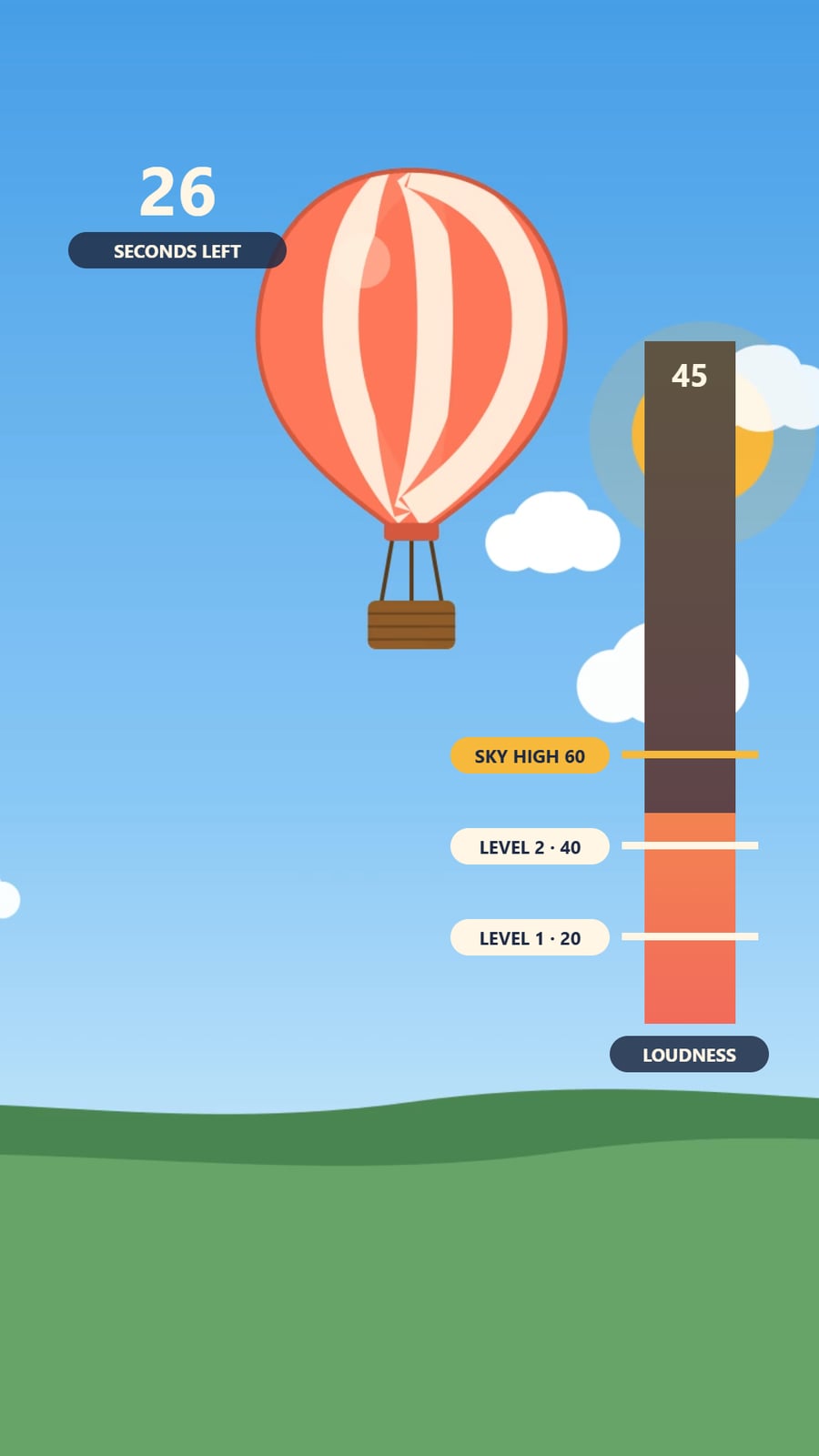
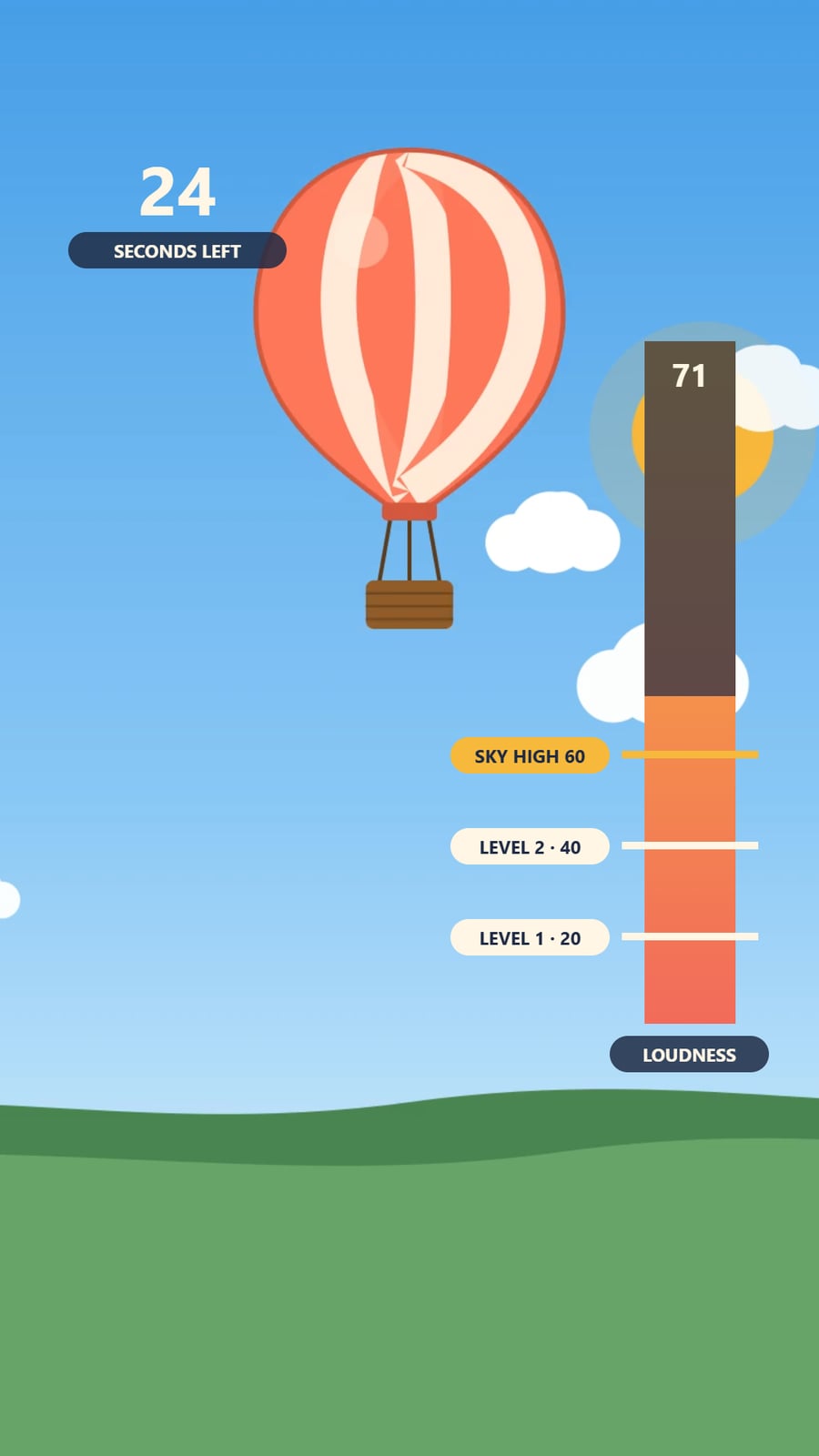
Players climb up to four levels between the start and the top, each with its own clip and locked in once reached, like this balloon clearing the clouds.
Longest Shout
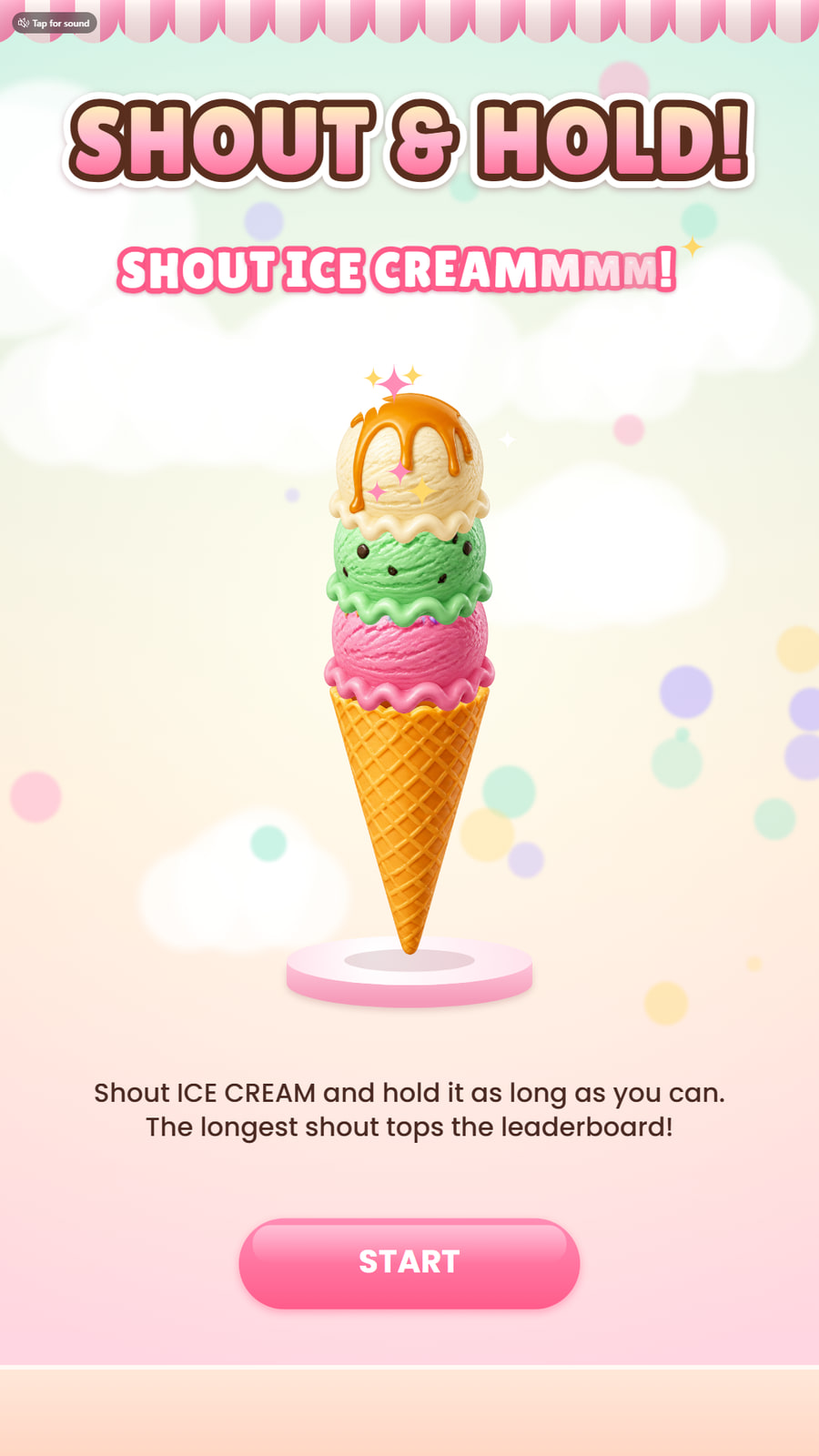
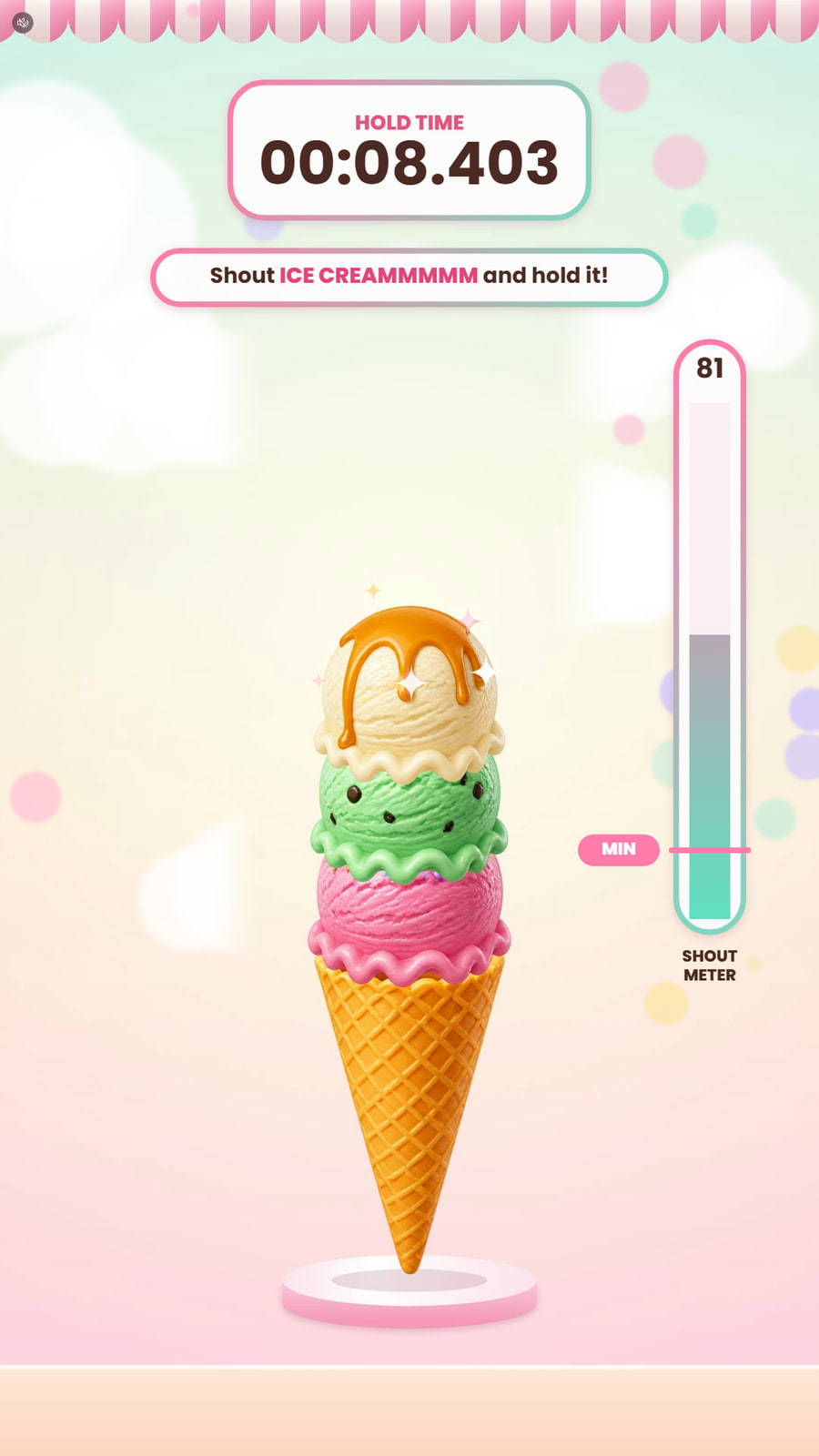
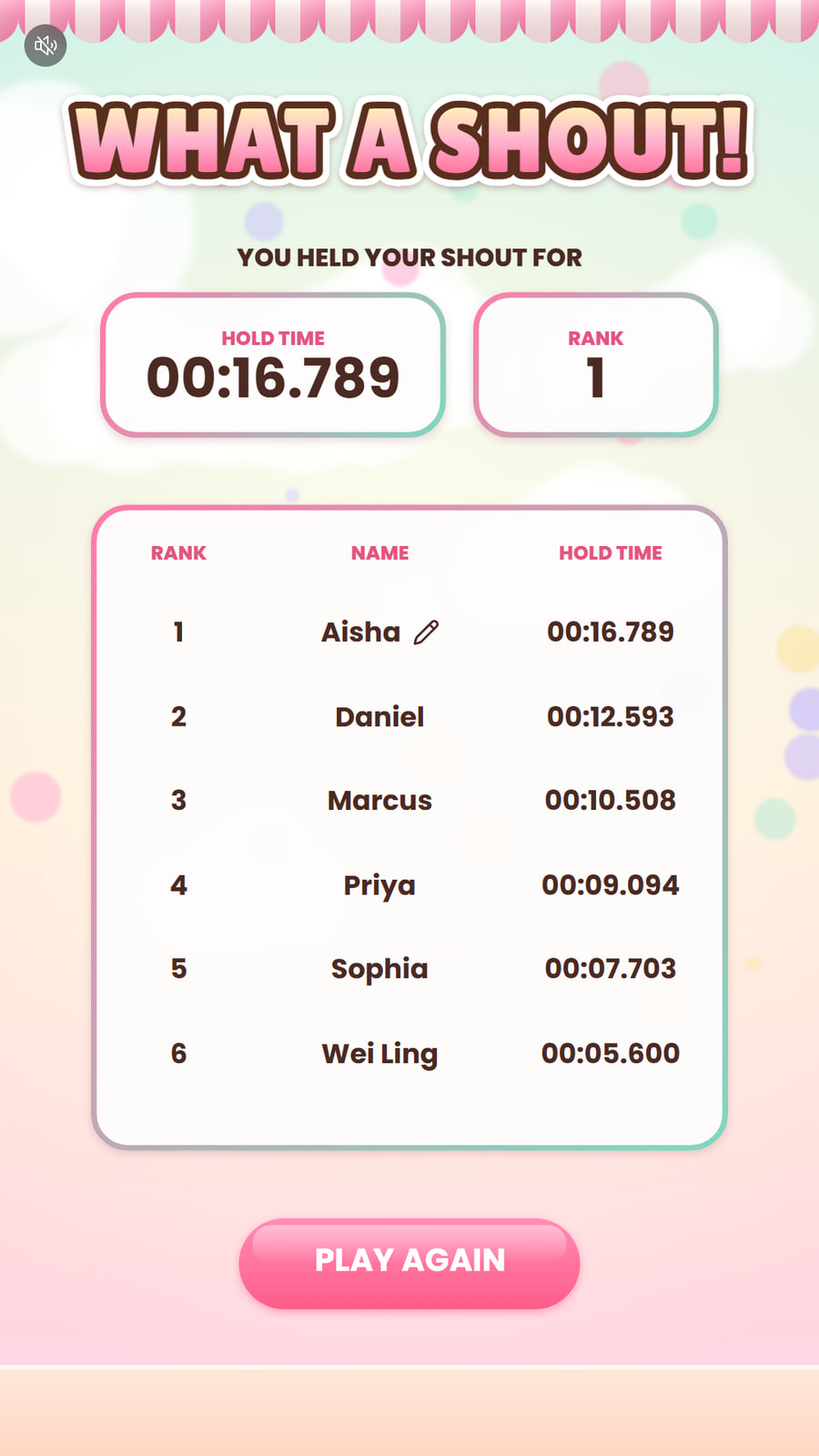
Players shout and keep it going. The stack grows for as long as the shout stays loud, like these ice cream scoops, and the longest shout tops the leaderboard.
What You Can Create
 Image
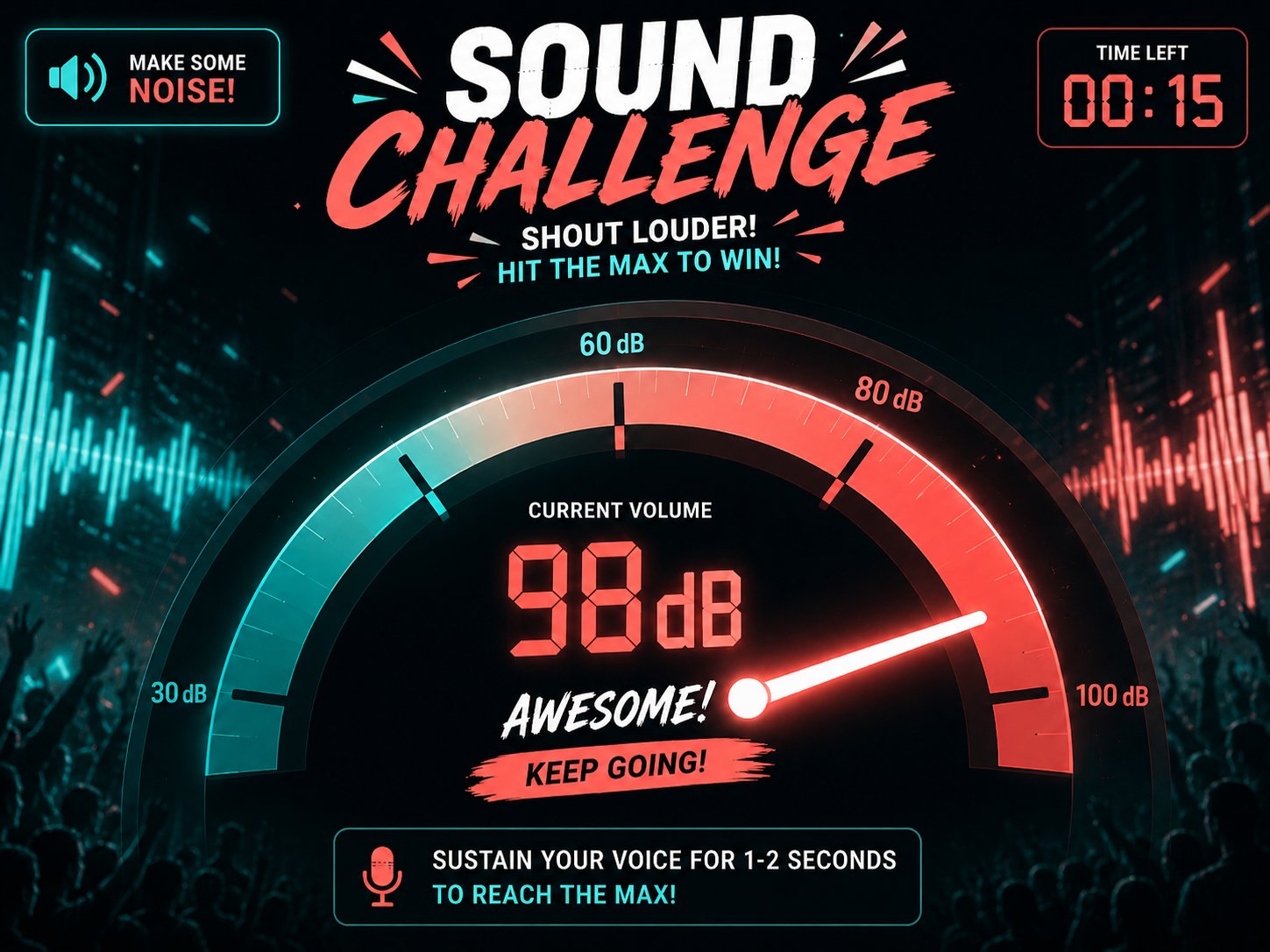
ImageVolume Challenge
Challenge users to reach a set sound level by shouting, cheering or clapping.
 Image
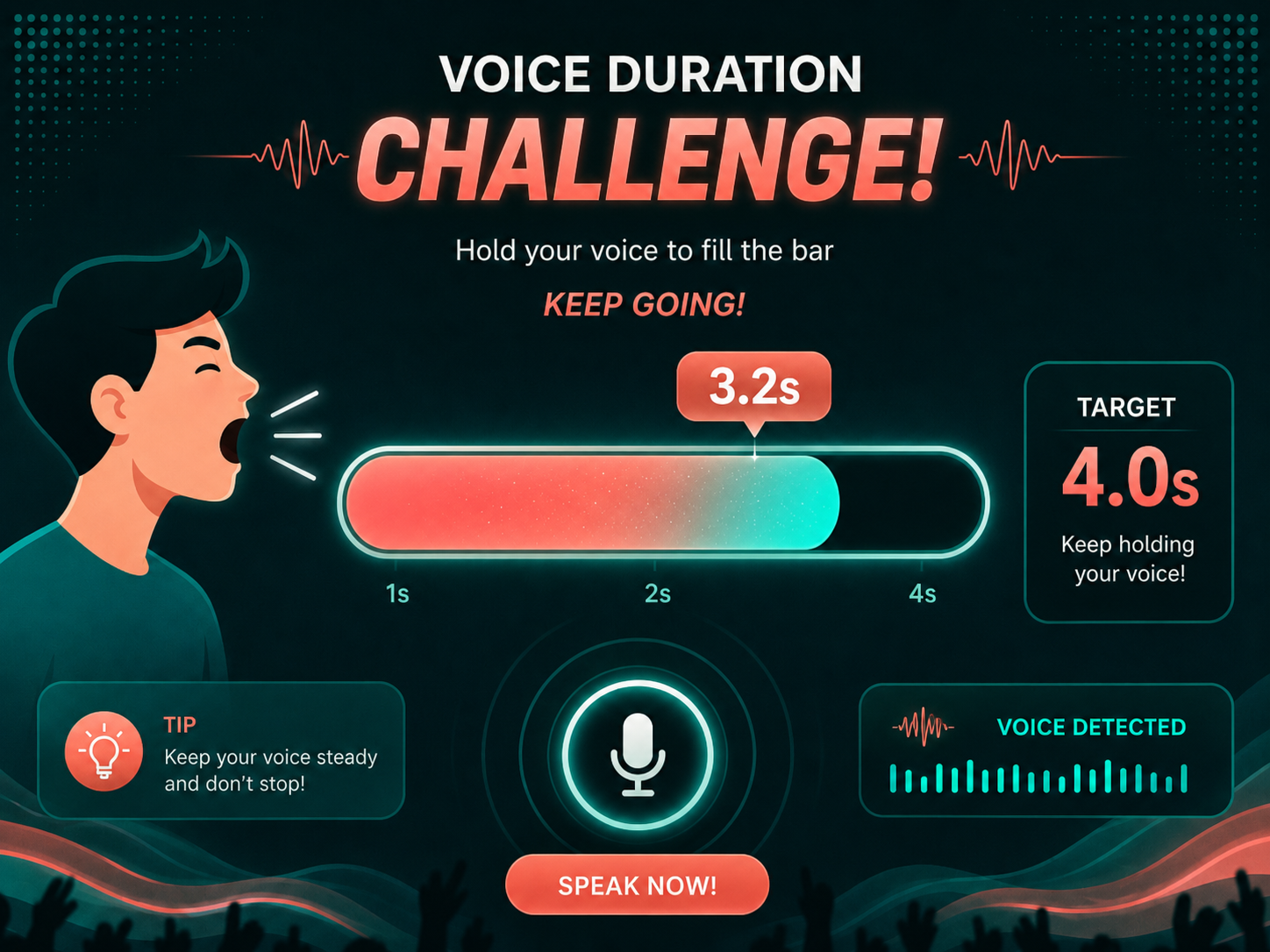
ImageVoice Duration Challenge
Measure how long users can sustain their voice and calculate a result based on the duration.
 Image
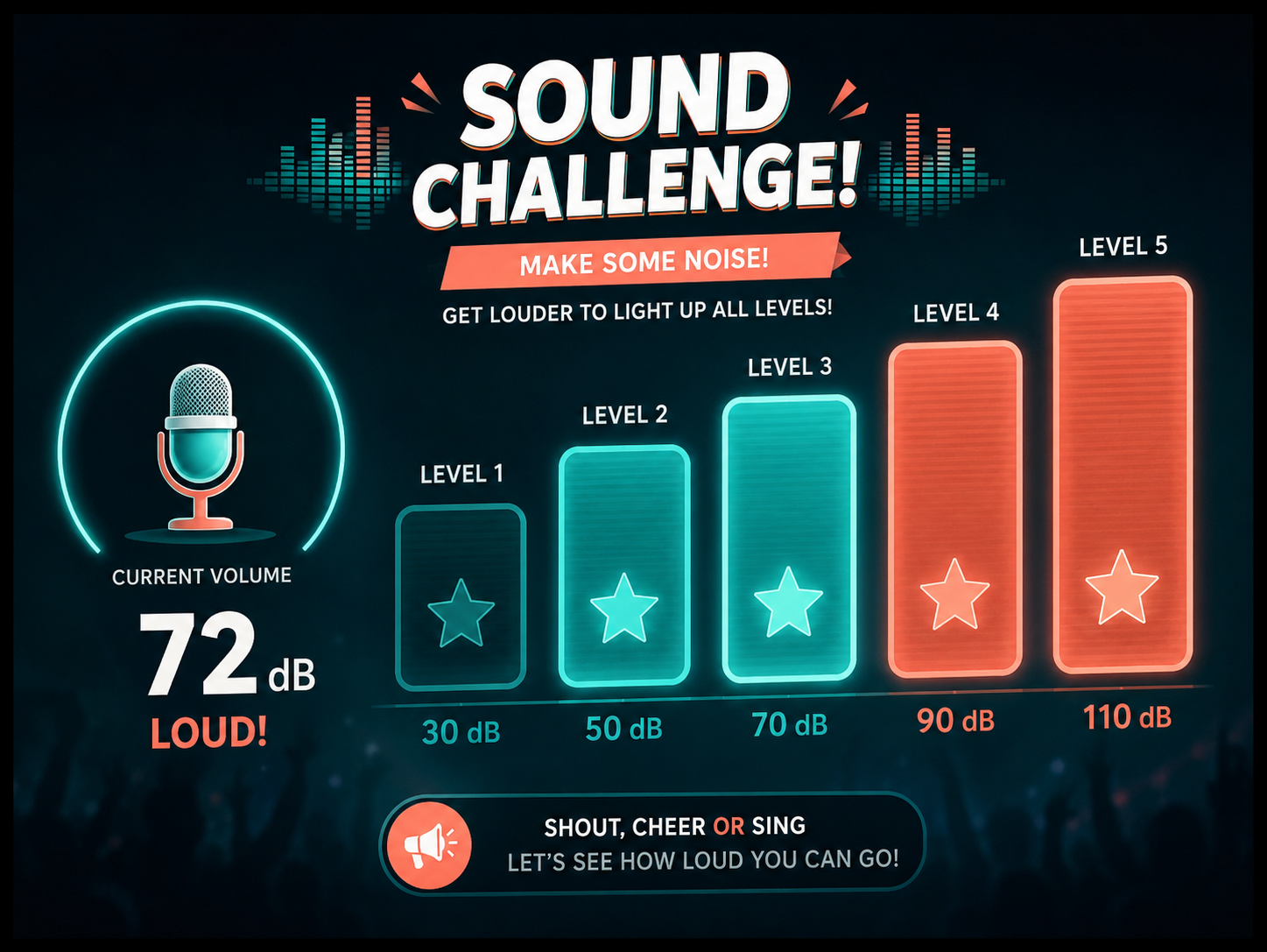
ImageProgressive Sound Challenge
Trigger new visual stages, animations or levels as the sound gets louder or lasts longer.
 Image
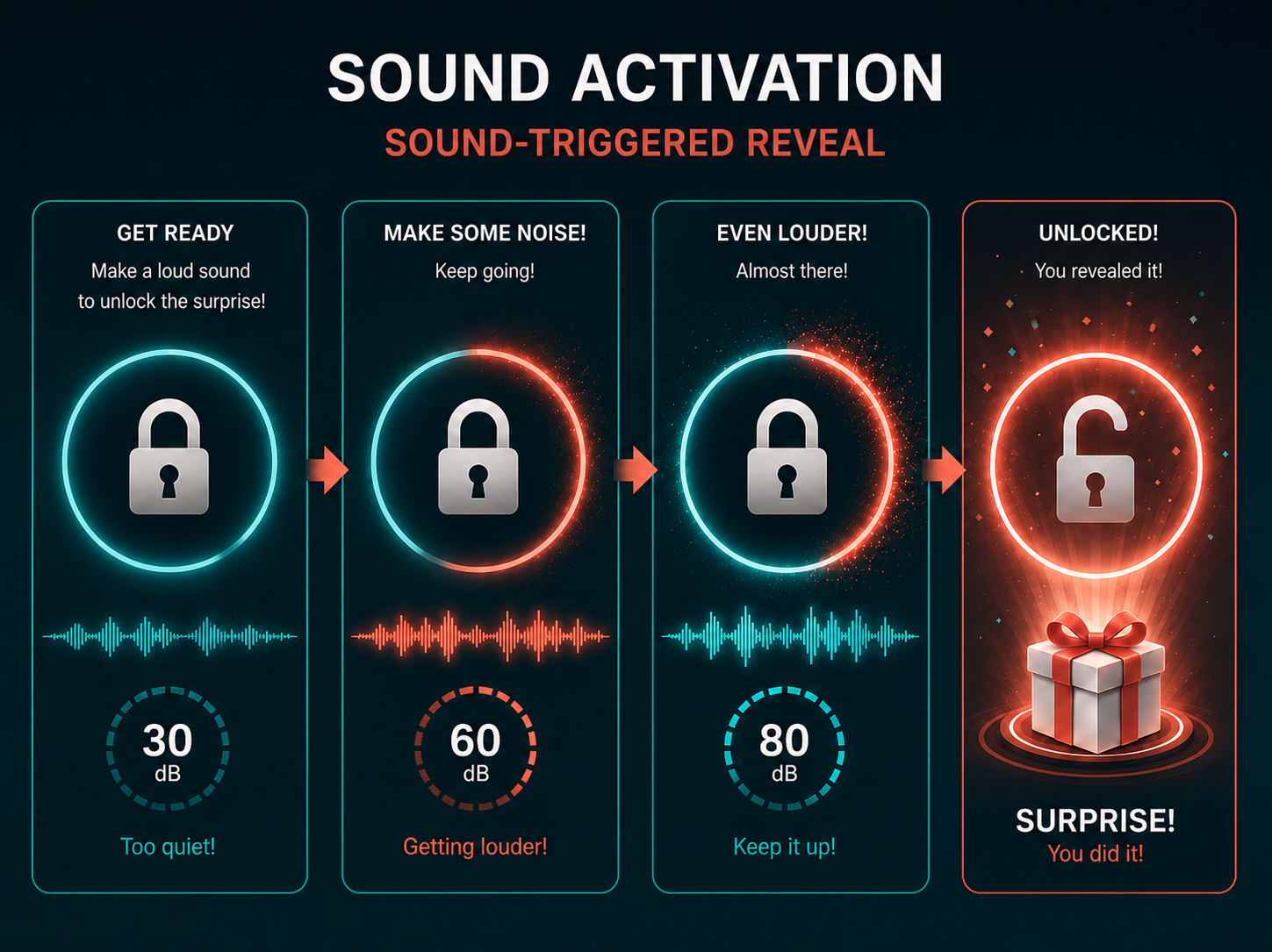
ImageSound-Triggered Reveal
Set a sound level or duration that users must reach to reveal campaign content, a result or a reward.
 Image
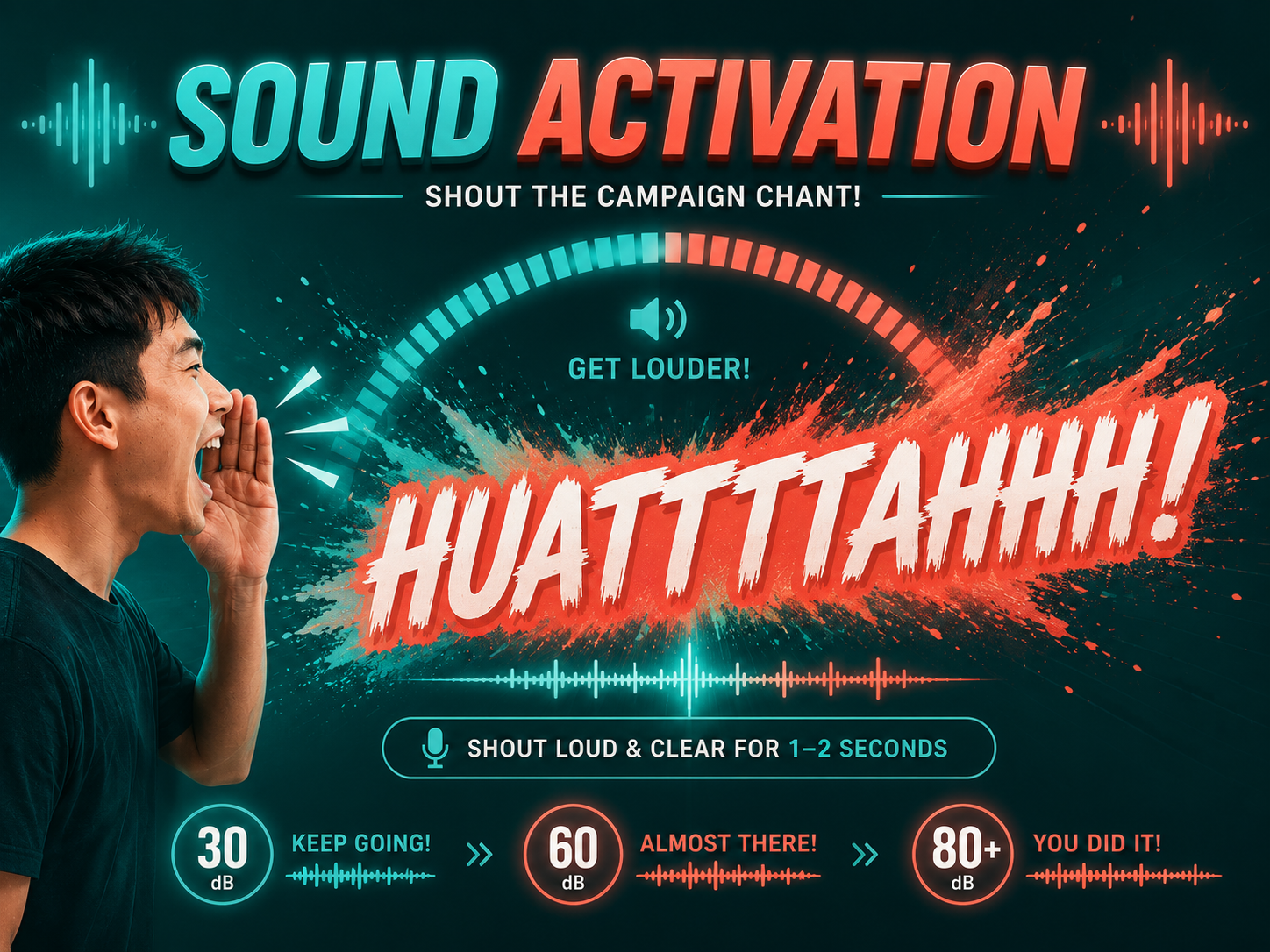
ImageCampaign Chant
Get users to shout a product name, phrase or tagline while the screen reacts to their sound.
 Image
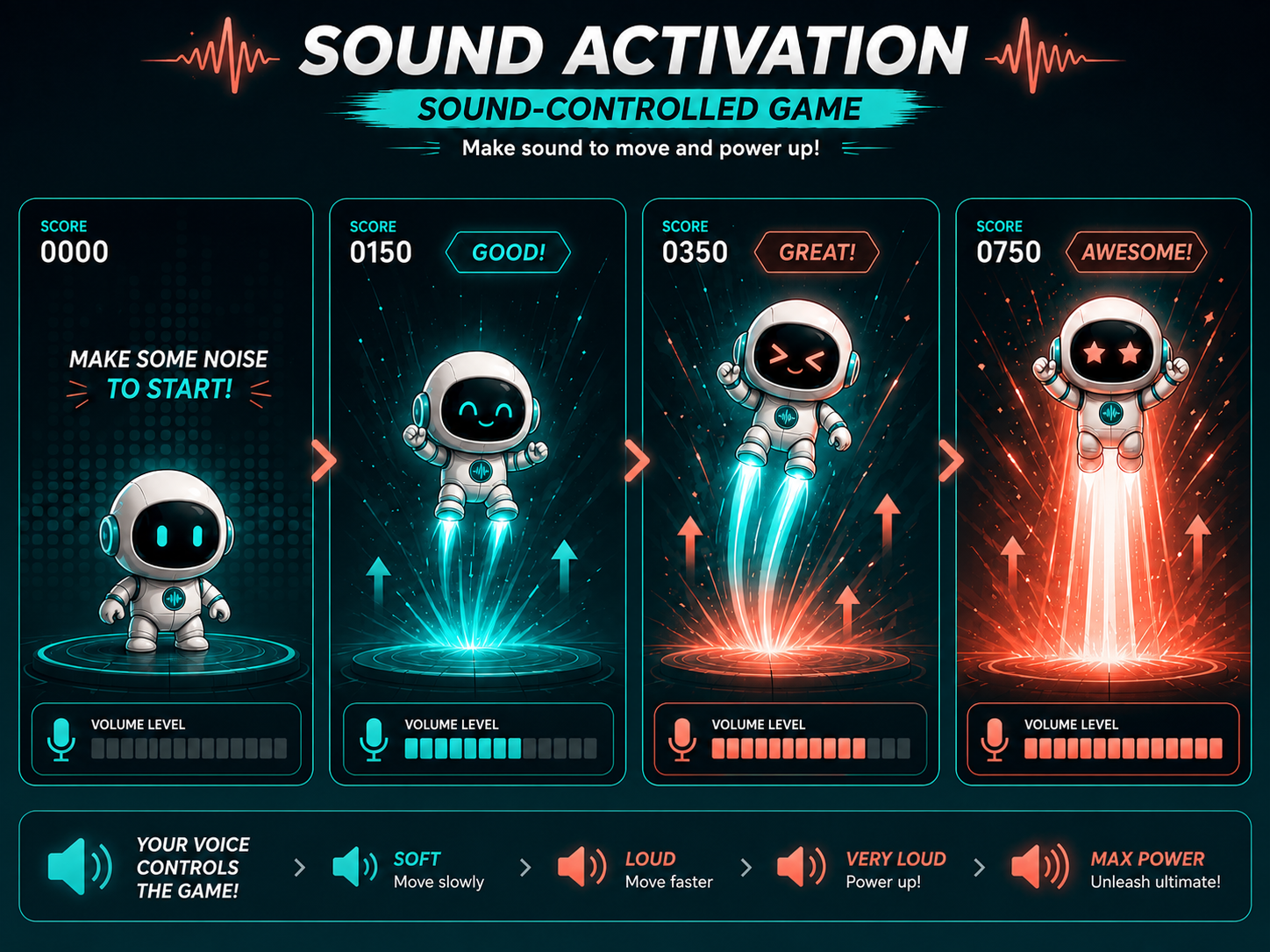
ImageSound-Controlled Game
Use sound level or duration to step through your videos, fill the meter and build a score.
What You Can Customise
What the Sound Activation Can Do for Your Campaign
Attract Attention
Create a lively experience that captures attention and encourages nearby users to watch and participate.
Turn Campaign Messages Into Actions
Invite users to shout a product name, tagline or campaign phrase instead of only reading or viewing it.
Create Visible Participation
Use responsive visuals, progress meters and animations to show how each user’s sound affects the experience.
Encourage Friendly Competition
Turn sound level, duration or performance into a score that users can compare on a leaderboard.
Connect Interaction to Rewards
Use the result to unlock a prize, voucher, promotional code or another campaign outcome.
Easy for Everyone
Anyone can take part with just their voice, so there is nothing to learn before playing.
Where Brands Use It
Events
Create an energetic activity that encourages attendees to watch, participate and compete.
Exhibitions
Use a sound-based challenge to attract visitors and bring energy to the booth.
Shopping Malls
Run interactive challenges for seasonal campaigns, shopper engagement and promotions.
Retail Stores
Connect the sound mechanic to product promotions, sampling activities and in-store campaigns.
Product Launches
Turn a product name, feature, tagline or campaign message into the main interaction.
Roadshows and Pop-Ups
Deploy the same branded sound experience across different campaign locations.
Ways to Set It Up
Online Experience
Users can access the experience through a web browser on their own microphone-enabled device.
On-Site Experience
The experience can be set up as a physical activation on a microphone-enabled digital screen at events, exhibitions, malls, retail spaces or roadshows.
Frequently Asked Questions
A Sound Activation uses microphone input to turn a user’s voice, shout, cheer, clap or other sound into an interactive control. The sound plays your videos step by step, fills the meter and decides the score and result.
The experience can be designed around shouting, cheering, clapping, sustaining a voice, repeating a campaign phrase or another sound suitable for the campaign.
The standard experience responds to sound level or duration rather than verifying the exact words spoken. Users can still be prompted to shout a specific product name, tagline or campaign phrase.
In the volume challenge, the score is the time taken to reach the target volume, and faster is better. In the voice duration challenge, it is how long the player holds their voice above the minimum volume.
There is no separate calibration. You set the target volume for each campaign, ideally at the venue, because room noise and nearby speakers raise the reading.
Yes. The experience can run through a browser on a microphone-enabled mobile phone, tablet or laptop. It can also be set up on-site using a digital display, operating system, browser, microphone and network connection.
Yes. Scores can be recorded under the user’s name and added to a leaderboard throughout the campaign.
Yes, through the campaign journey. Prizes are not set inside the sound game itself, but its win and lose outcomes can lead to a reward step with prizes, vouchers or promotional codes.
qiksense can track campaign performance such as participation, completion rates, scores and conversion. Contact details and responses to customised questions can also be collected with the relevant consent copy and exported.
Build and Launch Your Sound Activation
Customise the sound challenge, visual reactions, scoring and wider campaign journey, then launch the experience online or on-site with qiksense.