Steering Wheel
Turn a racing wheel into the controller of your game. Players turn the wheel left and right to steer down the road and feel it shake on every collect and crash. It suits any game with a road to drive, such as racing, driving, speed collector and obstacle dodging games.
How the Steering Wheel Works
Step up to the Wheel
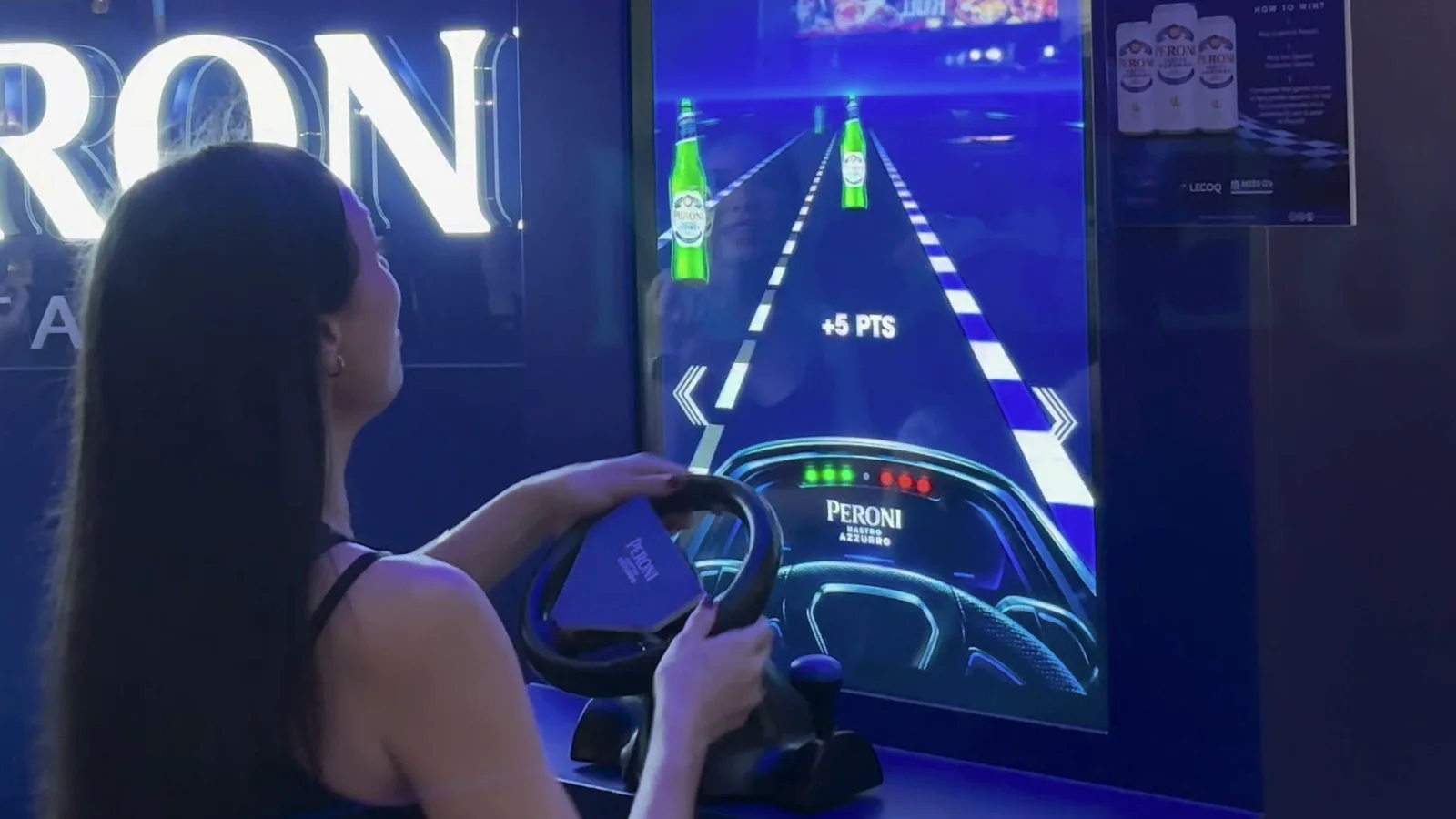
Players stand at the screen, with the racing wheel clamped onto a countertop or table in front of them.
Use the Wheel Buttons
The buttons on the wheel can be set to trigger actions, like starting the round or playing again.
Steer and Play
Players turn the wheel left and right to steer down the road. In driving games the wheel shakes on every collect and crash.
Continue the Journey
At the end of the round, players can join a leaderboard, unlock a reward or play again, depending on the campaign setup.
The Wheel From Every Angle
Front
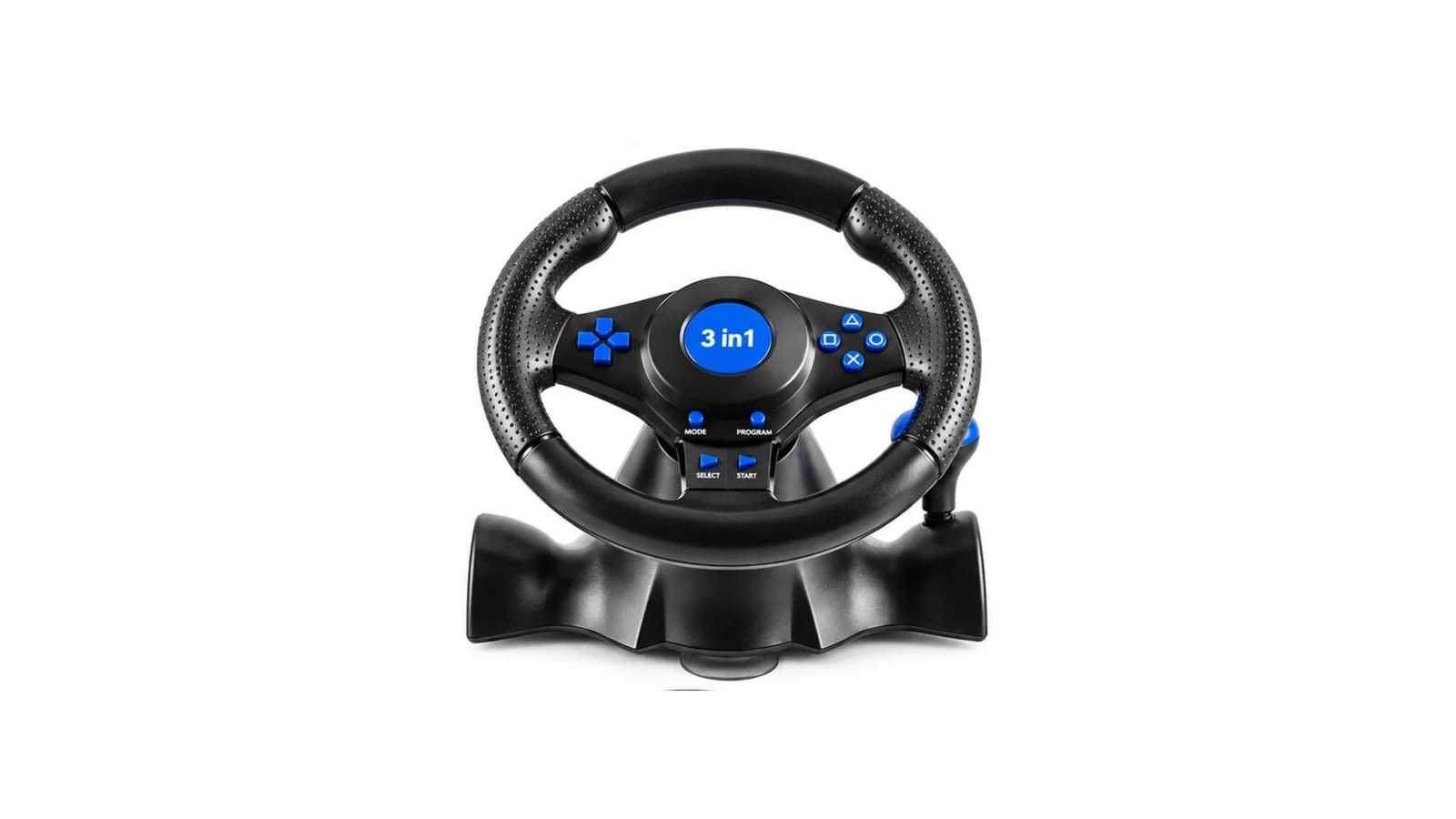
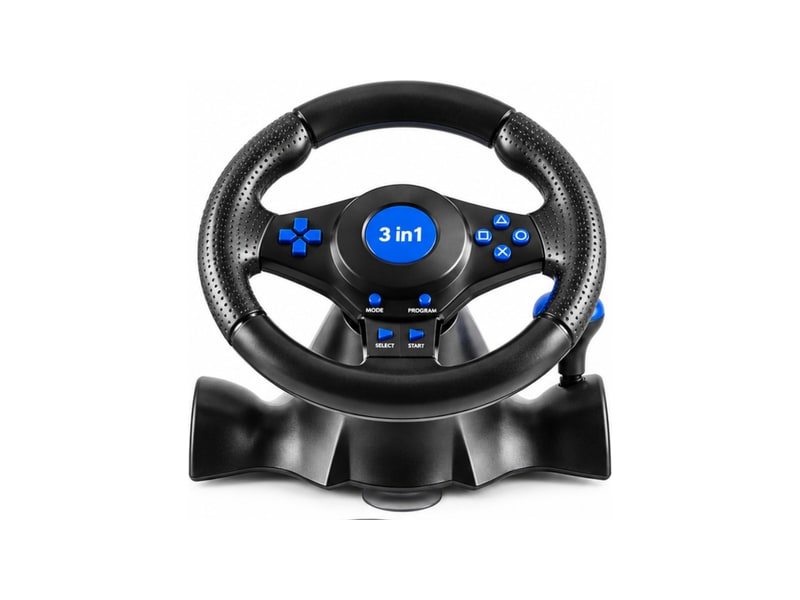
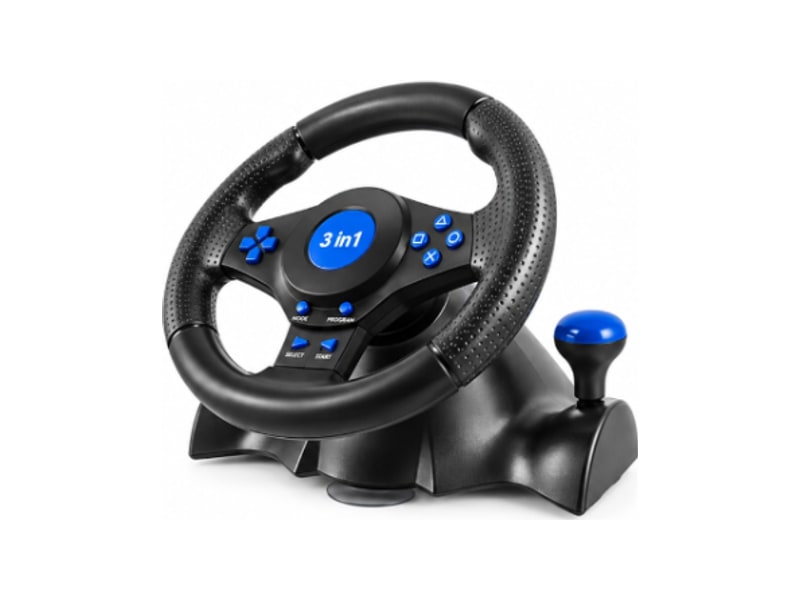
A full-size racing wheel with buttons on both sides of the hub, ready to set to any action.
Back
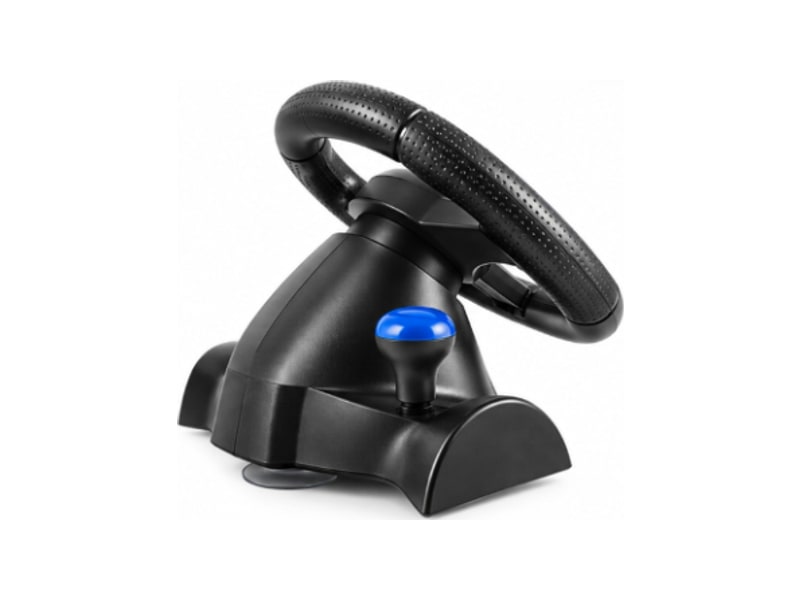
The base clamps onto a countertop or table, with a suction base that holds it steady.
Angled
Plug and play over USB, so the wheel is ready the moment it is connected.
Campaign in Action
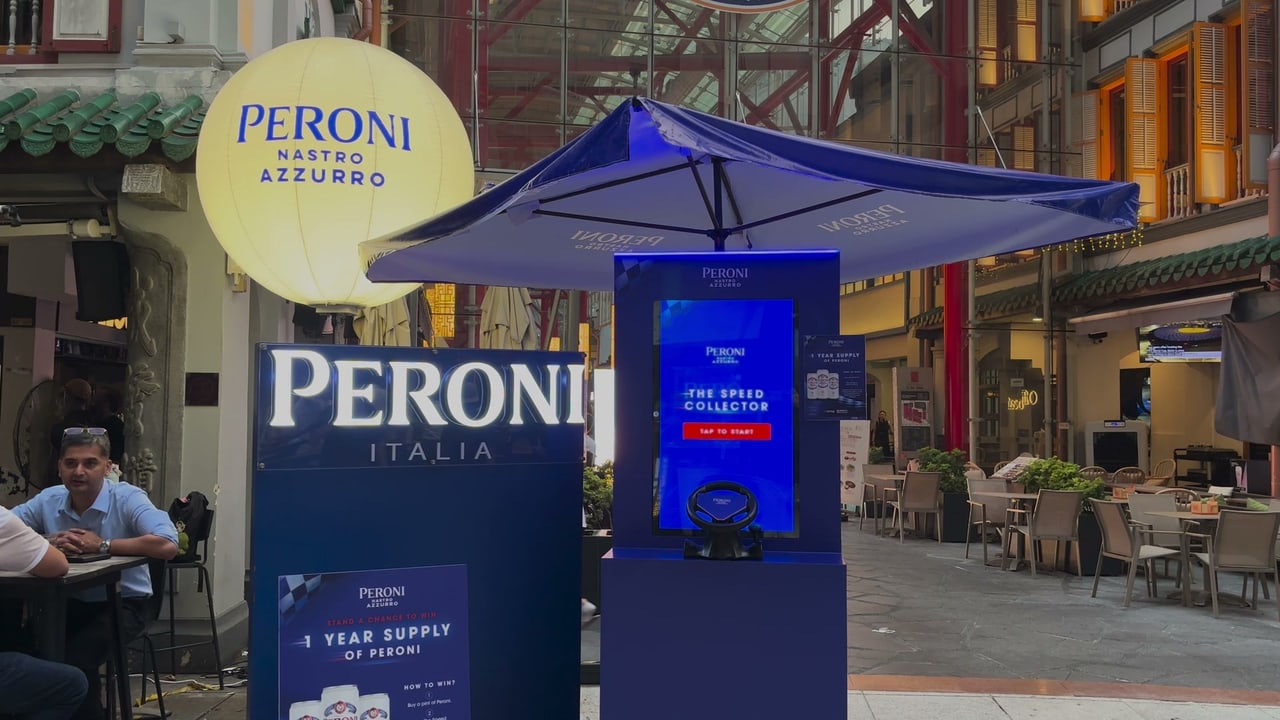
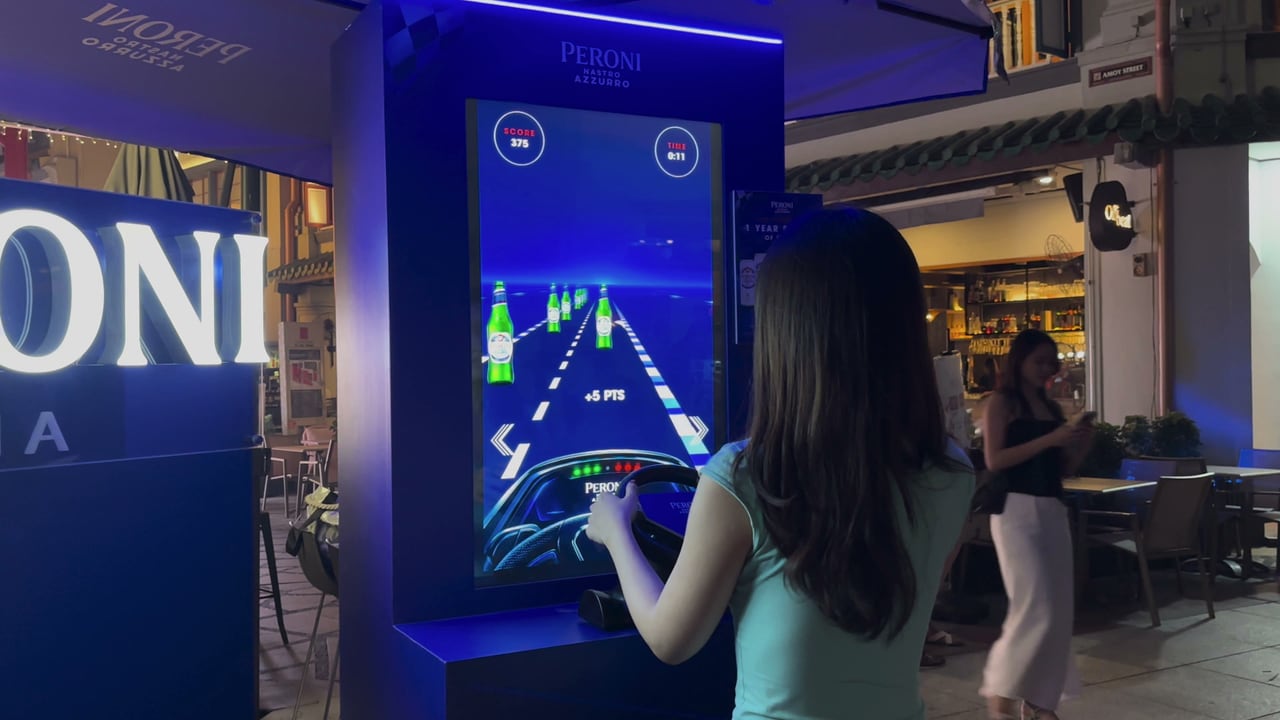
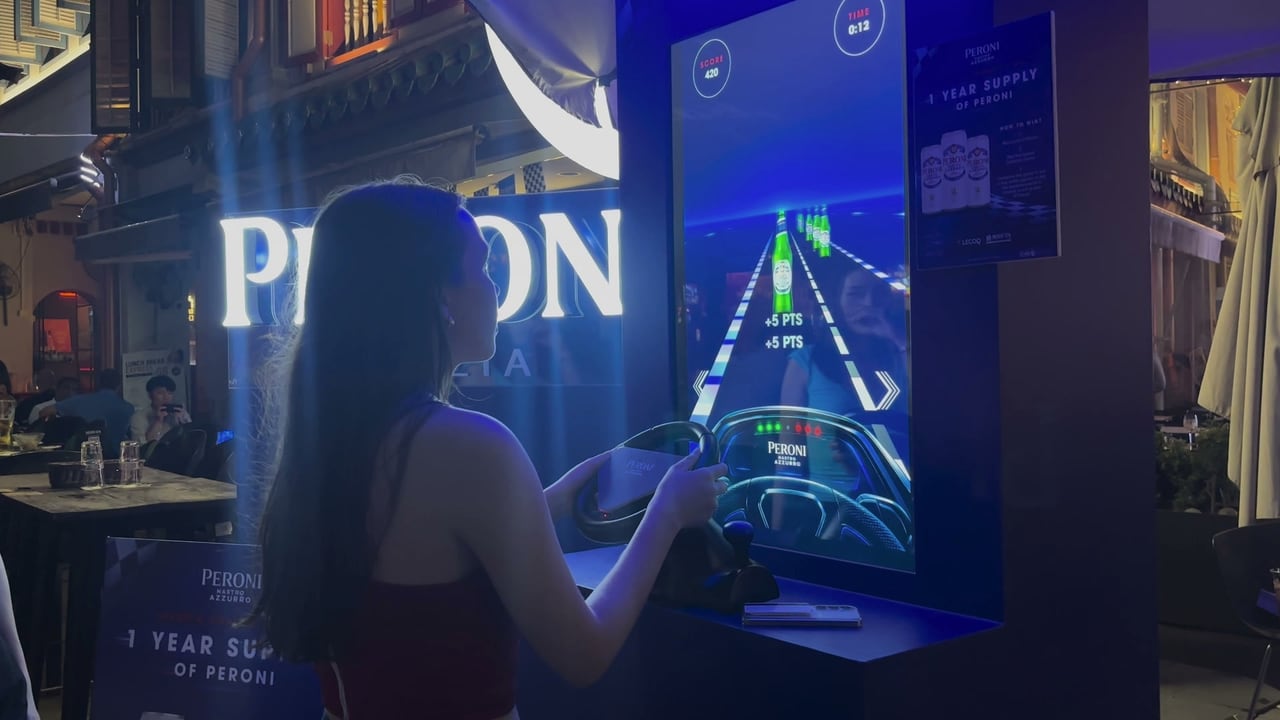
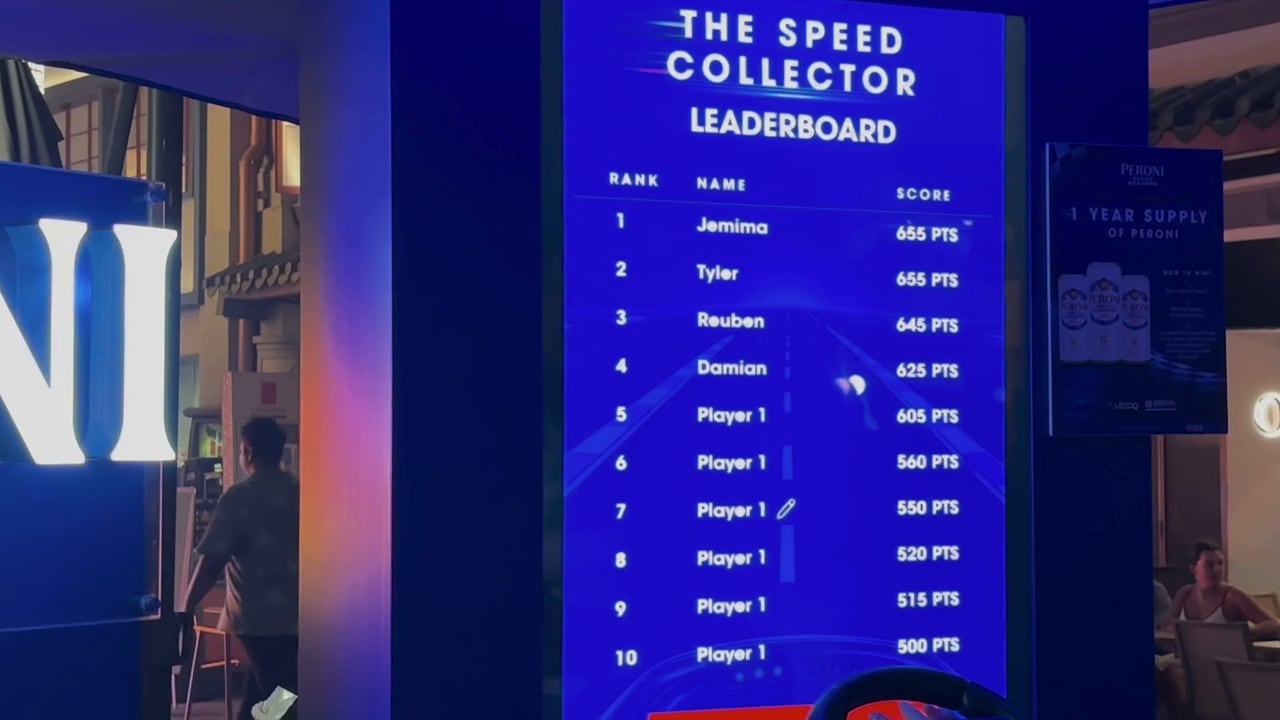
The Peroni Speed Collector, where guests turned a racing wheel to collect Peroni bottles on the road.
Ways to Use the Steering Wheel
What You Can Customise
What the Steering Wheel Can Do for Your Campaign
Feels Like Real Driving
A wheel in the hands turns a screen game into a drive, far closer to the real thing than tapping.
Feel Every Hit
The wheel shakes on each collect and crash, so the game is felt as well as seen.
Draws a Crowd
A racing wheel at the counter invites passers-by to take a turn and friends to cheer them on.
Brand on the Road
The vehicle, collectibles and road carry your campaign art in every round.
Quick Rounds, More Players
Rounds are short and the leaderboard keeps players coming back for another run.
Easy to Pick Up
Everyone knows how to turn a wheel, so players start driving without any explanation.
Where Brands Use It
Motoring and Racing
Car launches, racing pop-ups and Formula 1 season events, where a real wheel completes the race feel.
Brand Activations
A speed collector race, where guests drive down the road to collect the brand’s products and race for the top score.
Events and Exhibitions
A racing booth that visitors understand at a glance.
Shopping Malls and Pop-Ups
A wheel at the counter that invites passers-by to step up and drive.
Gamified Journeys
Use the wheel for the game in a longer journey, followed by a form, a leaderboard or a reward.
Sports Events and Fan Zones
Racing challenges at sports events and fan zones, where guests race for the top score.
Frequently Asked Questions
The Steering Wheel is an interactive prop that lets players drive a qiksense game with a USB racing wheel. Players turn it left and right to steer, and the buttons on the wheel can press any game button that takes a key.
Driving and racing games where players steer left and right on the road. The buttons on the wheel can also be given to a start, play again or submit button.
Yes, in driving games. It shakes when players collect an item or hit an obstacle, taps on each count of the countdown and gives two shakes when the round ends. The wheel needs to be in XInput mode for this.
A USB racing wheel, plug and play, with a clamp and suction base that hold it on a countertop or table.
Yes, unless the step requires a connected controller. Then the round only starts once a wheel is plugged in.
A steering wheel is part of the Wow Upgrade, S$380 per campaign on the Plus and Pro plans. It cannot be published on Basic.
Put Players in the Driver’s Seat
Pair a racing wheel with a driving or racing game and turn a screen game into a real drive with qiksense.